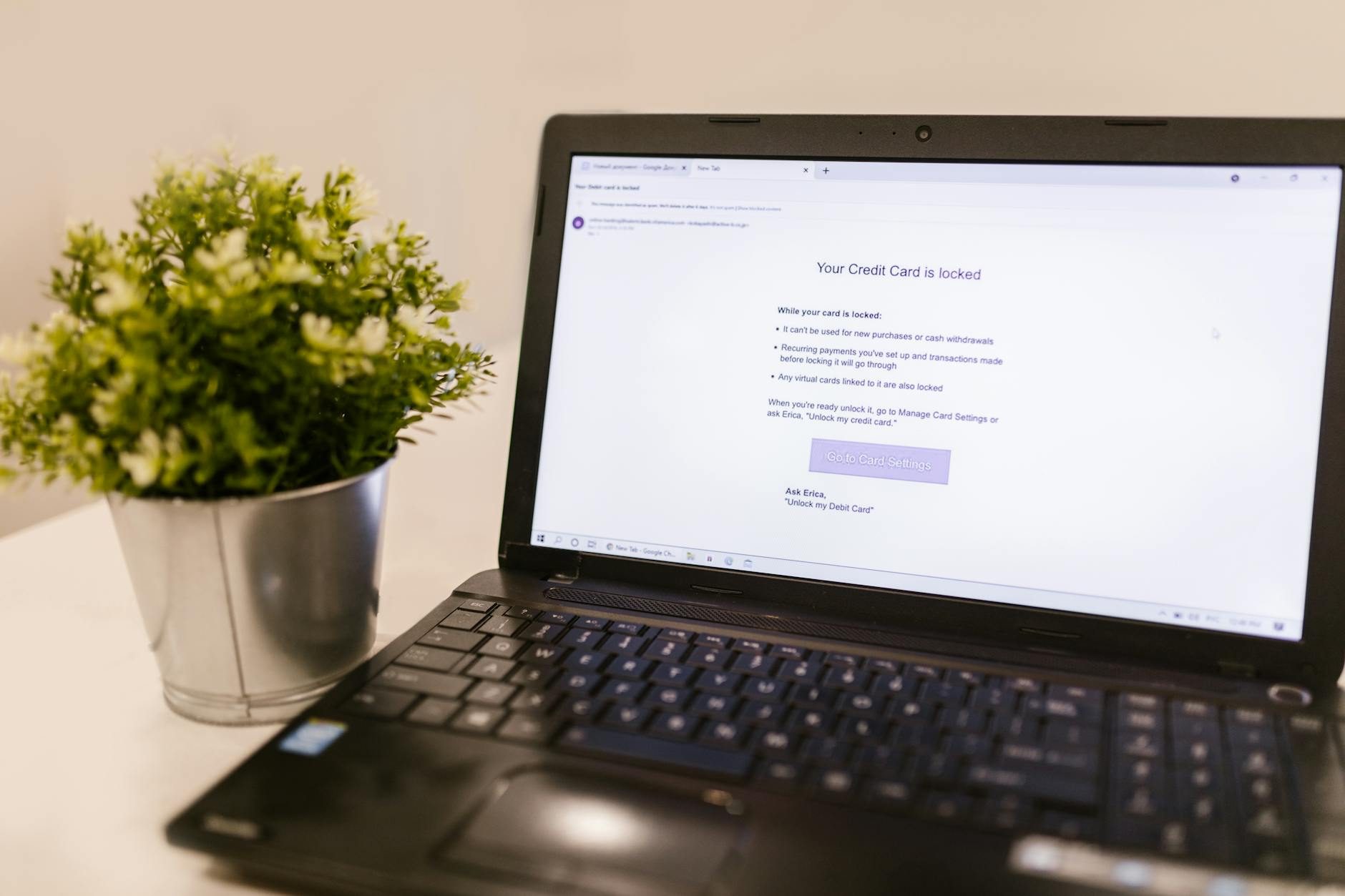
I Used "password123" Until It Cost Me $3,400
Let me tell you about the worst Tuesday of my life. I woke up to seventeen notifications from my bank, each one showing another charge I didn't make. Someone had gotten into my email, reset my banking password, and went on a shopping spree that included a $800 gaming chair and what I can only assume was a very nice dinner in Cleveland.
The worst part? It was completely preventable. I was using the same password for everything, had no two-factor authentication, and thought cybersecurity was something only big companies needed to worry about.
I was wrong, and I'm guessing you don't want to learn this lesson the way I did.
Why Everyone Gets Cybersecurity Wrong
Here's what most people think cybersecurity is: buying expensive antivirus software and hoping for the best. Maybe using a "strong" password like "MyDog2019!" for everything.
But honestly? That's like putting a really good lock on your front door while leaving all your windows wide open.
Real cybersecurity isn't about buying the fanciest tools or memorizing a bunch of technical jargon. It's about understanding how attacks actually happen and plugging the holes that matter most.
The good news is that you don't need a computer science degree to protect yourself. You just need to get a few key things right.
The Password Problem Nobody Talks About
Let's start with the obvious one: passwords. But not the way you think.
Everyone knows you need "strong" passwords. What they don't tell you is that a strong password for one account is useless if you use it everywhere. When hackers breach LinkedIn (which happened), they don't just get your LinkedIn password – they get the password you probably used for your email, your bank, and your Amazon account.
I learned this the hard way. The hackers who got me didn't guess my password or crack it with some sophisticated algorithm. They bought it from someone who had stolen it from a data breach years earlier.
Password Managers: Your New Best Friend
This is where password managers come in, and I'll be straight with you – I resisted using one for way too long because I thought it was complicated.
It's not. I use 1Password now (Bitwarden is great too if you want something free), and it's honestly one of the best decisions I've made. Here's how it works:
- - You remember one master password
- - The app generates and stores unique, random passwords for everything else
- - It fills them in automatically when you need them
- - If one site gets hacked, only that password is compromised
Yes, you're putting all your eggs in one basket. But it's a really, really good basket that's specifically designed to protect eggs. Way better than the cardboard box you're using now.
I generate 20-character random passwords for everything now. Could I remember them? Absolutely not. Do I need to? Nope.
The Two-Factor Authentication Life Saver
Two-factor authentication (2FA) is like having a security guard check your ID even after you've unlocked the door. Even if someone has your password, they can't get in without the second factor.
I enable 2FA on everything that matters: email, banking, social media, work accounts. The whole process takes maybe 30 seconds per account, and it would have saved me thousands of dollars and hours of frustration.
Here's my hierarchy of 2FA methods:
Best: Authenticator apps like Google Authenticator or Authy. They generate codes on your phone that change every 30 seconds.
Good: SMS texts to your phone. Not perfect (SIM swapping is a thing), but infinitely better than nothing.
Avoid: Email-based 2FA if possible. If someone has your email, this doesn't help much.
Email: The Crown Jewel Hackers Want
Your email account is the skeleton key to your digital life. Think about it – what happens when you click "forgot password" on any website? They send a reset link to your email.
Control someone's email, and you can reset their passwords for everything else. This is exactly what happened to me.
Securing Your Email Like Fort Knox
I treat my email account like it's more important than my bank account, because in many ways, it is.
Here's my email security setup:
Unique, strong password: Generated by my password manager, at least 20 characters
Two-factor authentication: Enabled with an authenticator app
Recovery options: I have backup codes stored securely and a recovery phone number that's current
Regular cleanup: I review and revoke access for any apps or services I'm not actively using
If you do nothing else after reading this article, secure your email account properly. Everything else builds from there.
The Wi-Fi Trap That Gets Everyone
Public Wi-Fi is convenient. It's also basically digital quicksand.
When you connect to that free coffee shop Wi-Fi, you're joining a network with dozens of strangers. Anyone with basic technical skills can intercept what you're doing online. I've seen people check their bank accounts on airport Wi-Fi, and it makes me want to hide under a table.
Your Mobile Hotspot Is Your Friend
The easiest solution? Use your phone's hotspot instead of public Wi-Fi. Yes, it uses your data, but most plans have enough for basic browsing and email.
If you absolutely must use public Wi-Fi, stick to encrypted websites (look for the lock icon in your browser) and avoid anything sensitive. Banking, shopping, work email – save it for later.
VPNs: Not Just for Netflix
A VPN creates an encrypted tunnel between your device and the internet. Even if someone intercepts your data on public Wi-Fi, they can't read it.
I use ExpressVPN, though NordVPN and Surfshark are solid options too. The key is picking one from a reputable company and actually using it. Don't just install it and forget about it.
One warning: avoid free VPNs. They have to make money somehow, and it's usually by selling your data. Kind of defeats the purpose.
Software Updates: The Boring Thing That Actually Matters
I used to be that person who dismissed update notifications for weeks. "Maybe later," I'd think, like updating my phone was some huge inconvenience.
Then I learned that most successful cyberattacks exploit vulnerabilities that have already been patched. The hackers aren't using some zero-day exploit from a spy movie – they're using last month's security hole that you haven't bothered to fix.
Set It and Forget It
Here's what I do now: automatic updates for everything that allows it.
- - Operating systems: Windows, macOS, iOS, Android – all set to auto-update
- - Browsers: Chrome, Firefox, Safari, Edge – they update themselves
- - Apps: I review and update mobile apps weekly
- - Router firmware: I check quarterly (yes, your router needs updates too)
The only exception is waiting a day or two for major OS updates, just in case there are any obvious bugs. But security patches? Those get installed immediately.
Social Engineering: When Humans Are the Weakness
The most sophisticated cyberattacks don't break through technical defenses – they go around them by manipulating people.
I almost fell for one of these myself. I got a call from someone claiming to be from my credit card company, asking me to verify some suspicious charges. They knew my name, my address, and the last four digits of my card. They sounded professional and helpful.
The only reason I didn't give them my full card number was because I was running late for a meeting. Twenty minutes later, my actual credit card company called about the same "suspicious charges" – which turned out to be completely legitimate purchases I'd made that morning.
Red Flags to Watch For
Urgency: "Your account will be closed in 24 hours unless you act now!"
Requests for sensitive information: Legitimate companies don't ask for passwords or full account numbers over the phone or email
Too-good-to-be-true offers: If it sounds amazing and has a deadline, it's probably a scam
Generic greetings: "Dear valued customer" instead of your actual name
Mismatched URLs: The email says it's from Apple, but the link goes to applе.com (notice the Cyrillic 'e')
When in doubt, hang up or close the email and contact the company directly using the phone number from their official website.
Antivirus: Less Important Than You Think
This might surprise you, but antivirus software isn't the cybersecurity silver bullet it used to be.
Windows comes with Windows Defender built in, and it's actually pretty good. macOS has solid built-in protection too. For most people, these are sufficient if you're following the other practices here.
The real threats these days – phishing emails, social engineering, password reuse – can't be solved by antivirus software. They require human awareness and good habits.
That said, if you want extra peace of mind, Bitdefender and Kaspersky make solid products. Just don't think antivirus alone will keep you safe.
Backups: For When Everything Else Fails
Even with perfect security practices, things can still go wrong. Hard drives fail, laptops get stolen, and sometimes you accidentally delete something important.
I follow the 3-2-1 backup rule:
- - 3 copies of important data
- - 2 different storage types (like your computer and an external drive)
- - 1 copy stored offsite (cloud storage)
For most people, this means:
Original data: On your computer
Local backup: External hard drive or NAS device
Cloud backup: Google Drive, Dropbox, iCloud, or a dedicated backup service like Backblaze
I use Backblaze for automatic cloud backups ($6/month for unlimited data) and a local Time Machine backup for quick file recovery.
Shopping and Banking Online Safely
Online shopping and banking are incredibly convenient, but they also handle your most sensitive information.
Here's my approach:
Credit cards over debit cards: Credit cards have better fraud protection, and fraudulent charges don't immediately drain your checking account
Dedicated shopping email: I use a separate email address for shopping accounts to keep them isolated from my main email
Mobile apps over browsers: Banks and major retailers put a lot of security work into their mobile apps
Regular account monitoring: I check my bank and credit card accounts weekly, and I have alerts set up for any transactions over $50
Avoid saving payment info: It's convenient, but if that site gets hacked, your payment details are compromised
Privacy vs. Security: They're Different Things
People often confuse privacy and security, but they're not the same thing.
Security protects you from malicious attacks – hackers trying to steal your money or identity.
Privacy protects you from data collection – companies tracking your behavior to show you ads or sell your information.
You need both, but the threats and solutions are different. Honestly, this confused me for ages.
For privacy, I use:
- - Firefox or Safari instead of Chrome for browsing
- - DuckDuckGo instead of Google for searches
- - Signal instead of regular texting for sensitive conversations
- - Ad blockers to reduce tracking
But privacy tools won't protect you from phishing emails or malware. That's where security practices come in.
The Mobile Security Blind Spot
We do everything on our phones now, but most people think about mobile security as an afterthought.
Your phone probably has access to your email, banking apps, photo storage, location data, and text messages. If someone gets into your phone, they don't need anything else.
Lock Screen Basics
Use a passcode, PIN, or biometric lock. Yes, even at home. I can't tell you how many people I know who leave their phones completely unlocked "because it's easier."
Six-digit PINs are better than four-digit ones. Face ID and Touch ID are convenient and secure for most people.
App Permissions
When you install a new app, it asks for permissions. Most people just tap "Allow" without reading what they're allowing.
I review app permissions every few months. Does that flashlight app really need access to your contacts and location? Probably not.
Public Charging Stations
USB ports can transfer data, not just power. I've never personally seen a malicious charging station, but it's theoretically possible.
I carry a small power bank for emergencies, and if I must use a public charging station, I use a USB cable that only carries power (they make cables specifically for this).
Building Your Security Routine
Cybersecurity isn't a one-time setup – it's an ongoing practice. But it doesn't have to be complicated or time-consuming.
Here's my monthly security routine:
Weekly: Check bank and credit card accounts for suspicious activity
Monthly: Review and update any apps on my devices, check for password manager alerts about breached accounts
Quarterly: Review app permissions on my phone, check that important accounts still have 2FA enabled
Annually: Review backup systems, update recovery information for important accounts
The whole monthly routine takes maybe 15 minutes. Way less time than I spent dealing with that fraud incident.
What's Coming in 2026 and Beyond
Cybersecurity is always evolving, and some interesting changes are coming.
Passkeys are starting to replace passwords entirely. Instead of typing in a password, your device proves it's you using biometrics or a PIN. Apple, Google, and Microsoft are all pushing this hard.
AI-powered attacks are getting more sophisticated. Phishing emails that used to have obvious grammar mistakes now sound perfectly natural.
Quantum computing might eventually break current encryption methods, but that's still years away and won't affect most of the advice here.
The fundamentals remain the same: unique passwords, two-factor authentication, keeping software updated, and staying aware of social engineering attempts.
Your Action Plan
If you're feeling overwhelmed, start with these three things:
- 1. Install a password manager and change your most important passwords (email, banking, work)
- 2. Enable two-factor authentication on those same accounts
- 3. Set up automatic updates for your devices and main applications
Do those three things, and you'll be more secure than 80% of people online.
Once those become habit, add the other layers: better backup systems, VPN for public Wi-Fi, regular security checkups.
The Real Cost of Bad Security
That $3,400 I lost was just the beginning. I spent weeks calling banks, filing police reports, monitoring my credit, and changing passwords for dozens of accounts. The financial cost was bad, but the time and stress were worse.
Good cybersecurity isn't about paranoia or perfection. It's about making yourself a harder target than the next person. Most cyberattacks are opportunistic – they're looking for easy victims, not challenging ones.
You don't need to become a security expert overnight. You just need to be more secure tomorrow than you are today. Start with one thing, build the habit, then add another.
Your future self will thank you for it. Trust me on this one.