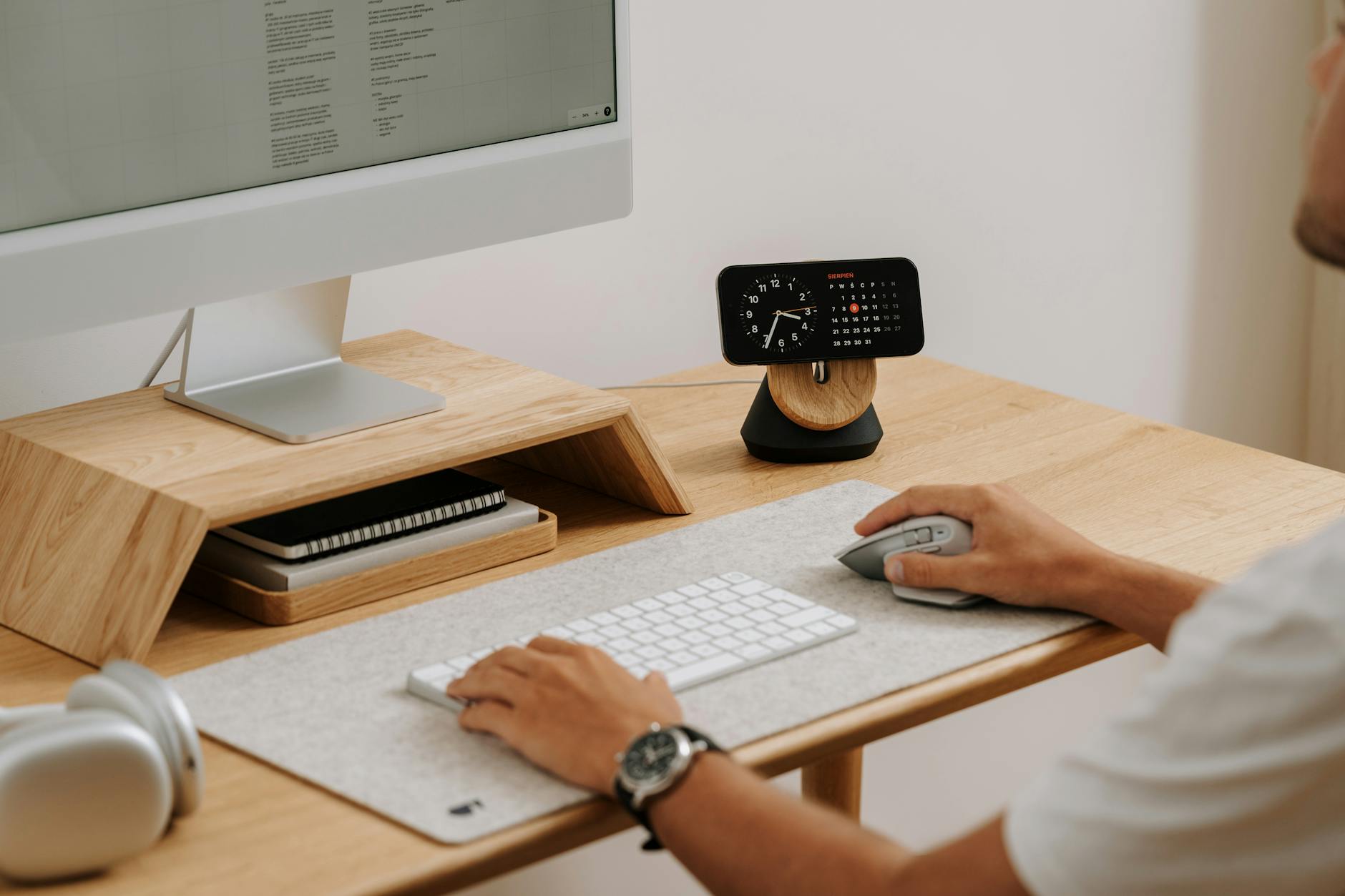
Home office advice written abroad assumes two things that are not true here: that the power stays on, and that your main problem is choosing between a $1,800 chair and a $2,400 chair.
In Ghana the binding constraint is different. A setup that cannot ride out a power cut is not a productive setup, no matter what you spent on the desk.
Here is what the actual research says about office equipment, what the kit costs in cedis, and the order to buy it in.
First, a correction to advice you have probably read
There is a popular claim that single-screen setups make you more productive, because dual monitors create "fake productivity" and constant context switching.
The published research mostly says the opposite. A University of Utah study found roughly a 44% improvement on text tasks and 29% on spreadsheet tasks when moving from one screen to two, with about 33% fewer errors. Microsoft researchers reported gains ranging from 9% to 50% depending on the task.
Two honest caveats, because this is where most articles stop:
- Several of these studies were commissioned by companies that sell monitors. That does not make them wrong, but it is relevant.
- The gains are task-dependent. A Georgia Tech study found about 15%, and also found single-monitor users slightly faster on repeat runs of a similar task. An NEC study concluded one large monitor beat a dual setup. And most studies measured multi-document work — if you do one thing at a time, the benefit shrinks.
What this kit actually costs in Ghana
Prices from Ghanaian listings on Jiji, Tonaton, Jumia and local computer retailers. All figures as of October 2026 — prices here move with the exchange rate, so confirm before you buy.
| Item | Typical range | Notes |
|---|---|---|
| Laptop stand | GHS 70 – 220 | Cheapest meaningful upgrade you can make |
| Keyboard and mouse set | from about GHS 300 | Needed once the laptop is raised |
| Monitor, 24 inch | around GHS 2,200 – 2,800 | Worth it only if you compare documents |
| Monitor, 27 inch | around GHS 3,490 | One large screen can beat two small ones |
| UPS | GHS 680 – 5,720 | Minutes of runtime — enough to save and shut down |
| Power inverter | GHS 450 – 5,100 | Hours of runtime, needs a battery |
| Inverter battery | from about GHS 170 (12V 7Ah) | Capacity decides how long you last |
| Adjustable desk | GHS 1,750 – 8,000 | The most skippable item on this list |
The order that actually makes sense here
Buy in this sequence. Each step only matters once the previous one is handled.
- 1. Power continuity first. Everything else is decoration if a cut ends your workday. A UPS protects against data loss and surges; an inverter with a battery keeps you working. Start with whichever your budget reaches.
- 2. A backup way to get online. A second network's data bundle or a MiFi device. Fibre and 4G rarely fail at the same moment, and a dropped client call costs more than the bundle.
- 3. Laptop stand, keyboard, mouse. Under GHS 500 together, and it fixes the neck and shoulder problem that a laptop on a table creates. The highest return per cedi on this entire list.
- 4. A chair you can sit in for hours. Not a branded one — one with lumbar support that fits you.
- 5. A second screen, if your work needs it. Re-read the research section. For comparison work, yes. Otherwise, skip it.
- 6. Audio. A decent headset with a microphone matters more than a webcam. People forgive a grainy picture; they do not forgive not being able to hear you.
Protecting the equipment itself
Surges when power returns are a real risk to electronics. A surge protector or a UPS with surge protection is cheap insurance against replacing a laptop charger or a monitor.
Heat and dust matter too. Keep vents clear, avoid running a laptop on a bed or a soft surface, and clean the fans periodically — particularly during harmattan.
Sources
- University of Utah and Microsoft research on multi-monitor productivity, summarised by Plugable. plugable.com
- Dell dual-monitor productivity whitepaper. dell.com
- Toister Solutions on the limits of dual-monitor research, including the Georgia Tech and NEC findings. toistersolutions.com
- Ghanaian retail listings for current prices: Jiji Ghana, Tonaton, Jumia Ghana.
Common questions
Do I really need two monitors?
It depends on your work. Research including a University of Utah study found large gains on text and spreadsheet tasks when comparing documents, but a Georgia Tech study found smaller effects, an NEC study favoured one large screen, and several studies were funded by monitor manufacturers. If you work on one thing at a time, a second screen adds little.
What should I buy first for a home office in Ghana?
Power continuity. A UPS from around GHS 680 or an inverter from around GHS 450 plus a battery keeps you working through a cut. After that, a backup data option, then a laptop stand with a separate keyboard and mouse for under about GHS 500 total.
What is the difference between a UPS and an inverter?
A UPS gives you minutes — enough to save your work and shut down safely, plus surge protection. An inverter with a battery is sized to keep you working for hours. Many home setups eventually use both.
How much does a decent monitor cost in Ghana?
Ghanaian listings around October 2026 show roughly GHS 2,200 to 2,800 for a 24-inch monitor and about GHS 3,490 for 27 inches. Prices move with the exchange rate, so confirm before buying.
Is an expensive chair or desk worth it?
A chair you can sit in comfortably for hours matters; the brand does not. Adjustable desks run from about GHS 1,750 to 8,000 in Ghana and are the most skippable item until the rest of the setup is sorted.