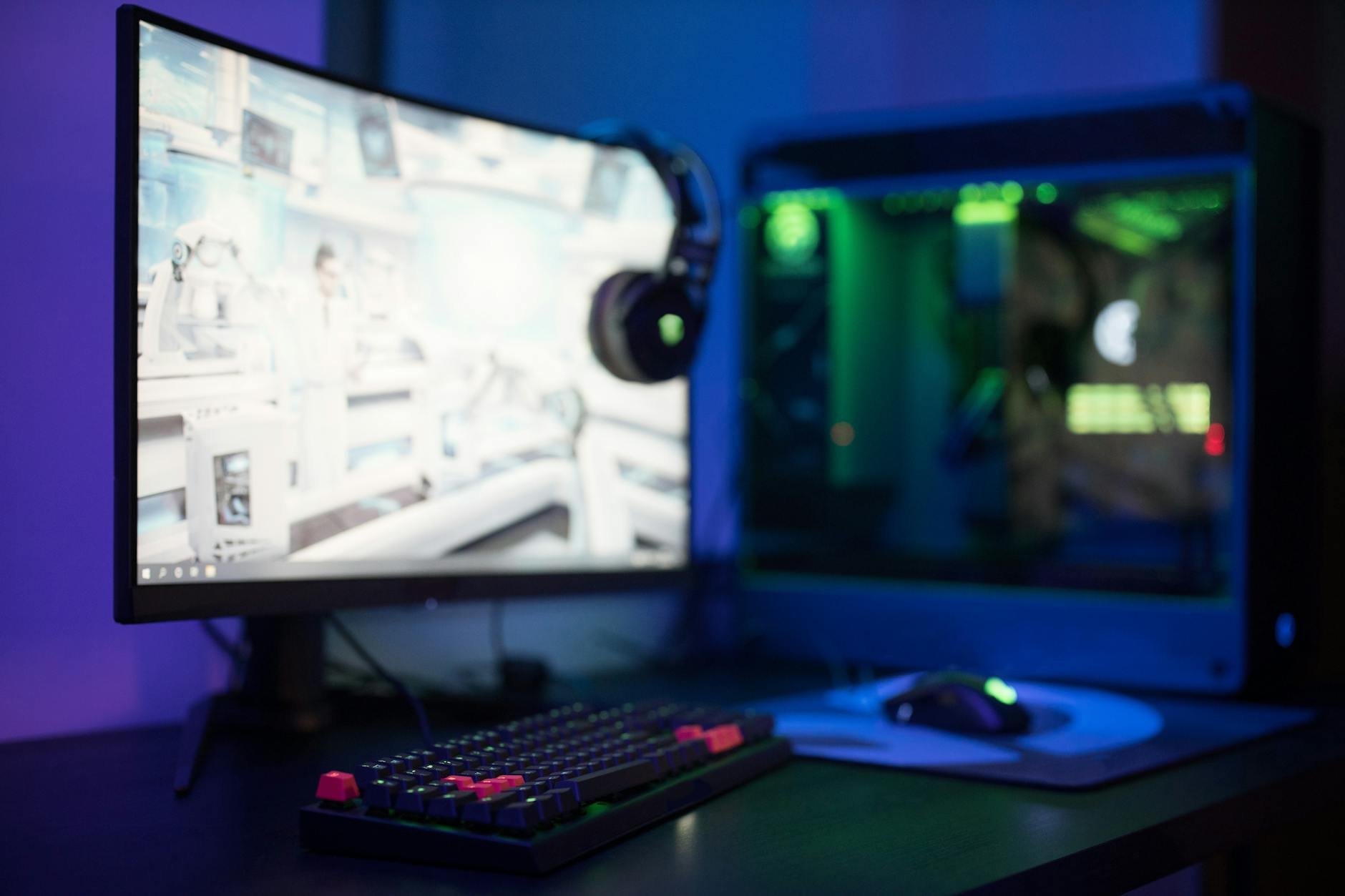
Last month, I helped my neighbor build his first gaming PC. He had $800 to spend and kept asking the same question everyone asks: should I build or buy? I gave him the standard answer about building being cheaper, but honestly, I had not run the actual numbers in a while.
So I decided to do what any reasonable tech blogger would do. I spent way too much time creating three different gaming PC builds at popular budget points, then compared them against the best prebuilts I could find. The results were not what I expected.
The Three Budgets I Tested
I picked three price points that cover most gamers in 2026: the tight budget ($500), the sweet spot ($1000), and the enthusiast entry point ($2000). These represent the most common questions I get from readers.
For each budget, I built the best possible gaming PC using current market prices, then found the closest prebuilt equivalent. I factored in everything: shipping costs, Windows licenses, peripherals, and even my time.
Budget Build: $500 Gaming PC
This is where things get interesting. At $500, building your own PC is actually harder than it looks.
My $500 Build:
- AMD Ryzen 5 5600G (with integrated graphics): $129
- ASRock B450M Pro4: $59
- 16GB Corsair Vengeance LPX DDR4-3200: $45
- 500GB Kingston NV2 NVMe SSD: $28
- Thermaltake Smart 500W PSU: $39
- Cooler Master MasterBox Q300L: $39
- Windows 11 Home: $139
Total: $478
But here is what I learned. This build can actually game. The Ryzen 5 5600G runs Fortnite at 1080p medium settings around 45-60 fps. Valorant hits 80+ fps easily. Older games like CS2 run great.
The best $500 prebuilt I found was an HP Pavilion with a Ryzen 5 5600G, 8GB RAM, and a 256GB SSD for $499. My build has double the RAM and storage for basically the same price.
Winner: Build your own (but barely)
Sweet Spot Build: $1000 Gaming PC
This is where most people should be looking. At $1000, you can build something that handles 1080p gaming really well and even some 1440p titles.
My $1000 Build:
- AMD Ryzen 5 7600: $199
- MSI B650M Pro B: $89
- 16GB Corsair Vengeance DDR5-5200: $85
- NVIDIA RTX 4060: $299
- 1TB WD Black SN770 NVMe: $79
- Seasonic Focus GX-650 80+ Gold: $89
- Fractal Design Core 1000: $49
- Windows 11 Home: $139
Total: $1028
This machine runs Cyberpunk 2077 at 1080p high settings around 60 fps with DLSS enabled. Marvel's Spider-Man Remastered hits 75+ fps at 1080p ultra. It is a legitimate 1080p gaming beast.
Now here is where prebuilts get competitive. I found an NZXT BLD system with a Ryzen 5 7600, RTX 4060, 16GB DDR5, and 1TB NVMe for $1199. That is $171 more than my build, but it comes with a 2-year warranty and professional cable management.
I spent about 4 hours building and setting up this PC. If you value your time at $25/hour, that is $100 worth of labor. Suddenly the prebuilt looks more reasonable.
HP Omen and Dell G5 both offer similar specs around $1099-1149. The gap is closing.
Winner: Build your own (if you enjoy building)
Enthusiast Build: $2000 Gaming PC
At $2000, you are building a machine that can handle 1440p gaming at high frame rates and even some 4K gaming.
My $2000 Build:
- AMD Ryzen 7 7700X: $329
- MSI B650 Tomahawk WiFi: $179
- 32GB Corsair Vengeance DDR5-5600: $169
- NVIDIA RTX 4070 Super: $599
- 2TB Samsung 980 Pro NVMe: $179
- Seasonic Focus GX-750 80+ Gold: $109
- Fractal Design Define 7 Compact: $109
- be quiet! Dark Rock Pro 4: $89
- Windows 11 Home: $139
Total: $1901
This build absolutely destroys games. Baldur's Gate 3 runs at 1440p ultra around 90+ fps. Elden Ring hits 60 fps at 4K with high settings. The RTX 4070 Super is a fantastic card for this price range.
But prebuilts at $2000 are surprisingly good. Origin PC offers a similar build for $2299. NZXT has one for $2199. Alienware regularly runs sales that bring comparable systems down to $2100-2200.
Winner: Build your own (but prebuilts are reasonable)
Hidden Costs Nobody Talks About
After doing this comparison, I realized there are costs that most people forget about when building PCs.
Windows License: You need this. Yes, you can run Windows unactivated, but that is not realistic for most users. OEM builders get Windows much cheaper than the $139 retail price.
WiFi and Bluetooth: Many budget motherboards do not include WiFi. Add $25-40 for a decent WiFi card.
Optical Drive: If you still need one, add $20-30. Most cases do not even have 5.25" bays anymore.
Cables: SATA cables, extra case fans, cable extensions. These add up to $20-50 depending on your build.
Tools: If you do not own a decent screwdriver set, add $15-25.
On my $1000 build, these hidden costs added about $75. On the $2000 build, closer to $100.
The Time Factor
I timed myself building each PC. The $500 build took 2.5 hours including Windows installation. The $1000 build took 3 hours because I spent more time on cable management. The $2000 build took 4 hours because I installed the CPU cooler twice (I messed up the thermal paste the first time).
This does not include research time. I spent probably 2 hours researching parts for each build, checking compatibility, reading reviews, and finding the best prices.
If you are building your first PC, add at least 50% more time. Maybe 100% more time.
Warranty and Support Differences
When you buy a prebuilt, you get one phone number to call when something breaks. When you build your own PC, you have to diagnose which part failed, then deal with that manufacturer.
I have had RAM fail, power supplies die, and motherboards stop working. With a custom build, figuring out which part is the problem can take hours. With a prebuilt, it is their problem.
Most prebuilts come with 1-2 year warranties. Individual PC parts typically have 2-5 year warranties, but good luck dealing with RMA processes from 6 different companies.
What I Actually Recommend
After running these numbers, here is what I tell people:
Budget under $600: Build your own if you can. Prebuilts at this price range are usually terrible or nonexistent. The savings matter more when you are budget-constrained.
Budget $600-1200: This is the gray area. If you enjoy building and have the time, build your own and save $100-200. If you want something that just works, buy a prebuilt from NZXT, Origin, or Micro Center.
Budget over $1200: Prebuilts make more sense unless you have specific requirements. The percentage savings decrease, but you get professional assembly and single-point warranty support.
If you have never built a PC before: Consider buying your first one, then building your second one. You will learn what you actually need and want.
The sweet spot for prebuilts right now is the $900-1500 range. Companies like NZXT BLD and Origin PC offer reasonable pricing with good component selection. Avoid big box store gaming PCs - they usually have weird proprietary parts or unbalanced specs.
For custom builds, AMD CPUs offer better value in almost every price range right now. Intel is competitive at the high end, but AMD Ryzen 5 and 7 processors give you more performance per dollar.
The GPU market in 2026 is actually pretty good. The RTX 4060 hits the sweet spot for 1080p gaming, while the RTX 4070 Super handles 1440p really well. AMD's RX 7800 XT is worth considering if you can find it cheaper than the 4070 Super.
Look, building PCs is fun if you are into that sort of thing. I enjoy the process, the learning, and the satisfaction of building something yourself. But it is not always the most practical choice, especially as prebuilts have gotten better and price gaps have narrowed.
The most important thing is getting a PC that plays the games you want at settings you are happy with. Whether you build it yourself or buy it prebuilt matters way less than picking the right components for your needs and budget.