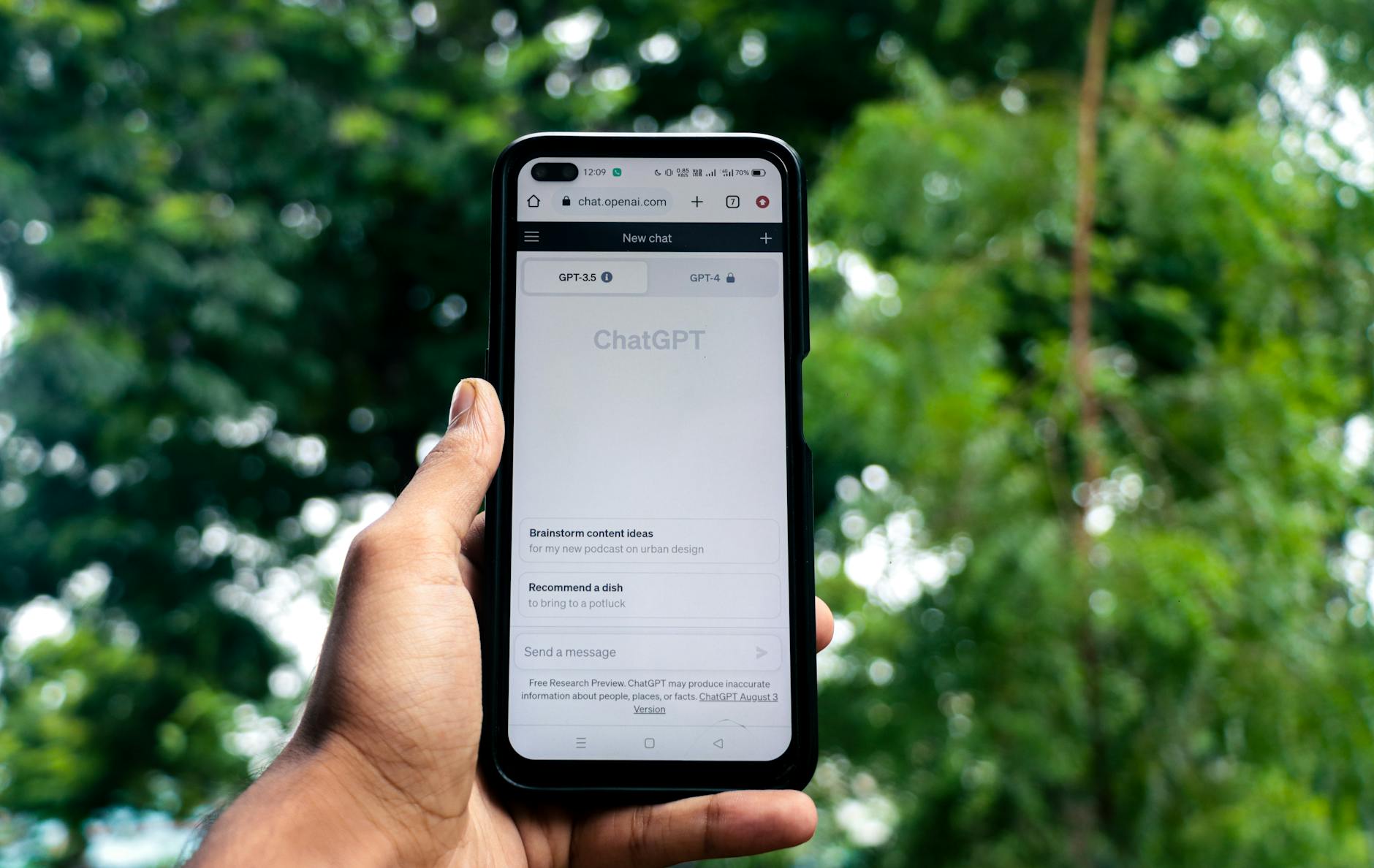
How to Use ChatGPT to Actually Get Things Done — Not Just Play
Here's something that drives me nuts: I watch people treat ChatGPT like a magic 8-ball, asking it random questions about life while sitting on what could be the ultimate productivity hack.
Look, I get it. When ChatGPT first came out, I spent embarrassing amounts of time making it write poems about my dog. But after a year of actually figuring this thing out, I'm saving over 20 hours every week on real work. Not cute tricks — actual business tasks that used to eat my entire day.
The difference? Most people chat with AI like they're texting a friend. I treat it like hiring a really smart assistant who needs clear instructions.
Why Everyone's Doing This Wrong
The biggest mistake I see is people asking ChatGPT vague questions and expecting mind-blowing results. It's like hiring someone brilliant but giving them zero context about what you actually need.
I learned this the hard way after weeks of getting mediocre responses. The breakthrough came when I realized something simple: ChatGPT isn't supposed to read your mind. Your job is being specific about what you want.
Save everything that works. I keep a running list of prompts in my Notes app. You'll use the same patterns constantly once you find what clicks.
The Stuff I Actually Use ChatGPT For (Real Work)
Emails That Don't Take Forever
I used to spend stupid amounts of time crafting the perfect email. Now I delegate the first draft:
For tricky situations:
```
I need to write an email to [person/situation]. Here's the context: [brief background]. My goal is to [specific outcome]. Tone should be [professional/friendly/firm]. Draft this email.
```
Quick follow-ups:
```
Write a follow-up email for this situation: [paste previous email thread]. I need to [specific action]. Keep it under 100 words.
```
Saying no without burning bridges:
```
I need to decline this request: [paste request]. Give me 3 different ways to say no that maintain the relationship but are crystal clear.
```
Last month I had to turn down a big consulting gig. Instead of stressing over the wording for half an hour, I got three perfect responses in seconds. Honestly, this one feature alone pays for ChatGPT Plus.
Meeting Prep That Actually Matters
I used to wing important meetings and regret it later. Now I spend 10 minutes beforehand with this:
```
I have a meeting about [topic] with [type of people - executives, clients, team members]. The goal is [specific outcome]. Give me:
- 5 smart questions to ask
- 3 potential objections and how to handle them
- Key points I should definitely mention
```
Works whether you're in Singapore closing deals or in Berlin pitching investors. Good preparation is universal.
Research Without the Rabbit Holes
ChatGPT can't browse the web, but it's incredible for organizing your thinking before you start digging.
Before you research anything:
```
I need to research [topic] for [purpose]. What are the 10 most important questions I should be trying to answer? Organize them by priority.
```
After gathering info:
```
I've collected this research: [paste your notes]. Help me identify the 3 most important insights and any gaps I should investigate further.
```
Content Creation That Sounds Human
Here's where people mess up big time: asking ChatGPT to write finished content. Wrong move.
Use it for structure and ideas. You bring the expertise and personality.
Blog Posts and Articles
Step 1 - Get the skeleton:
```
I'm writing about [topic] for [audience]. My main argument is [your thesis]. Create a detailed outline with 5-7 main points. Make it logical and compelling.
```
Step 2 - Flesh out sections:
```
Expand on point #3 from the outline: [paste the point]. Give me 3-4 paragraphs with specific examples and actionable advice.
```
Step 3 - Polish your draft:
```
Make this paragraph more engaging: [paste paragraph]. Keep the same information but make it more conversational and add a hook.
```
Social Media People Actually Engage With
LinkedIn posts:
```
Turn this professional update into an engaging LinkedIn post: [your update]. Use storytelling, make it relatable, and end with a question to drive engagement.
```
Twitter threads:
```
Break this idea into a Twitter thread: [your idea]. 7-10 tweets max. Start with a hook, include actionable insights, and make each tweet work standalone.
```
Always edit AI content. Add your voice, real examples from your work, and cut any generic corporate speak.
Business Tasks That Usually Eat Your Day
Contract and Document Review
```
I'm reviewing this [contract/agreement/policy]: [paste document]. What are the most important sections I should pay attention to? What questions should I ask before signing?
```
Obviously this isn't legal advice. Always get qualified professionals for important legal stuff.
Market Analysis on Zero Budget
```
I'm launching [product/service] in [location/market]. Based on general market trends, what are 5 key factors I should consider? What research should I prioritize?
```
This framework works if you're building fintech in Lagos or starting a restaurant in Mexico City. Good questions are good questions.
Competitive Intelligence
```
My main competitors are [list competitors]. Help me create a framework to analyze their strengths, weaknesses, and market positioning. What should I be tracking?
```
How to Ask Questions That Get Good Answers
The CLEAR Method
Context: Give background information
Length: Specify how long you want the response
Example: Provide examples when possible
Audience: Define who this is for
Role: Tell ChatGPT what role to play
Terrible prompt:
"Help me write a proposal."
Much better:
"Act as an experienced business consultant. I need to write a 2-page proposal for a small retail client who wants to improve their inventory management. They're tech-hesitant but profit-focused. Include specific benefits and next steps. Keep the tone professional but accessible."
Advanced Patterns That Work
The Iteration Pattern:
- Start with a basic request
- Ask for 3 different approaches
- Pick the best elements from each
- Ask for a refined version combining those elements
The Expert Panel Pattern:
```
I need different perspectives on [issue]. Give me advice as if you're three different experts: [specify types - marketing expert, financial advisor, operations manager]. What would each one prioritize?
```
The Devil's Advocate Pattern:
```
I'm planning to [your plan]. Now argue against this idea. What are the biggest risks and potential failures I should consider?
```
What ChatGPT Can't Actually Do (Don't Waste Time)
Let's be real about the limits:
- Current events: It doesn't know what happened yesterday
- Your personal data: Can't access your files, emails, or calendar
- Heavy math: Use Excel or Google Sheets for calculations
- Images: Use DALL-E, Midjourney, or Canva for visuals
- Web browsing: You still need to gather fresh information yourself
Knowing these boundaries saves frustration and helps you pick the right tool for each task.
Setting Up Your Workflow
Custom Instructions (ChatGPT Plus)
Go to Settings → Custom Instructions and add:
What would you like ChatGPT to know about you?
"I'm a [your role] based in [location]. I work with [type of clients/projects]. I prefer direct, actionable advice over theory. Always ask clarifying questions if my request is unclear."
How would you like ChatGPT to respond?
"Keep responses concise and practical. Use bullet points and numbered lists. Provide specific examples when possible. If there are multiple approaches, show me 2-3 options."
Organize Your Conversations
Create separate chats for different work areas:
- "Email & Communication"
- "Content Creation"
- "Business Strategy"
- "Daily Tasks"
This keeps context clean and makes finding old conversations way easier.
Build Your Prompt Collection
Start a note with prompts that work for you. Track these categories:
- Email templates
- Meeting prep questions
- Content outlines
- Problem-solving frameworks
- Decision-making tools
Measuring Your Results
Track These Numbers:
Time saved daily: Start with 30 minutes. Work up to 2-3 hours as you improve.
Tasks streamlined: Count how many repetitive tasks you've automated.
Quality improvements: Notice if your emails get better responses, your content gets more engagement, etc.
Weekly Check-in Questions:
- What took forever this week that ChatGPT could have helped with?
- Which prompts worked best?
- Where did I waste time with unclear questions?
- What new use cases can I try next week?
Mistakes That Kill Your Productivity
The Perfectionism Trap
Don't ask ChatGPT for perfect, final answers. Ask for solid starting points you'll refine.
The Kitchen Sink Error
One focused request beats cramming five different asks into one prompt.
The Copy-Paste Problem
Never use ChatGPT output without editing. Always add your voice, experience, and specific details.
The Context Amnesia Issue
ChatGPT forgets previous conversations. Reference earlier work by pasting relevant parts into new requests.
Advanced Techniques for Power Users
Chain Prompting
Break complex tasks into steps:
- "Help me understand the key components of [problem]"
- "Now help me prioritize these components by impact"
- "Create an action plan for the top 3 priorities"
- "What could go wrong with this plan? How do I mitigate risks?"
Role-Playing Scenarios
```
I'm preparing for a difficult conversation with [type of person]. Let's role-play. You be them, I'll be me. Here's the situation: [context]. Start the conversation.
```
This works incredibly well for sales calls, performance reviews, or any challenging interpersonal situation.
The Teaching Method
```
Explain [complex topic] to me as if I'm teaching it to someone else tomorrow. What are the key points they need to understand? What examples should I use?
```
Perfect for preparing presentations or getting clarity on complicated subjects.
Making It Work Globally
Localization Tips
Always specify your context:
- "I'm based in [country] and working with [local market]"
- "Consider cultural norms for business communication in [region]"
- "Adjust this advice for [specific regulatory environment]"
Time Zone Productivity
Use ChatGPT to prep for international calls:
```
I'm in [your timezone] scheduling with someone in [their timezone]. What's the best time window that works for both of us? Also suggest how to be mindful of their local business customs.
```
Language and Communication
```
Help me communicate this idea: [your message]. The recipient's first language is [language] but we're communicating in English. Make it clear and culturally appropriate.
```
What's Coming Next
ChatGPT is improving fast. Here's what to watch:
Better integration: Expect smooth connections with your email, calendar, and other tools.
Real-time data: Web browsing and current information will become standard.
Voice interactions: Talking to ChatGPT will feel as natural as texting.
Personalization: It'll learn your preferences and work style over time.
Start building good habits now. The better you get at prompting, the more you'll benefit from these improvements.
Your Action Plan (Start Today)
- Pick one focus area: Choose email, content creation, or meeting prep to master first
- Test three prompts: Use the examples above for your actual work today
- Start your prompt collection: Save what works in your notes app
- Time yourself: Track how much time you save this week
- Refine: Improve your prompts based on results
Don't try to change everything at once. Master one use case, then expand from there.
The Real Payoff
Here's what happens when you get this right:
Week 1: You save 30 minutes daily on emails and basic tasks.
Month 1: You're saving 2 hours daily and your content quality improves.
Month 3: ChatGPT becomes your thinking partner for complex problems.
Month 6: You can't imagine working without it, and colleagues start asking your secrets.
The compound effect is real. Small daily improvements add up to massive productivity gains.
Stop using the world's most powerful AI to write poems about your coffee. Turn it into the productivity multiplier it was meant to be.