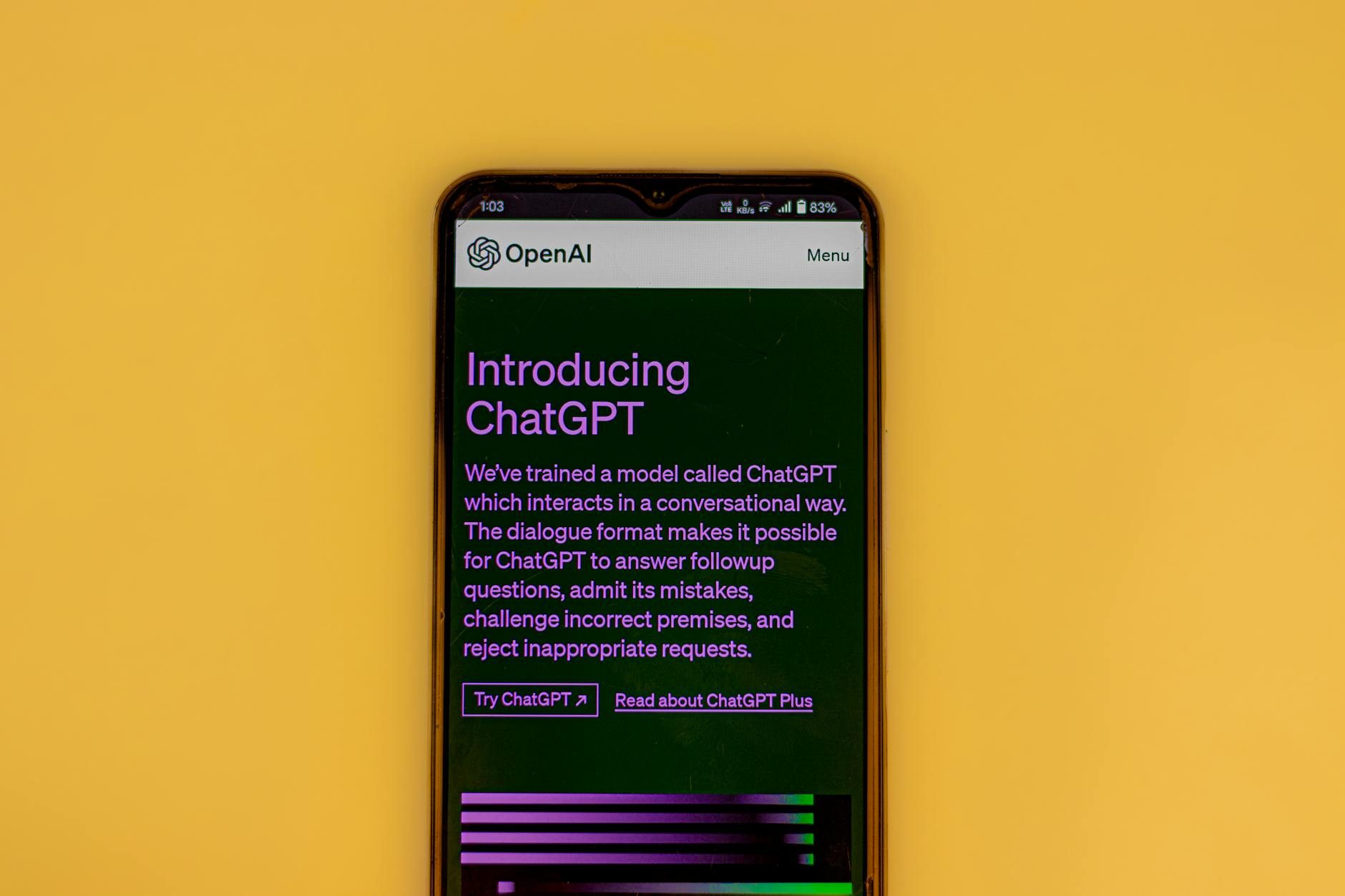
ChatGPT vs Claude vs Gemini - Which AI Should You Actually Use?
Last week, I watched my coworker struggle with a complex data analysis task, jumping between ChatGPT, Claude, and Gemini like he was channel surfing. He spent more time switching between AI tools than actually getting work done.
This is the reality for most of us right now. We've got three genuinely good AI assistants, each with different strengths, and absolutely no clear guidance on which one to use when. So I decided to figure it out.
I've spent the last three months putting all three through their paces on real work - writing code, analyzing documents, creative projects, research tasks, and everything in between. Here's what I learned about when each AI actually shines.
The Quick Answer (If You're Impatient)
Use ChatGPT if you want the most well-rounded tool with the biggest ecosystem. It's like the Swiss Army knife - good at most things, great at staying conversational.
Use Claude if you're doing heavy text work, need nuanced analysis, or want an AI that actually follows complex instructions. It's the thoughtful one.
Use Gemini if you're deep in Google's world or need real-time information. It's the connected one.
But honestly, that oversimplifies things. The real answer depends on what you're actually trying to accomplish.
ChatGPT: The People's Champion
What It's Actually Good At
ChatGPT feels like talking to a really smart friend who's read everything but still explains things in normal human language. I find myself using it most for:
Brainstorming and ideation. When I'm stuck on a problem, ChatGPT is genuinely great at throwing out ideas I wouldn't have considered. It doesn't just give you the obvious answers.
Code that needs explaining. Yes, it can write code, but where it really shines is taking complex code and breaking it down into "here's what this actually does" explanations. I use it constantly to understand unfamiliar codebases.
Content that needs personality. If you want writing that sounds human and engaging, ChatGPT has a natural voice that the others sometimes lack.
Where It Falls Short
The biggest problem with ChatGPT is that it's confidently wrong more often than I'd like. It'll give you detailed, plausible-sounding answers that are just... incorrect. Always fact-check anything important.
It also tends to be verbose when you need precision. Ask it for a simple answer and you might get three paragraphs when you wanted three sentences.
The Real Talk on Pricing
ChatGPT Plus costs $20/month, and honestly, if you're using AI regularly for work, it's worth it. The free version hits rate limits fast, and GPT-4 is significantly better than GPT-3.5 for anything complex.
The new GPT-4 Turbo is faster and handles longer conversations, which matters more than you'd think when you're going deep on a problem.
Claude: The Thoughtful Analyst
Why I Keep Coming Back to Claude
Claude feels different from the start. Where ChatGPT jumps into answers, Claude often pauses to make sure it understands what you're actually asking. This sounds minor until you're working on something complex.
Document analysis is where Claude dominates. I regularly feed it 50-page reports, legal documents, and research papers. Claude doesn't just summarize - it finds patterns, contradictions, and insights I missed.
Following complex instructions. This is Claude's superpower. Give it a detailed prompt with multiple steps and specific requirements, and it actually follows them. The others often drift or ignore parts of your instructions.
Nuanced reasoning. When I need an AI to weigh pros and cons, consider multiple perspectives, or work through ethical considerations, Claude consistently gives more thoughtful responses.
Where Claude Struggles
Claude can be overly cautious. It'll sometimes refuse to help with things that are perfectly reasonable, or spend too much time explaining why something might be problematic instead of just helping you solve it.
It's also not great at creative tasks that need a light touch. Claude's writing can feel a bit formal or academic when you want something more casual.
The Anthropic Advantage
Claude's training focused heavily on being helpful, harmless, and honest. In practice, this means it's less likely to hallucinate facts, but also less likely to take creative risks.
The context window is huge - you can have much longer conversations before it "forgets" what you talked about earlier. This matters for complex projects.
Gemini: The Connected One
Google's Integration Play
Gemini's biggest strength is also the most obvious: it's Google. If your work life revolves around Gmail, Docs, Sheets, and Drive, Gemini can actually access and work with your stuff.
I've used it to:
- Analyze data directly from Google Sheets
- Draft emails based on my Gmail history
- Summarize documents from my Drive
- Get current information without the "my knowledge cutoff is..." disclaimer
The Real-Time Information Edge
This is genuinely useful. While ChatGPT and Claude are working with training data from months ago, Gemini can search the web and give you current information. For research, news analysis, or anything time-sensitive, this is huge.
Where Gemini Disappoints
For pure conversation and reasoning, Gemini often feels a step behind. It's more likely to give surface-level responses when you need depth.
The personality is also pretty bland. It feels more like talking to a search engine that learned to speak in full sentences than talking to an intelligent assistant.
The Privacy Trade-off
Here's what Google doesn't emphasize: using Gemini means Google gets to see your conversations. If you're discussing sensitive business information or personal topics, consider whether you're comfortable with that trade-off.
Real-World Testing: What I Actually Found
The Coding Test
I gave all three the same Python challenge: build a web scraper that handles rate limiting and saves data to a database.
ChatGPT gave me working code fastest, with good comments explaining each part. But it made assumptions about what libraries I wanted to use.
Claude asked clarifying questions first - what kind of rate limiting, which database, how should errors be handled? The final code was more solid.
Gemini produced functional code but with less explanation. It did automatically suggest current best practices I hadn't thought of.
Winner: Claude, barely. The clarifying questions led to better final results.
The Analysis Test
I fed all three a 30-page market research report and asked for key insights and recommendations.
ChatGPT gave a solid summary but missed some subtle contradictions in the data.
Claude found patterns I hadn't noticed and pointed out where the report's conclusions didn't quite match its data.
Gemini provided a good summary but felt more surface-level than the others.
Winner: Claude, decisively.
The Creative Test
I asked each to write a product launch email that felt personal but professional.
ChatGPT nailed the tone - conversational but credible.
Claude was well-structured but felt a bit stiff.
Gemini was fine but forgettable.
Winner: ChatGPT.
The 2026 Space: What's Coming
Here's the thing about picking an AI assistant in 2024: we're still in the early innings. All three companies are racing to add features, and what's true today might not be true in six months.
OpenAI is pushing hard on plugins and integrations. Anthropic is focused on safety and reasoning capabilities. Google is using its data and services advantage.
My prediction? By 2026, you won't pick just one. You'll use different AI tools for different tasks, and they'll be integrated into the apps you already use. But for now, you need to pick your primary AI.
How to Actually Choose
Pick ChatGPT If:
- You want one AI that's good at everything
- You do a lot of creative or conversational work
- You want access to the biggest plugin ecosystem
- You're just getting started with AI
Pick Claude If:
- You work with long documents regularly
- You need careful, nuanced analysis
- You give complex, multi-step instructions
- You value accuracy over speed
Pick Gemini If:
- You live in Google's ecosystem
- You need current, real-time information
- You're comfortable with Google having access to your conversations
- Integration with your existing workflow matters most
The Honest Truth About AI Assistants
After three months of intensive testing, here's what I really think: none of these AI assistants is perfect, and that's okay. They're all genuinely useful tools that can make you more productive if you understand their strengths and limitations.
The bigger question isn't which AI is "best" - it's whether you're actually using AI effectively. I see too many people either treating AI like a magic solution that should just work, or dismissing it entirely because it's not perfect.
The sweet spot is treating AI like a really capable junior colleague. Give it clear instructions, check its work, and use it for what it's actually good at. Do that, and any of these three will probably make your work better.
Just maybe don't spend your time jumping between all three like my coworker. Pick one, learn it well, and then expand from there. Your productivity will thank you.