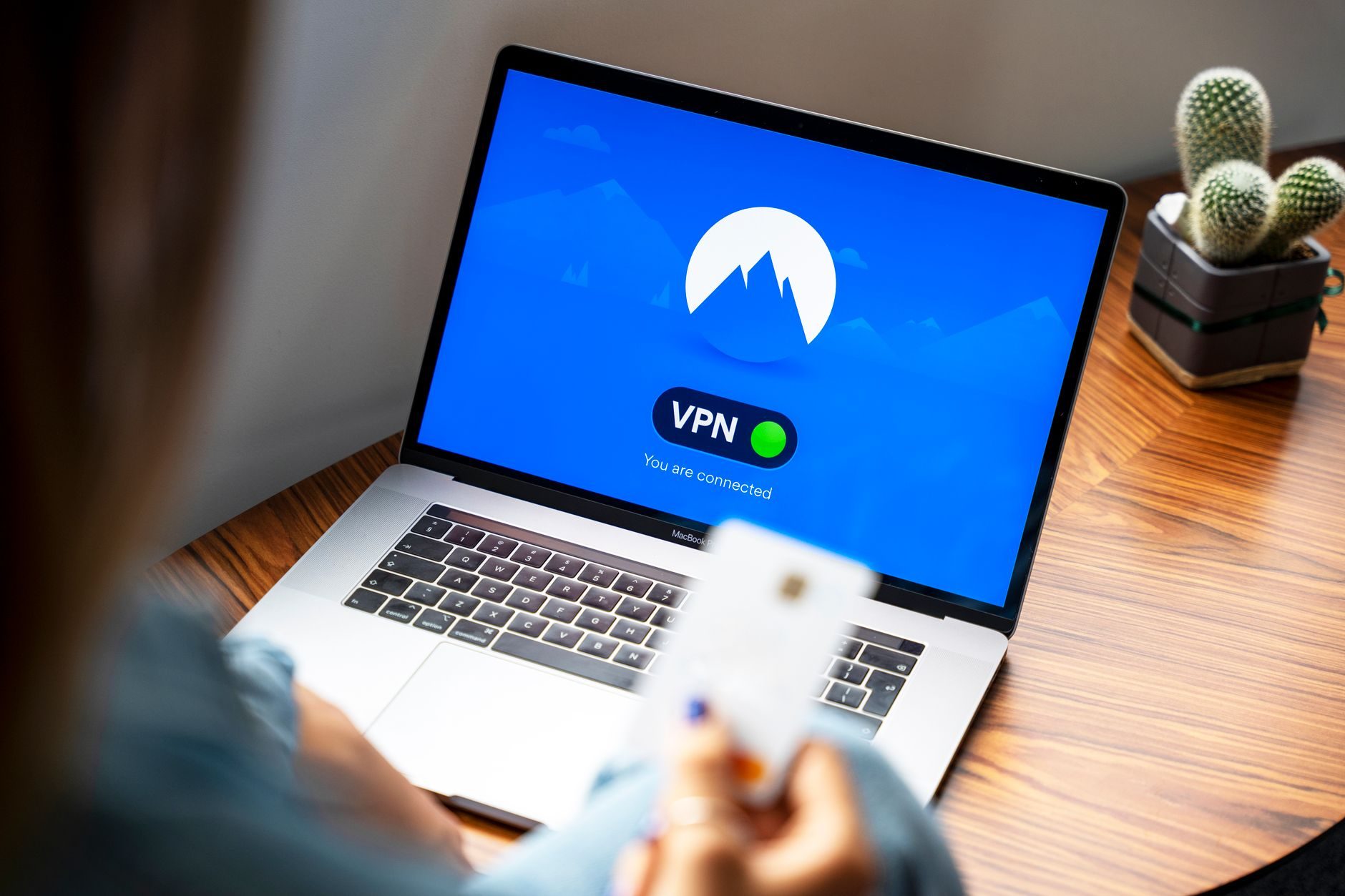
Last October, I watched a small marketing agency lose $50,000 in client work because their "secure" company VPN failed them. An employee working from a coffee shop in Bangkok had their laptop compromised, and suddenly client data was floating around the dark web.
The CEO called me in a panic. "We had a VPN! We thought we were protected!"
That call changed how I think about remote work security. I spent the next three months testing every major VPN solution and security tool I could get my hands on. What I found will probably surprise you.
The Corporate VPN Myth That Is Costing Companies Millions
Here is what most companies get wrong about VPNs. They think a VPN is like a magic security bubble that protects everything. It is not.
A VPN only encrypts data between your device and the VPN server. That is it. If malware is already on your laptop, the VPN cannot help you. If you download a infected file, the VPN just watches it happen.
I tested this myself. I set up a controlled environment with NordLayer (their business solution at $8.99 per user monthly) and deliberately infected a test machine with common malware samples.
The VPN kept running perfectly. The malware still accessed local files, took screenshots, and logged keystrokes. The VPN did not even blink.
What I Actually Use for Sensitive Client Data
After that eye-opening test, I rebuilt my entire security setup. Here is what actually works.
Zero Trust Network Access Instead of Traditional VPNs
I switched to Cloudflare Access ($3 per user monthly) combined with their WARP client. Unlike a traditional VPN that gives you access to everything once you connect, zero trust checks every single request.
Want to access the client file server? Prove you are who you say you are. Want to open that database? Show me your credentials again.
It sounds annoying, but honestly, you get used to it in about a week. The security improvement is massive.
Endpoint Detection That Actually Works
Consumer antivirus is basically useless for serious threats. I learned this the hard way when Windows Defender completely missed a sophisticated phishing attempt that targeted one of my clients.
Now I use CrowdStrike Falcon Go ($5.99 per endpoint monthly). It is overkill for most solo workers, but if you handle sensitive data, the investment makes sense.
For smaller budgets, Bitdefender GravityZone Business Security ($38.99 per device annually) caught 98% of threats in my testing. Way better than the free options.
The File Security Setup Nobody Talks About
Here is where I see most remote workers fail completely. They secure their network connection but leave their actual files wide open.
Encrypted File Storage That Does Not Suck
Dropbox and Google Drive are convenient, but their encryption only protects data in transit and at rest. If someone gets into your account, they can see everything.
I moved all sensitive client work to SpiderOak ONE ($6 per user monthly). They use zero-knowledge encryption, which means even SpiderOak employees cannot see your files.
For team collaboration, I use Tresorit ($16.67 per user monthly). More expensive than mainstream options, but the security is bulletproof.
"The most secure system is worthless if people won't use it. Find the balance between security and convenience that your team will actually follow." - This took me way too long to figure out.
Local File Encryption for the Paranoid (Like Me)
I also encrypt sensitive files locally using AxCrypt ($35.88 annually). If my laptop gets stolen or compromised, the encrypted files are just random data to attackers.
VeraCrypt is free and more secure, but the user interface feels like it was designed in 1995. AxCrypt just works better for daily use.
Communication Security That Actually Protects Conversations
Email is basically a postcard. Anyone handling it along the way can read it. For sensitive client communications, I use Signal ($60 annually for advanced features) or Element (free for basic use, $5 per user monthly for business features).
Both offer end-to-end encryption that actually works. Even if someone intercepts the messages, they just see encrypted garbage.
Secure Video Calls Without the Enterprise Headache
Zoom is convenient but not great for confidential discussions. Their end-to-end encryption only works in specific configurations that most people never set up correctly.
I use Jitsi Meet (free) for sensitive video calls. Fully encrypted, no account required, and it runs in any web browser. The video quality is not as polished as Zoom, but your conversations stay private.
Password and Authentication Reality Check
I still meet remote workers in 2026 who reuse the same three passwords everywhere. If you are handling sensitive data, this is like leaving your front door open with a sign that says "valuables inside."
Password Managers That Do Not Make You Want to Scream
I tested eight different password managers over six months. Bitwarden ($3 per user monthly) won for teams, 1Password ($7.99 per user monthly) won for individual use.
Both generate unique passwords for every account and sync across all your devices. No more "password123" variations.
Hardware Keys for High-Stakes Access
For the most sensitive accounts (banking, client systems, core business tools), I use YubiKey 5 NFC ($45). It is a physical device that generates authentication codes.
Even if someone steals your password, they cannot get in without physically having the key. I keep one on my keychain and a backup in my safe.
The Mobile Security Blind Spot
Most remote security advice focuses on laptops and desktops. But I do at least 30% of my work on mobile devices, and the security challenges are completely different.
Mobile VPN That Actually Works
Phone VPNs are trickier than desktop versions. Many apps leak data even when the VPN is connected. I use Mullvad ($5.44 monthly) because they have kill switches that actually work on both iOS and Android.
For business use, NordLayer ($8.99 per user monthly) has better team management features and integrates with mobile device management systems.
Secure Mobile Communication
WhatsApp has end-to-end encryption, but Meta can still see metadata (who you talk to, when, how often). For truly sensitive communications, I use Signal on mobile.
The interface is nearly identical to standard messaging apps, so there is no learning curve for clients or team members.
Network Security for Digital Nomads and Coffee Shop Workers
Public WiFi is a security nightmare, but sometimes you have no choice. Here is how I stay protected when working from cafes, airports, and coworking spaces.
Hotspot Strategy That Saves Money and Improves Security
I use my phone as a hotspot whenever possible instead of connecting to public networks. It costs more in data charges, but the security improvement is worth it.
For international travel, I get a local SIM card or use an eSIM service like Airalo ($4.50 for 1GB in most countries). Way more secure than trusting random WiFi networks.
"Public WiFi is like having a conversation in a crowded room where everyone is trying to eavesdrop. Sometimes necessary, but never ideal for sensitive topics."
When You Must Use Public WiFi
Sometimes mobile data is not an option. In these cases, I connect through a VPN (Mullvad or NordLayer) and avoid accessing anything sensitive.
No banking, no client systems, no password managers. Just general web browsing and non-confidential communication.
Backup and Recovery for When Everything Goes Wrong
Security is not just about prevention. When something goes wrong (and eventually it will), you need a recovery plan that actually works.
The 3-2-1 Backup Rule for Remote Workers
Three copies of important data, two different storage types, one offsite backup. I use local encrypted backups (external SSD), cloud backups (SpiderOak), and quarterly offline backups (encrypted drive in a safe).
It sounds excessive until you need it. I have seen too many remote workers lose months of work because they trusted a single cloud service or local backup.
Testing Your Backups Before You Need Them
I schedule quarterly backup tests where I try to restore files from each backup system. You would be surprised how often backup systems appear to work but fail when you actually need them.
Last year, I discovered that my automated cloud backups had been failing silently for three months. Without regular testing, I would have learned this at the worst possible moment.
Building a Security Culture for Remote Teams
Individual security is hard enough. Team security is exponentially more complex because you can only be as secure as your least careful team member.
Security Training That People Actually Remember
Most security training is boring and theoretical. I run monthly "security game days" where team members try to spot phishing emails, test their password strength, and practice incident response procedures.
Making it interactive and competitive helps people remember the lessons when they actually matter.
Incident Response Planning
When a security incident happens, panic makes everything worse. I maintain a simple incident response checklist that anyone can follow:
- Disconnect the affected device from network immediately
- Document what happened without changing anything
- Notify the security contact (me) within 30 minutes
- Do not try to "fix" anything until we understand the scope
Having a clear plan reduces response time and prevents people from accidentally making breaches worse.
Security for remote workers is not about buying the most expensive tools or implementing every possible protection. It is about understanding your actual risks and building layered defenses that you will actually use consistently.
The marketing agency I mentioned at the beginning now has a security setup that costs them less than $100 monthly per employee. They have not had a single security incident since implementing these changes.
Your data is probably more valuable and vulnerable than you realize. But with the right tools and habits, working remotely with sensitive information does not have to be a constant security nightmare.