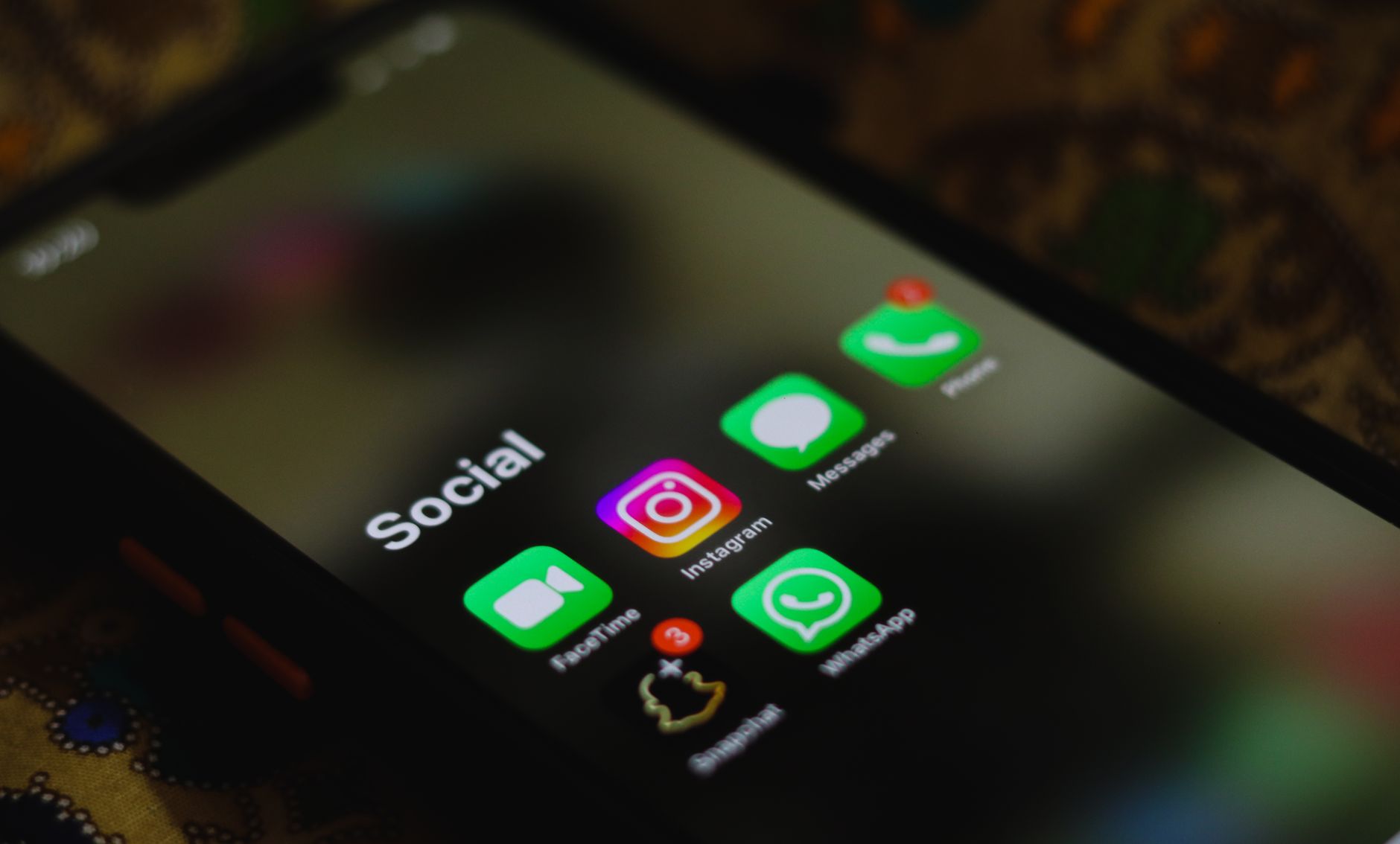
I had a wake-up call last month when I decided to count every app on my phone. One hundred and forty-seven apps. I felt embarrassed just typing that number.
The worst part? I only used maybe 20 of them regularly. The rest were digital junk taking up space, sending notifications, and worst of all - constantly tempting me to procrastinate.
So I decided to go nuclear. Digital minimalism style.
The Real Cost of App Clutter
Before I started this experiment, I tracked my phone usage with RescueTime for two weeks. The results were brutal.
I was constantly switching between apps. Slack to Instagram to Gmail to TikTok to Todoist back to Instagram. My brain felt like a pinball machine.
Dr. Sophie Leroy's research on attention residue shows that when you switch tasks, part of your attention stays stuck on the previous task. With 147 apps begging for attention, my brain never had a chance to focus properly.
My Digital Detox Method
I tried the Marie Kondo approach but for apps. If an app did not spark joy or serve a clear purpose, it had to go.
Here is exactly how I did it:
Step 1: The Great App Audit
I opened my phone and went through every single app. I put them into four categories:
- Essential: Apps I use daily for work or basic phone functions
- Useful: Apps I use weekly that serve a specific purpose
- Sometimes: Apps I use monthly or less
- Why Do I Even Have This: Apps I forgot existed
The "Why Do I Even Have This" category had 89 apps. Eighty-nine!
Step 2: The Ruthless Purge
I deleted everything in the "Why Do I Even Have This" category immediately. No thinking, no "but what if I need it someday." Gone.
Then I got aggressive with the "Sometimes" category. If I had not opened an app in the last 30 days, I deleted it. I can always reinstall later if needed.
Step 3: The Final Cut
This is where it got tough. I looked at my "Useful" apps and asked hard questions:
Do I really need three different weather apps? No. Dark Sky (RIP) was enough.
Do I need both Spotify and Apple Music? No. Spotify won.
Do I need six different productivity apps? Absolutely not. Notion became my everything app.
What Made the Final Cut
After all the cutting, I ended up with 23 apps total. Here is what survived:
Core Productivity (5 apps)
- Notion: My second brain for notes, tasks, and project management
- Slack: Work communication
- Gmail: Email (I deleted the other three email apps I had)
- Calendar: Apple's built-in calendar app
- Files: Document storage and management
Communication (4 apps)
- Messages: Texts
- WhatsApp: International friends and family
- FaceTime: Video calls
- Phone: Actual phone calls (revolutionary concept)
Daily Essentials (6 apps)
- Spotify: Music
- Maps: Navigation
- Camera: Photos
- Weather: Because I live in Seattle
- Banking app: Money stuff
- Authenticator: Two-factor authentication
Utilities (8 apps)
- Settings, Safari, Photos, App Store, Wallet, Health, Clock, Calculator: Basic phone functions
That is it. Twenty-three apps total.
The Productivity Transformation
The change was immediate and dramatic. Within the first week, I noticed three huge improvements:
Fewer Distractions
Without Instagram, TikTok, Twitter, and Reddit on my phone, I stopped the mindless scrolling. When I got bored, I could not just grab my phone and disappear into the content vortex for an hour.
My screen time dropped from 4.2 hours to 1.8 hours daily. That is 2.4 hours back in my day.
Better Focus Sessions
Remember that attention residue problem? It basically disappeared. When I sit down to work now, my brain is not juggling notifications from twelve different apps.
I started using the Pomodoro Technique (25-minute focused work sessions) and actually completing full sessions without getting distracted. Before the purge, I was lucky to make it 10 minutes without checking something.
Simplified Decision Making
This was unexpected but huge. With fewer apps, I stopped having decision paralysis about which tool to use for what task.
Before: "Should I put this in Todoist, Asana, Apple Reminders, or Notion?"
After: "This goes in Notion."
Decision fatigue is real, and I was burning mental energy on tiny app choices all day long.
The Social Media Question
You probably noticed I deleted all social media apps. This was not about being anti-social media - it was about being intentional.
I still use Instagram and Twitter, but only on my laptop. This creates friction. I have to actually decide to open my laptop and go to the website. No more mindless phone scrolling while waiting for coffee or sitting on the couch.
"The best way to change a habit is to change your environment. Make good habits obvious and easy, bad habits invisible and hard." - James Clear, Atomic Habits
Removing social media from my phone made mindless scrolling invisible and hard. It worked perfectly.
Dealing with FOMO and Pushback
I will be honest - the first week was rough. I kept reaching for my phone out of habit and feeling frustrated when there was nothing to mindlessly consume.
My brain had been trained to expect constant stimulation. Breaking that pattern felt uncomfortable at first.
The Phantom Notification Problem
I kept thinking I heard notification sounds that were not there. Turns out this is called "phantom vibration syndrome" and it is super common for people reducing their phone usage.
It faded after about 10 days.
Friend Reactions
Some friends were confused when I stopped liking their Instagram posts immediately. I had to explain that I check social media once or twice a day now, not every five minutes.
Most people were actually envious when they heard about my results.
Tools That Made This Easier
A few specific tools and settings helped me stick with digital minimalism:
Focus Modes (iOS) / Do Not Disturb (Android)
I set up three focus modes:
- Work Mode: Only allows calls, Slack, and Calendar notifications
- Personal Mode: Blocks work apps completely
- Sleep Mode: Everything silenced except emergency calls
App Limits
For the few potentially distracting apps I kept (like Spotify), I set daily time limits. If I hit the limit, the app gets blocked for the rest of the day.
Grayscale Mode
This sounds weird but works. I set my phone to grayscale during work hours. Without all the colorful app icons and interfaces, my phone becomes way less appealing to pick up.
On iPhone: Settings > Accessibility > Display & Text Size > Color Filters > Grayscale
On Android: Settings > Accessibility > Visibility enhancements > Remove colors
The Unexpected Benefits
Beyond better productivity, cutting app clutter had some surprising side effects:
Better Sleep
Without social media apps to scroll through in bed, I actually put my phone down and sleep better. My average sleep score on Apple Health improved from 72% to 85% over six weeks.
More Present in Real Life
I stopped reflexively pulling out my phone during any moment of quiet. Waiting in line, sitting at a coffee shop, even just walking - I started actually experiencing these moments instead of immediately escaping into my phone.
Reduced Anxiety
This was huge and unexpected. Constant notifications and app switching had been creating low-level stress all day. With a minimal phone setup, I felt genuinely calmer.
Your Digital Minimalism Action Plan
Ready to try this yourself? Here is exactly how to start:
Week 1: Audit and Measure
Do not delete anything yet. Just measure your current state:
- Count your total apps
- Track screen time for one week
- Note which apps you actually use versus which ones just sit there
- Pay attention to how often you pick up your phone
Week 2: The Big Purge
Delete ruthlessly:
- Any app you have not opened in 30 days
- Duplicate apps (multiple weather apps, multiple note apps, etc.)
- Games you no longer play
- Apps that send notifications but provide no real value
Week 3: Optimize What Remains
- Turn off non-essential notifications
- Organize remaining apps logically
- Set up focus modes or do not disturb schedules
- Consider moving social media to browser-only
Week 4: Fine-tune and Measure
- Track your new screen time
- Notice productivity changes
- Reinstall anything you genuinely miss
- Celebrate your wins
What I Learned About Productivity
This experiment taught me that productivity is not about having the perfect app or the most sophisticated system. It is about removing friction and distractions so you can actually focus on what matters.
I used to think I needed different apps for different types of tasks. Really I just needed fewer, better tools and the discipline to use them consistently.
Cal Newport talks about this in "Digital Minimalism" - the goal is not to use technology less, but to use it more intentionally. Every app on my phone now has a clear purpose and adds genuine value to my life.
The best part? I can always reinstall apps if I need them. But eight weeks in, I have not felt the urge to reinstall a single one of the 124 apps I deleted.
Sometimes the most powerful productivity technique is simply removing the things that make you less productive in the first place.