Lag — the frustrating gap between what you do and what happens on screen — is the most complained-about gaming problem in Ghana and across Africa. You press the trigger and the shot registers half a second late. You dodge left and your character gets hit anyway. You make the perfect pass and it goes to the wrong player. Lag ruins competitive gaming and saps the enjoyment from casual play.
Understanding what actually causes lag — and more importantly, what you can and cannot control — is the first step to reducing it. This guide is specific to Ghana's network environment and gives you actionable steps that actually work.
What Lag Actually Is
Lag has a precise technical meaning: it is network latency, measured in milliseconds (ms), representing the time it takes for data to travel from your device to the game server and back. This round-trip time is called ping. Lower ping equals less lag. A ping under 80ms is generally acceptable for most games. Under 50ms is good. Under 30ms is excellent. Above 150ms makes competitive online gaming nearly unplayable.
• Games with African servers (PUBG Mobile, some EA titles): 40–80ms typical
• Games with European servers: 120–200ms typical
• Games with US/Asian servers only: 200–350ms typical
Server location is the single biggest determinant of ping for Ghanaian gamers — and it is outside your control.
What You Cannot Control
The game server's location is fixed. If PUBG Mobile routes your match through European servers, you will have 150ms+ ping regardless of your internet speed. No amount of router configuration or connection upgrading changes the physical distance between Accra and Frankfurt. Accepting this reality is important — spending GHS 500 upgrading your router will not fix latency caused by server distance.
What You Can Control — Step by Step
Step 1: Test Your Actual Ping
Before changing anything, establish a baseline. Use Fast.com, Speedtest.net, or the in-game ping display (available in most games) to measure your current latency. Do this at three different times: morning, afternoon, and evening. Network congestion in Ghana peaks between 6pm and 10pm as most households are online simultaneously. This pattern is predictable and consistent.
Step 2: Switch from Wi-Fi to a Direct Connection Where Possible
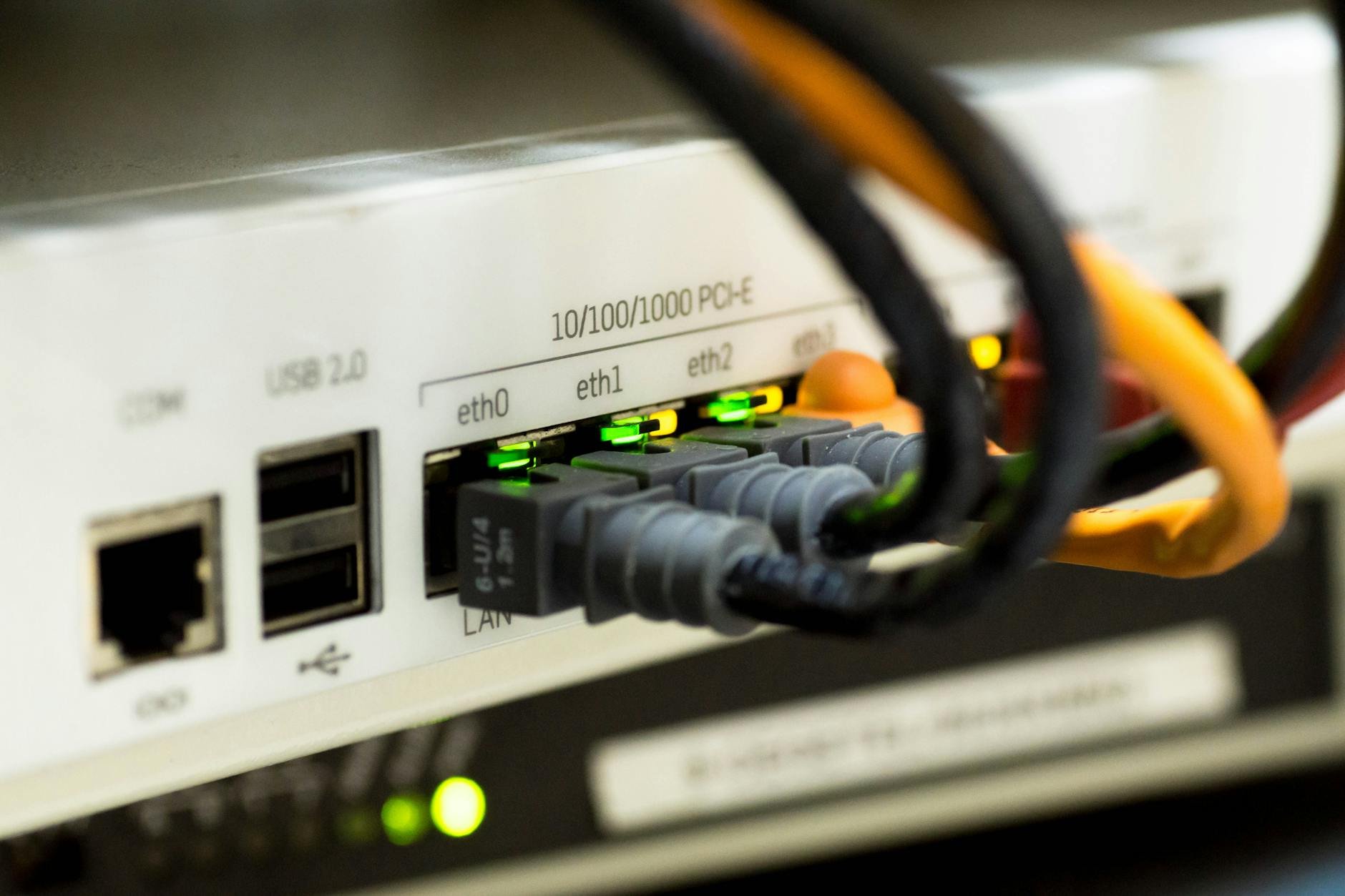
Wi-Fi introduces variable latency that a direct connection eliminates. If you are gaming on a laptop or desktop, an ethernet cable from your router to your device consistently delivers 10–30ms lower latency than Wi-Fi. For mobile gaming, this is not an option — but positioning yourself closer to your router and ensuring no physical obstructions (thick walls, metal objects) are between you and the router reduces Wi-Fi latency.
Step 3: Reduce Network Congestion in Your Home
Every device on your home network sharing bandwidth while you game increases latency. Video streaming on a TV, large file downloads on a laptop, and video calls all compete with gaming traffic. Pausing these during gaming sessions reduces congestion-related lag significantly. If your router supports Quality of Service (QoS) settings — found in the admin panel at 192.168.1.1 — configure gaming traffic as high priority.
Step 4: Choose the Right Game Mode and Servers
Many games allow manual server selection. In PUBG Mobile, go to Settings and check the server region. Selecting the Middle East or Africa region (where available) delivers significantly better ping than defaulting to European or Asian servers. Always check server selection settings in any new game before assuming your ping is fixed.
Game mode selection matters too. In battle royale games, solo mode typically delivers lower latency than squad mode because the server is processing fewer player interactions simultaneously. If lag is severe, solo queuing while troubleshooting is useful for isolating the cause.
Step 5: Game During Off-Peak Hours
This is consistently the most impactful change available to Ghanaian gamers, and it costs nothing. Gaming between 10pm and 7am — when network congestion nationally is at its lowest — reduces ping by 20–50ms compared to peak evening hours on most Ghanaian ISPs. If your schedule allows, early morning gaming sessions deliver the most consistent connection quality available without spending anything.
When to Upgrade Your Internet Plan
Upgrading your data plan helps only if your current connection is the bottleneck — not the game servers. A 5Mbps connection is sufficient for online gaming if the latency is low. A 100Mbps connection with high latency is still unplayable. Test ping, not speed, as the metric for gaming connection quality. If your ping is consistently above 200ms even during off-peak hours, contact your ISP and ask specifically about gaming latency — some providers have optimised routing options not advertised in standard packages.