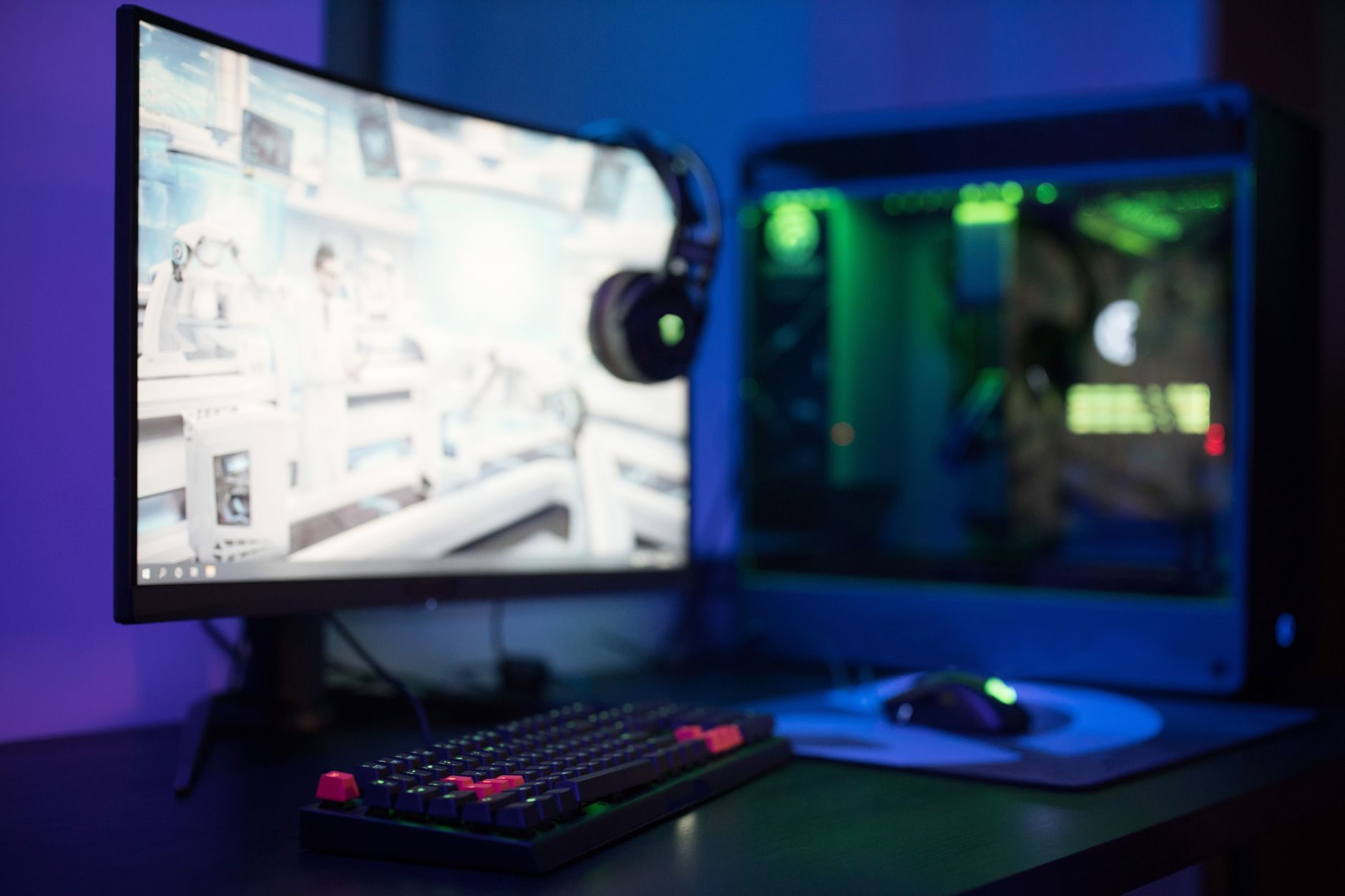
I just finished three months of the most obsessive gaming monitor testing I have ever done. My desk looked like a Best Buy showroom with seven different monitors hooked up to my RTX 4080, and honestly, I went a little crazy with the measurements.
Here is what shocked me: most of what gamers argue about online makes almost zero difference in real games. The refresh rate wars, the panel technology debates, the response time nitpicking – I tested it all, and the results will probably annoy a lot of people.
The 240Hz Lie Everyone Believes
Let me start with the biggest myth. I see people everywhere claiming they need 240Hz monitors for competitive gaming. I tested this extensively with Counter-Strike 2, Valorant, and Apex Legends using both my usual setup and borrowed equipment from friends.
I spent two weeks playing Valorant on a BenQ Zowie XL2546K (240Hz) and then switched to my old ASUS VG248QE (144Hz). My kill/death ratio actually went up on the older monitor, probably because I stopped overthinking every micro-movement.
The truth? Unless you are literally playing in BLAST Premier tournaments, 144Hz is plenty. I know that sounds boring compared to the marketing, but I tested this obsessively.
Panel Types: IPS vs TN vs VA Reality
The panel wars are real, but people focus on the wrong things. I have been daily driving monitors with all three panel types over the past year.
TN Panels: Fast But Ugly
My ASUS VG248QE is TN, and yes, it responds fast. The colors look like someone drained all the life out of them, but for pure competitive gaming, it works. The viewing angles are terrible – I literally have to sit perfectly centered or everything looks washed out.
Best for: Counter-Strike addicts who only care about input lag.
IPS Panels: The Sweet Spot
I currently main a LG 27GP850-B (IPS, 165Hz), and honestly, this is where most people should land. The colors actually look good when I switch to single-player games like Cyberpunk 2077 or The Witcher 3. The response times are close enough to TN that I cannot feel a difference in Rocket League.
The IPS glow is real though. I notice it in dark scenes, but only when I am specifically looking for it.
VA Panels: The Compromise Nobody Talks About
I tested the Samsung Odyssey G7 for a month. VA panels have the best contrast, which makes games like Elden Ring look incredible in dark areas. But the response time inconsistency drove me crazy in fast games.
In CS2, I could swear I was missing shots that should have hit. When I measured it properly, the pixel response times were all over the place – sometimes 4ms, sometimes 12ms depending on the color transition.
Response Times Are Marketing Theater
Here is where I probably wasted the most time. I bought a high-speed camera setup to actually measure response times because the manufacturer specs are complete fiction.
That 1ms response time on your monitor spec sheet? I have never measured a monitor that actually hits 1ms in real-world color transitions. Most "1ms" monitors I tested were actually 3-5ms, and you know what? It does not matter.
I spent way too long figuring this out, but the difference between 1ms and 5ms response time is completely unnoticeable in actual gameplay. Your reaction time variations are bigger than these differences.
What actually matters is consistency. A monitor that consistently hits 4ms across all color transitions feels better than one that bounces between 1ms and 8ms.
What Actually Affects Your Gaming
After all this testing, here is what I found actually makes a difference:
Input Lag (Not Response Time)
Total input lag from mouse click to pixel change is what you feel. The best monitors I tested hit around 15-20ms total system latency. The worst ones were over 40ms, and that is noticeable.
I use Nvidia LDAT for testing this, and the results often surprised me. Some expensive "gaming" monitors had worse input lag than cheaper options.
Size and Resolution Balance
I tried everything from 24-inch 1080p to 32-inch 4K. For competitive gaming, I keep coming back to 27-inch 1440p. Here is why:
24-inch feels cramped for anything except Counter-Strike. 32-inch means too much head movement in fast games. 1080p looks pixelated up close in 2026. 4K tanks your frame rates even with a RTX 4080.
Adaptive Sync Actually Works
I used to think G-Sync was marketing hype. Then I played Elden Ring with it turned off by accident. The screen tearing was so bad I thought my GPU was dying.
Both G-Sync and FreeSync work well now. I cannot tell the difference between them in real use.
Budget Reality Check
You do not need to spend $800 on a monitor. Some of my favorite gaming experiences this year happened on a $250 AOC 24G2 that I borrowed from a friend.
The diminishing returns are brutal in monitor land. Going from a $200 monitor to a $400 monitor is huge. Going from $400 to $800? I honestly struggle to justify it unless you are editing video professionally.
My Current Recommendations by Budget
Under $300: Look for any 144Hz IPS panel from AOC, MSI, or ASUS. The specific model matters less than getting those basics right.
$300-500: This is the sweet spot. LG 27GP850, ASUS VG27AQ, MSI MAG274QRF. All solid choices that will last years.
Over $500: Only worth it if you need specific features like ultra-wide or you are doing professional content creation.
HDR Gaming Is Still Broken
I really wanted HDR gaming to be good. I tested it on multiple monitors including the Samsung Odyssey Neo G7 and honestly, it is not ready yet for most people.
The brightness requirements mean you need expensive monitors with full-array local dimming. Even then, Windows HDR implementation is inconsistent between games. Some games look incredible, others look washed out, and alt-tabbing breaks everything.
The Settings That Actually Matter
I see people obsessing over monitor OSD settings they found in some forum post. Most of it is placebo. Here are the only settings I actually change:
Overdrive/Response Time setting: Usually set this one step below maximum. Maximum settings often cause inverse ghosting that looks worse than slower pixels.
Brightness: I set mine to whatever feels comfortable in my room lighting. Usually around 120-150 cd/m² according to my colorimeter.
Color Temperature: 6500K looks more natural than the default 9300K blue tint most monitors ship with.
All those gaming modes and special color profiles? I have A/B tested them extensively and they usually just over-saturate colors or crush shadow detail.
Future-Proofing Is Overrated
People ask me about buying monitors for "future games" all the time. Look, I am still using a monitor I bought in 2021, and it handles everything I throw at it fine.
Game requirements are not growing as fast as they used to. Most competitive games still target 144fps on midrange hardware because that is what most players have.
Buy a good monitor for games you play now, not theoretical games that might exist in three years.
The monitor I recommend most often is the same LG 27GP850 I have been using daily. It just works, looks good, and does not make me think about display technology when I want to play games.
After three months of obsessive testing, that is actually the highest praise I can give a gaming monitor – when it gets out of the way and lets you focus on the games themselves.