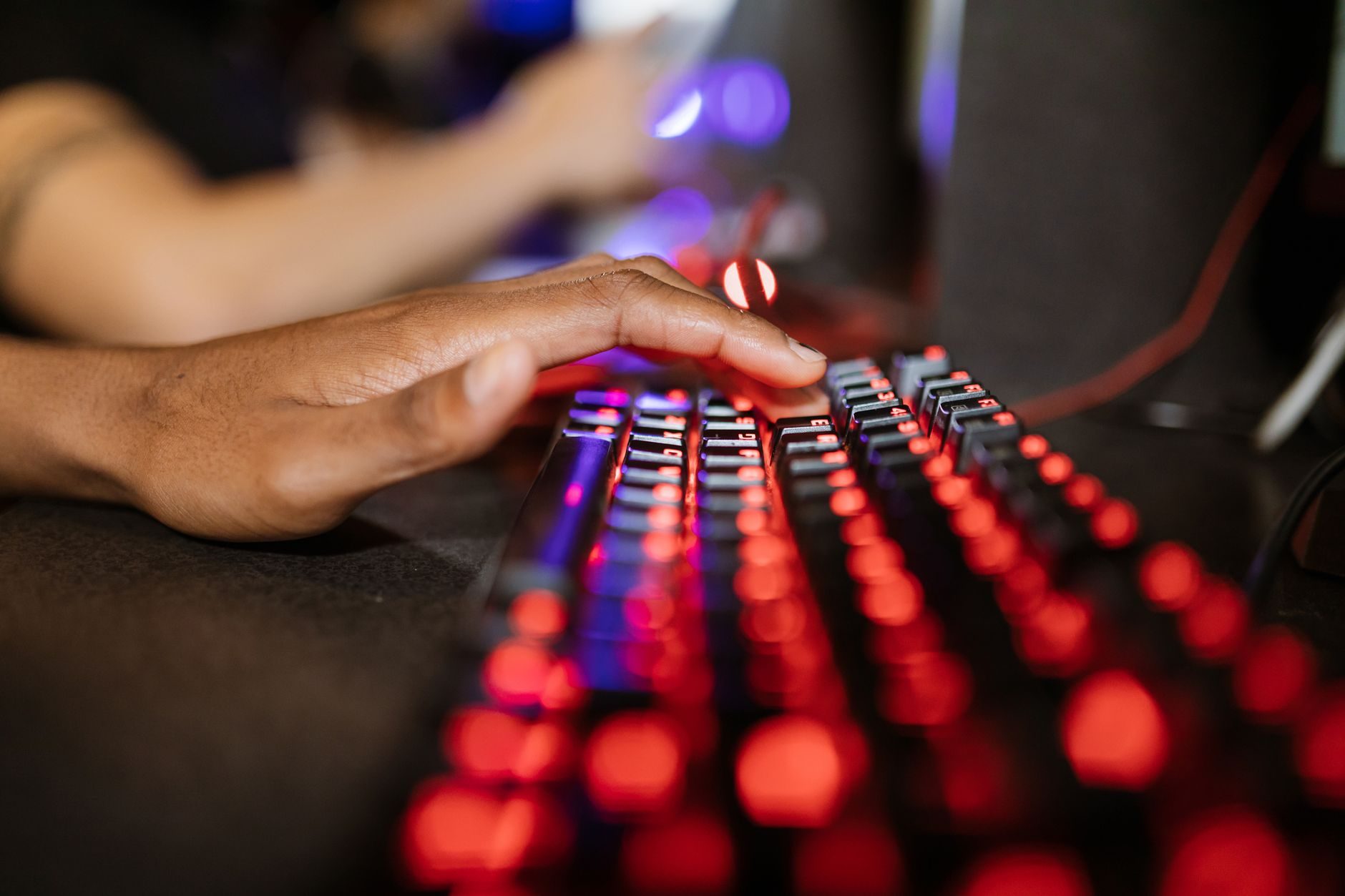
I used to think a better GPU was always the answer. More frames, better textures, smoother experience — done. Then I switched from a $15 office mouse to a proper gaming mouse and immediately started hitting shots in Valorant I had no business hitting. That was a humbling moment.
The reality is that your input devices matter way more than most people give them credit for. You can have a 4090 pushing 300fps, but if your mouse is dragging across a cheap plastic mat with inconsistent tracking, you're leaving a lot on the table.
So I went through a bunch of gear — some I bought, some I borrowed from friends, some I tested at a local LAN café — and here's what I genuinely think is worth your money.
The Mouse: This Is Where I'd Spend First
If you're playing any kind of shooter — Counter-Strike 2, Apex Legends, Call of Duty: Warzone — your mouse is the most important piece of hardware outside your actual PC. Full stop.
I tested three mice in this price range over the past few months: the Logitech G Pro X Superlight 2 ($160), the Razer DeathAdder V3 ($90), and the Pulsar X2 Mini ($80). All three use optical sensors that are essentially perfect at this point — the difference between sensors at this tier is negligible. What actually separates them is shape, weight, and click feel.
What I Actually Recommend
The Pulsar X2 Mini is my current daily driver and honestly, I think it punches well above its price. It weighs just 52 grams, has a Pixart 3395 sensor, and the symmetrical shape works for most grip styles. For players in regions where $160 for a mouse feels outrageous (totally understandable), this is the one I'd point to.
The G Pro X Superlight 2 is genuinely excellent — the HERO 2 sensor is rock solid and the weight is borderline absurd at 60 grams. But you're paying a Logitech tax for brand trust. I don't think it performs better than the Pulsar. Just differently.
One thing I'd flag: if you have larger hands (18cm+), the X2 Mini might feel cramped. Go with the standard Pulsar X2 instead — same internals, slightly bigger shell.
Mouse Pads: The Boring One That Actually Matters
I spent way too long figuring this out. I kept blaming my aim, my sensitivity settings, my mouse — when the issue was a worn-out cloth pad that had developed shiny patches in the center from months of use. Optical sensors read the pad surface. A bad surface means inconsistent tracking, full stop.
Cloth pads give you more control (slower glide, more friction). Hard pads give you speed. I play at around 800 DPI, 0.35 in-game sensitivity in Valorant, which means big arm movements — so I use a large cloth pad.
The Artisan Zero Soft XL (~$65 depending on region) is what's on my desk right now and I think it's the best control pad I've tried. The Logitech G640 ($35) is the budget pick and it's totally fine — I used one for two years without complaints.
If you're on a tight budget, even a quality third-party pad from brands like SteelSeries QcK ($20 for the Heavy version) will do the job. Just replace it every 12-18 months.
Keyboards: Where the Gap Between Budget and Premium Is Smaller Than You Think
Here's a hot take: for pure gaming performance, a $50 mechanical keyboard will perform identically to a $200 one. The difference is feel, sound, and build quality — not input latency.
That said, I do think switches matter for consistency. I've been gaming on Gateron Yellow switches (linear, very light actuation at 35g) for the past year and my typing speed and gaming feel both improved compared to the clicky switches I used before. Linear switches just have less feedback interrupting the motion.
What I've Actually Tested
The Wooting 60HE ($175) is genuinely in a different category. It uses Hall Effect magnetic switches instead of traditional mechanical ones, which means you can set custom actuation points per key. In Forza Horizon 5 (Playground Games, 2021), I set the analog input on WASD and it changed how I handle throttle control. It's not a gimmick — it actually works.
For shooters specifically, being able to set a 0.1mm actuation point means your inputs register faster than any traditional switch. The Wooting team has pushed this hard and the pro scene has noticed — a handful of CS2 players switched to it heading into 2025.
If $175 is too steep, the Keychron Q1 Pro (~$200 but often on sale around $130) or the Royal Kludge RK84 (~$45-60) are both solid options depending on budget. The RK84 especially — it's one of the best bang-for-buck boards I've tried, and it's available in a lot of markets that don't have easy access to Western brands.
Monitors: The One That Surprised Me Most
I had a 60Hz 1080p monitor until embarrassingly recently. Switched to a 144Hz panel and thought that was the peak. Then I tried a friend's 240Hz IPS monitor and went quiet for a solid thirty seconds.
The jump from 60Hz to 144Hz is massive. The jump from 144Hz to 240Hz is real but smaller. Beyond 240Hz — like the 360Hz panels out there — I personally can't tell the difference, and I've tested a few.
What I'm using now: the LG 27GP850-B — a 27-inch 1440p IPS panel running at 180Hz (overclocked from 165Hz). It costs around $280-320 depending on where you buy it. The response time is 1ms GtG and the colors are genuinely good, which matters if you play games that aren't just grey corridors.
For competitive gaming specifically, I'd actually recommend staying at 1080p if your GPU can't consistently push above 200fps. A 240Hz monitor at 120fps average is worse than a 144Hz monitor locked at 144fps. Match your hardware to your display.
"Your monitor is your window into the game. If that window updates slower than the game is running, you're always seeing the past." — something a friend who coaches Valorant players told me, and it stuck.
Budget option: the AOC 24G2 (~$150) is a 144Hz IPS 1080p panel that I've recommended to probably a dozen people at this point. It's not flashy. It works really well. That's the whole pitch.
Headsets: Audio Is More Useful Than Most Players Realize
In games like Hunt: Showdown 1896 (Crytek, 2018/2024 updated) or Rainbow Six Siege (Ubisoft, 2015), directional audio isn't just nice to have — it's a genuine tactical advantage. Footsteps, reload sounds, ambient cues. Your ears are feeding you information your eyes can't.
I've tried a lot of headsets and here's my honest take: most gaming headsets are overpriced for what they deliver sonically. The RGB, the "7.1 surround" marketing, the bold branding — you're paying for that, not for audio quality.
What I Actually Use
My current setup is a Sony MDR-7506 (~$100, studio headphones) paired with a HyperX QuadCast S microphone. The separation and clarity on those headphones is better than any dedicated gaming headset I've tried under $200.
But I get that not everyone wants two separate devices on their desk. If you want an all-in-one headset, the SteelSeries Arctis Nova Pro Wireless ($350) is genuinely the best I've tested — active noise cancellation, hot-swap batteries, solid sound stage. It's expensive. The HyperX Cloud II Wireless (~$100) is the budget pick and it's consistently good.
One thing I always check: does the headset have a decent microphone? In 2026, with so many people playing in teams and ranked queues, communication matters. A bad mic that makes you sound like you're calling from a payphone in a windstorm will get you muted fast.
Controllers: Console Players Aren't Left Out
If you're on PS5 or Xbox Series X, or using a controller on PC, the stock controllers are actually pretty good. But if you play fighting games or anything where precise analog control matters, a higher-end pad changes things.
The Xbox Elite Series 2 (~$180) has adjustable trigger depth, swappable D-pads, and paddles on the back. In Street Fighter 6 (Capcom, 2023), having that D-pad precision made a noticeable difference in motion inputs. I'm not a tournament player, but I stopped dropping combos I knew I was executing correctly.
The Sony DualSense Edge (~$200) is Sony's answer to the Elite. I prefer its feel for PlayStation-native titles — the haptics are in a different league for supported games. But the battery life is genuinely frustrating at around 6 hours.
For PC players who want a controller on a budget, the 8BitDo Pro 2 (~$50) is the one I point people to. It supports Bluetooth and USB-C, works across PC, Switch, Android, and has back paddles. It's not premium, but it's way more versatile than a similarly priced competitor.
The Priority Order, If Budget Is a Factor
Look, not everyone can buy all of this at once. If I had to rank where to spend first:
- Mouse first — biggest immediate impact for PC gamers, especially in shooters
- Monitor second — 60Hz to 144Hz is a quality-of-life improvement you can't unsee
- Mouse pad third — cheap upgrade, outsized effect on tracking consistency
- Headset fourth — matters a lot in team games and stealth-based titles
- Keyboard fifth — last on the list because the performance gap is smallest here
That order might shift depending on what you play. RPGs and strategy games? A monitor and headset might leapfrog the mouse. Fighting games? Your controller or arcade stick becomes the priority. Adjust accordingly.
The overarching thing I keep coming back to: good peripherals don't replace skill, but they stop getting in the way of it. And that's really what you're buying — gear that keeps up with you instead of holding you back.