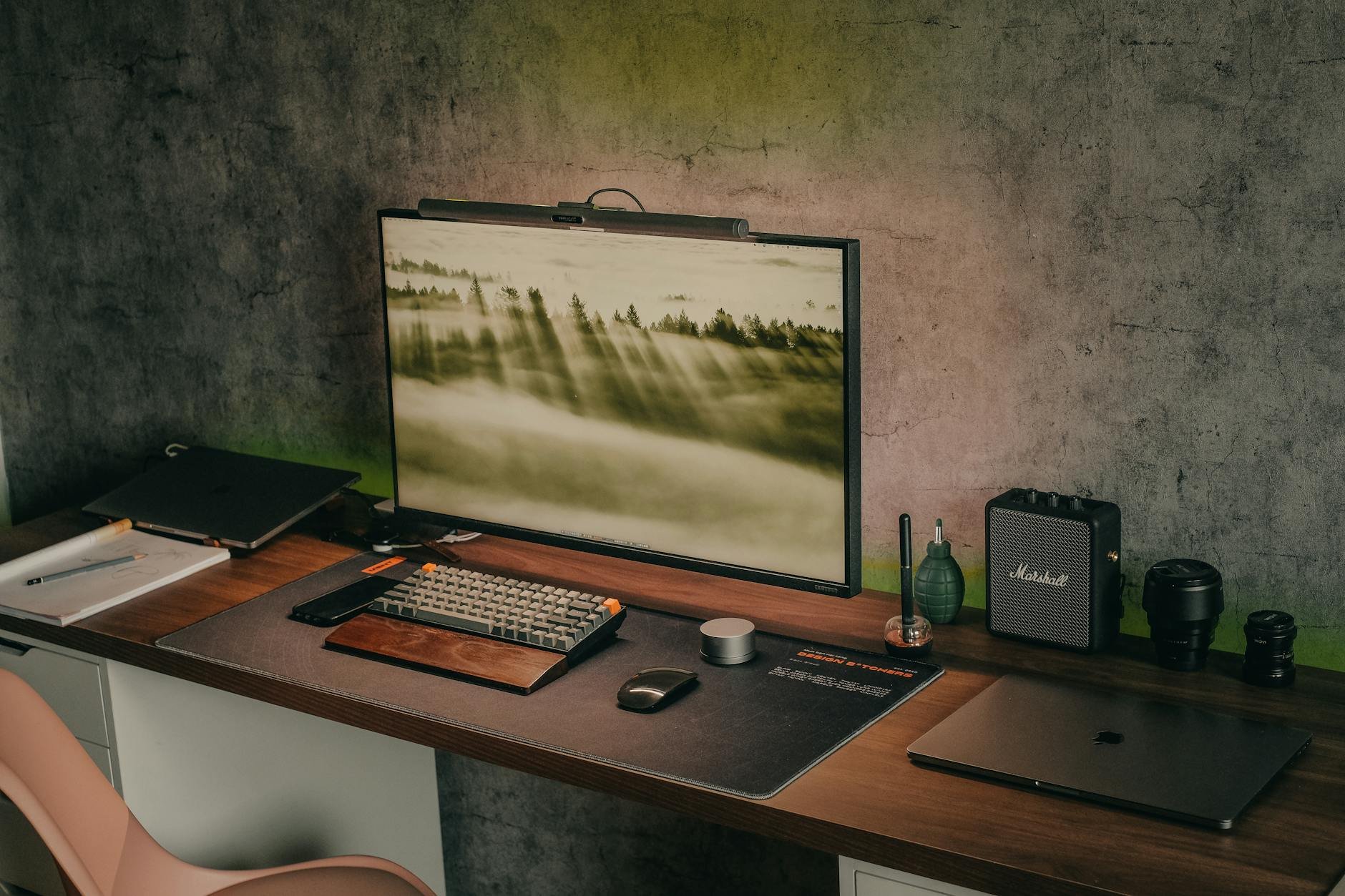
Building a home office in Ghana that supports consistent, professional remote work involves solving problems that standard home office guides from the United States or Europe do not address: erratic power supply, high ambient temperatures that affect electronics, variable internet connectivity, and household environments not designed around quiet working hours.
This guide focuses on what actually matters for remote work productivity in a Ghanaian context, ordered by impact rather than cost.
Priority 1 — Power Reliability
Power interruptions during a client video call, a critical deadline, or a presentation are the most damaging productivity events a Ghanaian remote worker faces. Solving power reliability is the highest-return investment in your home office — more important than your laptop, your chair, or your monitor.
UPS (Uninterruptible Power Supply) — GHS 400–800: Provides 30–90 minutes of power on outage. Enough for laptops and routers. Essential minimum.
Inverter + battery — GHS 1,200–2,500: 4–8 hours of power for a full workstation. Best mid-range solution.
Solar system — GHS 4,000–12,000: All-day power independence. Best long-term investment for consistent remote workers.
A UPS (Uninterruptible Power Supply) is the minimum viable power solution. It does not eliminate the problem but it provides enough time to save work, finish a call, and communicate with clients about the interruption professionally. A UPS protecting your laptop and router costs GHS 400–800 and pays for itself the first time it prevents a missed deadline or a disconnected client call.
Priority 2 — Internet Redundancy
A single internet connection is a single point of failure. Professional remote workers in Ghana maintain two independent data connections: a primary (usually fibre or home broadband) and a backup (a separate mobile SIM on a different network than the primary). When the primary fails — and it will — the backup takes over within seconds.
The key is that the backup must be on a different network operator. An MTN fibre primary with an MTN mobile backup provides no redundancy if MTN has an outage. MTN fibre primary with Vodafone 4G backup covers most scenarios short of complete power loss.
Budget GHS 150–200 per month for a dedicated backup data SIM on a different network. This is a professional expense, not a luxury — a single missed deadline or broken client call can cost more in reputation damage than a year of backup data costs.
Priority 3 — Your Laptop or Computer
For most remote work — software development, writing, design, customer service, project management, virtual assistance — a laptop with 8GB RAM, a solid-state drive (SSD), and a reasonably modern processor (Intel i5/i7 or AMD Ryzen 5/7, within the last 4 years) handles everything. You do not need a GHS 8,000 laptop for knowledge work.
Priority 4 — Audio Quality for Video Calls
Poor audio quality on client calls is the most immediate signal of an unprofessional setup — more damaging than a plain background or a modest workspace. Clients who cannot hear you clearly will question your professionalism before they question anything about your work.
A USB or 3.5mm headset with a dedicated microphone costs GHS 100–300 and immediately resolves most audio issues. The built-in microphone on laptops picks up keyboard noise, fan noise, and ambient room sounds. A headset microphone captures primarily your voice. This single upgrade has an outsized impact on how professional you appear in client interactions.
Priority 5 — Your Physical Environment
The ideal remote work environment is quiet, well-lit (natural light from the side rather than behind or in front of you), and has a dedicated space that signals to household members that you are working. The last element — communicating working hours boundaries — is the most culturally challenging aspect of remote work in Ghana, where household boundaries are fluid and family members do not always understand that working from home means actually working.
• Noise-cancelling headphones (GHS 300–800): Eliminates background noise for both you and your clients
• Door sign or signal system for household: Communicates "on a call" vs "available"
• Scheduling calls during quieter hours: Early morning (6–9am) before household activity peaks
• Virtual backgrounds: Masks an imperfect environment on video calls
The Total Investment
A functional, professional remote work setup in Ghana that solves the core problems — power, internet, audio, heat — can be assembled for GHS 1,500–2,500 assuming you already have a capable laptop. A setup built from scratch including a laptop runs GHS 3,500–5,500. These are one-time investments that support an income stream capable of paying for them within one to three months of consistent remote work.