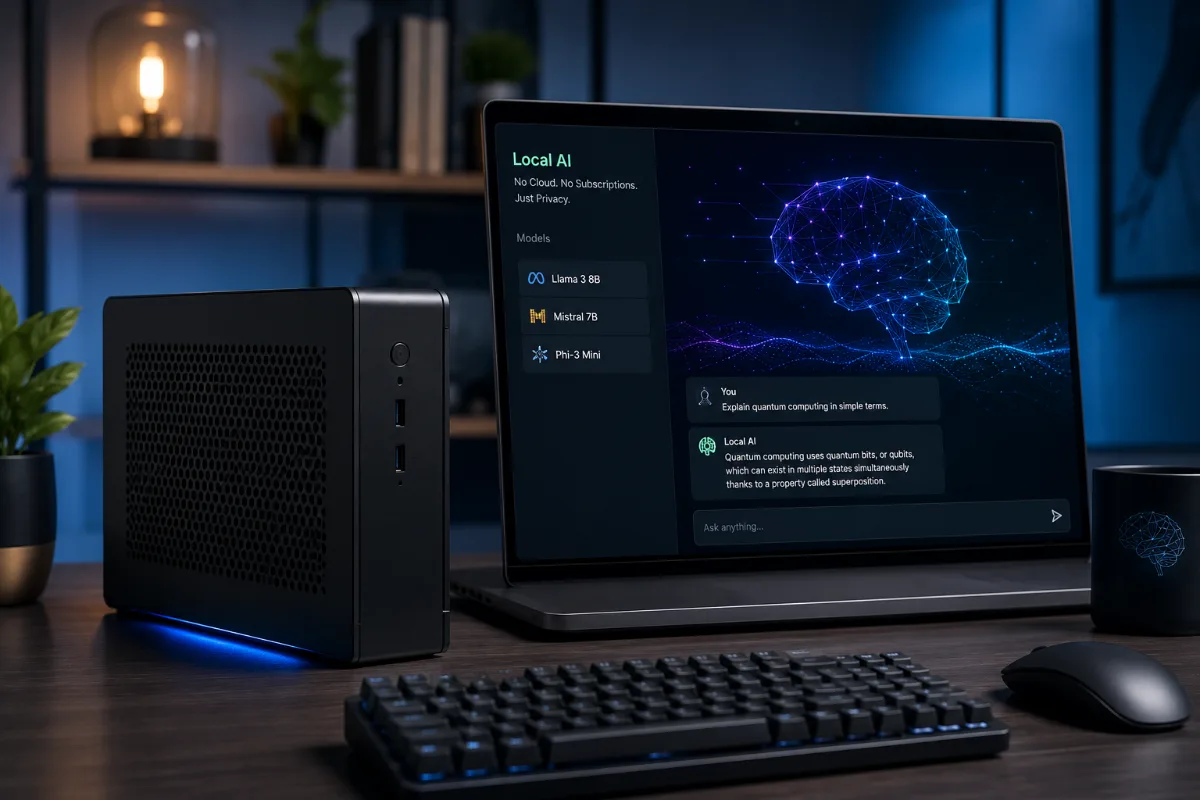
A few months ago I hit my ChatGPT rate limit for the third time in one week and thought — okay, there has to be a better way. Not because I'm cheap (well, maybe a little), but because I was genuinely curious whether I could get comparable results running AI locally, on hardware I already own, without sending every single prompt to some server in Virginia.
Turns out, yes. Absolutely yes. And in 2026, the gap between local models and cloud-hosted ones has gotten surprisingly small for most everyday tasks.
This isn't theoretical. I tested all of this on my own machine — an older AMD Ryzen 9 5900X with a Nvidia RTX 3080 (10GB VRAM) and 32GB of RAM. Not a bleeding-edge setup. Just the kind of thing a lot of people already have sitting under their desk.
Why Run AI Locally in the First Place?
Let me be honest about the real reasons, beyond the "privacy" talking point everyone repeats.
First, yes — privacy is real. When you use ChatGPT or Claude, your prompts can be used to improve the model unless you explicitly opt out (and even then, trust is a matter of faith). If you're working on anything sensitive — client work, personal projects, code with proprietary logic — local models mean that data never leaves your machine.
Second, cost. Claude Pro is $20/month. ChatGPT Plus is $20/month. If you're using both, that's $480/year. Local models are free after the initial setup.
Third, and this one's underrated: you can run them offline. On a plane, in a rural area, wherever. No internet required.
The Two Tools You Actually Need
Before we get to the models themselves, you need to know about two pieces of software. These are what make running local AI actually usable instead of a terminal nightmare.
Ollama — the one I use every day
Ollama (ollama.com) is the easiest way to download and run local models. You install it like any other app, and then you pull models with a single command. It handles all the quantization, VRAM management, and model loading behind the scenes.
On Mac, Linux, or Windows, the setup takes about ten minutes. I spent way too long before discovering this trying to set up llama.cpp manually and I don't recommend that path unless you enjoy pain.
Open WebUI — makes it feel like ChatGPT
Open WebUI (formerly Ollama WebUI) gives you a browser-based interface that honestly looks and feels a lot like ChatGPT. Chat history, multiple model switching, file uploads, code highlighting — it's all there. You run it locally and access it at localhost:3000.
Together, Ollama plus Open WebUI is the combo I'd recommend to basically anyone. It's what I have running on my machine right now.
The Models Worth Running in 2026
There are hundreds of models on Hugging Face. Most of them aren't worth your time. Here are the ones I've actually tested and would recommend for specific use cases.
Llama 3.2 — the everyday workhorse
Meta's Llama 3.2 is where I'd tell most people to start. The 3B and 8B versions run comfortably on machines without a dedicated GPU — even just on CPU with enough RAM, though it'll be slow. The 8B model hits a sweet spot: it's capable enough for writing, summarizing, basic coding help, and Q&A, while being small enough to run on 8GB of VRAM.
On my RTX 3080, the 8B model generates tokens at around 40–60 tokens per second. That's fast enough to feel responsive.
Pull it with: ollama pull llama3.2:8b
Mistral 7B and Mixtral 8x7B
Mistral AI out of Paris has been consistently impressive for their model size. Mistral 7B punches well above its weight on instruction following and code tasks. On the MMLU benchmark (a broad academic knowledge test across 57 subjects), Mistral 7B scores around 64% — not far behind models twice its size.
Mixtral 8x7B is the more powerful sibling — it uses a mixture-of-experts architecture, which means it's technically a 47B parameter model but only activates about 13B parameters at any time. The result is GPT-3.5-level quality with more manageable resource needs. You'll want at least 24GB of VRAM (or a lot of RAM for CPU offloading) to run it comfortably.
Pull it with: ollama pull mixtral:8x7b
Qwen2.5 — surprisingly good for coding
Alibaba's Qwen2.5 series has become one of my go-to picks for coding tasks specifically. The 14B version scores around 72% on HumanEval (a coding benchmark from OpenAI), which is genuinely impressive for a model you can run on a consumer GPU.
If you're a developer using local AI as a code assistant, I'd honestly try Qwen2.5 14B before anything else.
Pull it with: ollama pull qwen2.5:14b
Phi-4 — Microsoft's small model that's actually good
Microsoft released Phi-4 (14B parameters) in late 2024 and it's been a quiet favorite since. It's specifically trained on high-quality synthetic data, and the reasoning quality for its size is remarkable. On GPQA (a graduate-level science reasoning benchmark), Phi-4 outperforms models significantly larger than itself.
It runs well on 10–12GB VRAM and is genuinely one of the best options if you want strong reasoning without a massive model footprint.
Gemma 3 — Google's contribution
Google DeepMind's Gemma 3 models (released in early 2025) are genuinely solid. The 4B version is fast and capable, and the 12B version is one of the better balanced models for general tasks. I use Gemma 3 12B when I'm doing longer document summarization — it handles context well.
Pull it with: ollama pull gemma3:12b
What Hardware Do You Actually Need?
This is where I want to be really specific because most guides are vague here and it's frustrating.
You have a GPU with 8GB VRAM
This covers RTX 3070, RTX 4060, RX 6800, and similar cards. You can comfortably run 7B–8B models fully on the GPU at good speed. Llama 3.2 8B, Mistral 7B, Gemma 3 4B — all solid options. Anything bigger will start spilling into system RAM and slow down significantly.
You have 16–24GB VRAM
RTX 3090, RTX 4080, RTX 4090 territory. This opens up 13B–14B models fully on GPU (Phi-4, Qwen2.5 14B) and partial GPU acceleration for Mixtral 8x7B. You're in a genuinely great spot here.
No dedicated GPU, just CPU and RAM
Totally fine — just slower. With 16GB of RAM you can run 7B models on CPU using Ollama, and it'll generate maybe 3–8 tokens per second. Readable, not fast. With 32GB RAM, you can push up to 13B models.
If you're on an Apple Silicon Mac (M2, M3, M4), you're in a great position. Apple's unified memory architecture means the GPU and CPU share RAM, so an M3 Pro with 18GB of unified memory can run 13B models at really impressive speeds — often faster than an RTX 3080 for these tasks.
"Apple Silicon is secretly one of the best platforms for local AI right now. The memory bandwidth is exceptional and unified memory removes the VRAM bottleneck entirely." — This is just my take after testing on both platforms, but I stand by it.
The Honest Limitations
I want to be upfront here because there's a lot of hype in this space and some of it is overblown.
For complex multi-step reasoning, frontier models like GPT-4o and Claude 3.5 Sonnet are still clearly ahead. If you're doing serious research, analyzing ambiguous legal documents, or writing complex technical specifications, local 7B–14B models will make more mistakes. That's just true.
Context windows are also a real constraint. Many smaller local models handle 4K–8K tokens well, but performance can degrade on very long documents. Gemma 3 and Qwen2.5 handle longer contexts better than most.
And if you're in a region with slower internet, initial model downloads can be a barrier — Mixtral 8x7B is about 26GB. You download it once, but that first download needs a decent connection.
Getting Started in Under 30 Minutes
Here's the actual setup flow I'd recommend:
- Step 1: Download and install Ollama from ollama.com (available for Mac, Windows, Linux)
- Step 2: Open a terminal and run
ollama pull llama3.2:8bto grab your first model - Step 3: Test it immediately with
ollama run llama3.2:8b - Step 4: Install Open WebUI using Docker (
docker run -d -p 3000:8080 --add-host=host.docker.internal:host-gateway ghcr.io/open-webui/open-webui:main) or via pip - Step 5: Open your browser at
localhost:3000and you've got a full ChatGPT-style interface running locally
The Docker command looks intimidating but it's just copy-paste. The Open WebUI GitHub page walks you through it clearly if you get stuck.
One More Thing — AnythingLLM for Documents
If you want to chat with your own documents locally — PDFs, text files, notes — AnythingLLM is worth looking at. It's a free, locally-run app that connects to Ollama as a backend and lets you build a private knowledge base. I use it for research when I have a stack of PDFs I need to query. It's not perfect, but it's genuinely useful and all your documents stay on your machine.
The local AI space in 2026 is moving fast. Models that felt impressive six months ago are now being beaten by newer, smaller, more efficient ones. The core tools — Ollama, Open WebUI — have stabilized enough that the setup you do today will keep working as you swap in newer models.
My honest recommendation: start with Llama 3.2 8B this weekend. See if it handles 80% of what you're currently paying a subscription for. For a lot of people, it will.