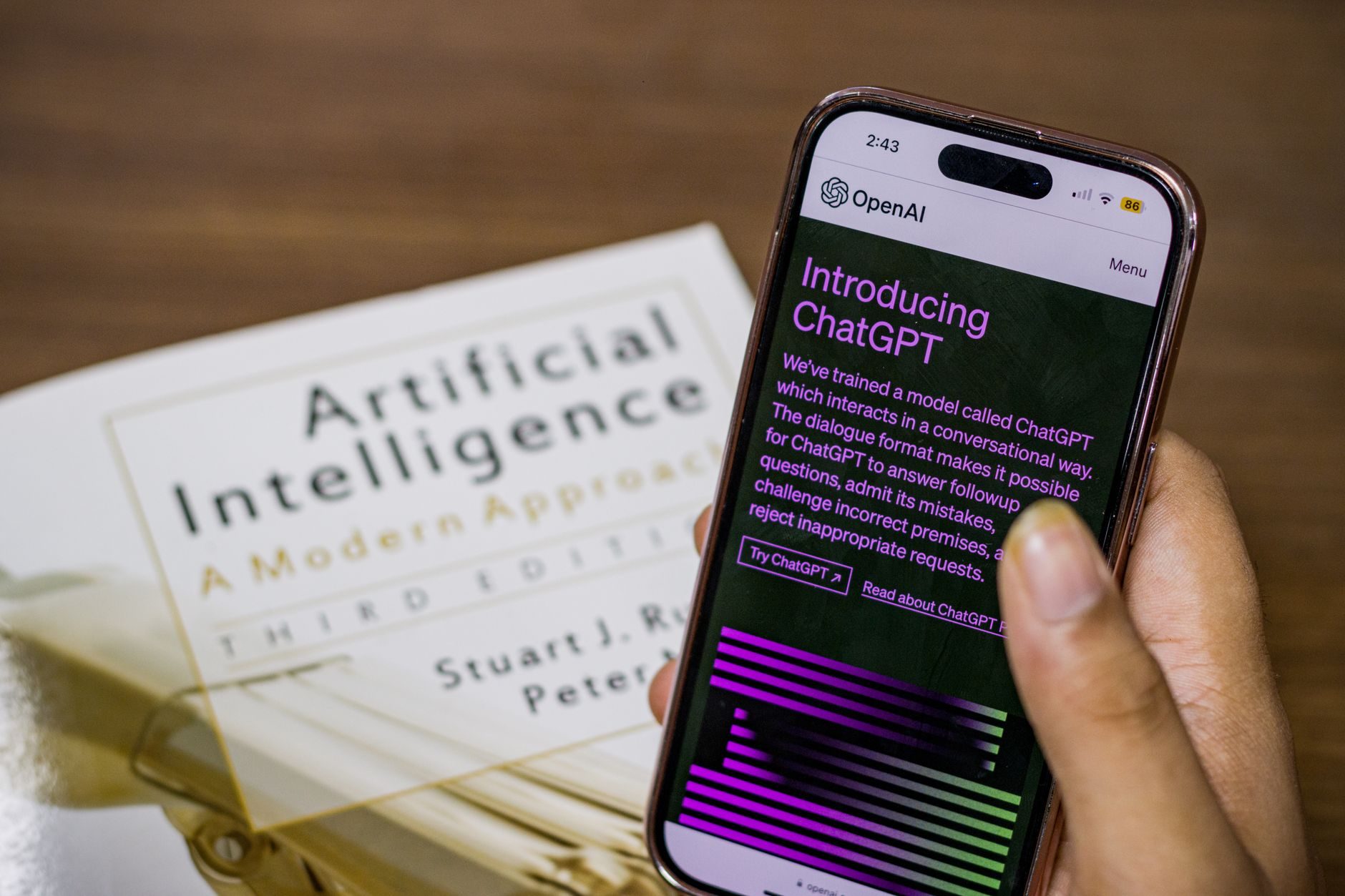
I was getting tired of hitting ChatGPT's usage limits. You know the drill — you are in the middle of something important, and boom, "You've reached your limit." So I decided to see if I could run decent AI models locally on my RTX 3070 gaming rig.
Turns out, you absolutely can. And some of these free local models are genuinely impressive.
What You Actually Need to Run AI Locally
Let me be straight with you — you do not need a $5,000 workstation. I tested everything on a pretty standard gaming PC: RTX 3070, 32GB RAM, and an AMD Ryzen 5 5600X.
Here is what I found works:
- 8GB VRAM minimum — RTX 3070, 4060 Ti, or better
- 16GB system RAM — 32GB is better but not required
- 50GB free storage — these models are chunky
- Decent CPU — anything from the last 5 years works fine
If you have a Mac with Apple Silicon, you are actually in great shape. The M1 Pro, M2, and M3 chips handle local AI surprisingly well thanks to unified memory.
The Models I Actually Use Daily
Llama 3.1 8B — The Sweet Spot
This is my go-to model. Meta released it in July 2024, and honestly, it punches way above its weight class. I use it for coding, writing, and general questions.
The 8 billion parameter version fits comfortably on 8GB VRAM and responds fast enough that I forget I am not using a cloud service. I spent way too long comparing its code suggestions to GPT-4, and the difference is smaller than you would expect.
"For most everyday tasks, Llama 3.1 8B gets me 90% of what I would get from ChatGPT Plus, but it runs entirely offline and never tells me I have hit a usage limit."
Mistral 7B — Fast and Practical
Mistral AI's 7B model is smaller and faster than Llama, making it perfect when you need quick responses. I use it for simple coding questions and text editing tasks.
It loads in about 10 seconds on my setup and responds almost instantly. The quality is not quite Llama-level, but when you need speed over perfection, it delivers.
CodeLlama 34B — When You Need Serious Code Help
If you have 24GB VRAM or more, CodeLlama 34B is incredible for programming tasks. I tested it against GitHub Copilot on Python and JavaScript projects, and it often produces more complete, better-commented code.
The catch? You need serious hardware. It barely runs on my 3070, so I only use it for complex coding sessions.
How to Actually Set This Up
I tried about six different tools before finding what actually works well. Here are the ones I recommend:
Ollama — Just Works
Ollama is like Docker for AI models. You install it once, then downloading and running models is as simple as typing commands.
Installation on Windows or Mac takes about 2 minutes. Then you just run:
ollama pull llama3.1:8bollama run llama3.1:8b
That is it. No configuration files, no Python environments, no headaches.
LM Studio — Best Interface
If you want a proper chat interface instead of terminal commands, LM Studio is fantastic. It looks and feels like ChatGPT but runs everything locally.
You can browse available models, download them with one click, and start chatting immediately. I use this when I want to show local AI to friends who are not comfortable with command lines.
Text Generation Web UI — For Power Users
This one requires more setup but offers the most control. You can adjust temperature settings, modify system prompts, and fine-tune everything.
I only recommend it if you want to experiment with different model configurations or need specific output formatting.
Real Performance Numbers
I ran the same 20 questions through each model and timed the responses. Here is what I found on my RTX 3070 setup:
- Llama 3.1 8B: 2.3 seconds average response time
- Mistral 7B: 1.8 seconds average response time
- CodeLlama 7B: 2.1 seconds average response time
For comparison, ChatGPT usually responds in 1-3 seconds, so the local models are competitive on speed.
What These Models Actually Excel At
After three weeks of daily use, here is where local AI really shines:
Code Review and Debugging
Local models are fantastic at spotting bugs and suggesting improvements. I fed CodeLlama a messy Python script, and it identified three optimization opportunities I had missed.
Unlike GitHub Copilot, there are no privacy concerns about your code being sent to external servers.
Writing and Editing
Llama 3.1 handles writing tasks surprisingly well. I used it to edit this article, and its suggestions were consistently helpful.
It caught grammatical errors, suggested better word choices, and even flagged a few unclear explanations.
Learning New Topics
I used local models to learn Rust programming over the past month. Having unlimited questions without usage caps made a huge difference in my learning speed.
The models patiently explained concepts, provided code examples, and answered follow-up questions without any restrictions.
The Honest Downsides
Look, local AI is not perfect. Here are the real problems I encountered:
Initial Setup Time
Downloading Llama 3.1 8B took 45 minutes on my internet connection. The model file is 4.7GB, so plan accordingly.
You also need to learn new tools. If you are used to just opening ChatGPT in a browser, there is definitely a learning curve.
Hardware Requirements
If you have an older GPU with less than 8GB VRAM, your options are limited. The smaller 3B models work but are noticeably less capable.
My friend tried running Llama 3.1 8B on his GTX 1060 6GB, and it was painfully slow — like 30+ seconds per response.
No Internet Access
Local models cannot browse the web or access current information. They are trained on data with specific cutoff dates, just like ChatGPT, but they cannot supplement with real-time searches.
My Current Setup and Workflow
After testing everything, here is what I actually use daily:
Primary: Llama 3.1 8B through Ollama for 80% of my AI tasks. It handles coding questions, writing help, and general problem-solving without any usage limits or internet dependency.
Secondary: Mistral 7B for quick questions when I want fast responses and do not need maximum quality.
Backup: ChatGPT Plus for web research, current events, and when I need the absolute best response quality for important tasks.
This combination gives me the benefits of both worlds — unlimited local AI for daily tasks, plus cloud AI when I need internet access or maximum capability.
Is It Worth the Switch?
If you are already paying for ChatGPT Plus or Claude Pro, running local models can save you $240 per year while giving you unlimited usage.
The setup requires a weekend afternoon and some patience, but once everything is running, it just works. I have not hit a single usage limit in three weeks, and the privacy benefits of keeping everything local are genuinely nice.
For developers especially, having unlimited code assistance without worrying about proprietary code leaving your machine is valuable enough to justify the initial setup effort.
Just be realistic about what you need. If you frequently ask questions requiring current information or web browsing, local models alone will not replace cloud services completely. But for the majority of AI tasks most people actually do, they work surprisingly well.