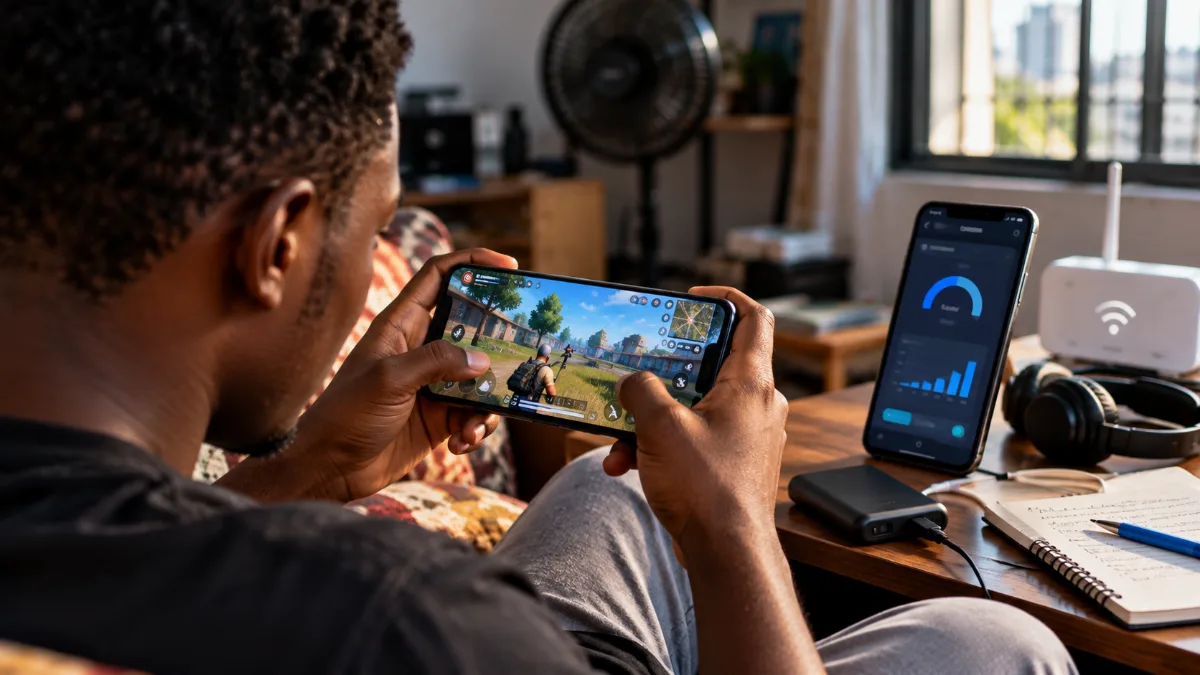
Let's be honest: mobile gaming in Ghana is a bit of a balancing act. The games are right there on your phone, the vibes are right, but then you check your data balance mid-session and suddenly it's a whole different mood.
Data isn't free. And if you're not gaming smart, you're burning through your bundle faster than you think — not just from the game itself, but from updates, ads, background syncing, and all the other stuff your phone does quietly while you're trying to get a win.
This guide breaks down exactly where your data goes when you game, which games are actually worth it on a tight plan, and how to set things up so your GBs last longer.
First, Understand What Gaming Actually Costs in Data
Here's the thing most people get wrong: the gameplay itself isn't really the problem. Typical online mobile gameplay consumes around 3–15 MB per hour in many cases, which sounds tiny. But the genre matters a lot.
MOBA games like Mobile Legends: Bang Bang and Honor of Kings typically consume around 20–30 MB per hour. That's genuinely low. A 1GB bundle could theoretically keep you in Mobile Legends for days of actual play.
Battle royale titles like Call of Duty Mobile and PUBG Mobile are heavier — expect around 50–150 MB per hour. Still not catastrophic on a decent bundle, but it adds up across long sessions.
The real budget killer? Updates are the actual data culprits. A single patch can be 5–20 GB, and if auto-update is switched on, your phone will happily download that at full speed the moment you connect — right through your daytime bundle.
The Offline Game Option: Zero Data During Play
Once downloaded, offline games don't require an internet connection, so they use virtually no data during play. That's the cleanest solution for anyone on a tight plan.
The good news is that some of the best mobile games in 2026 run completely offline. Here's what's worth your storage space:
Games That Don't Need Data Once Downloaded
Stardew Valley — farming, crafting, exploration. It's a massively packed game bundled into a compact size, aimed at players who prefer calming, slow gameplay — and it runs completely offline. It's available on Android and iOS.
Vampire Survivors — fully offline and around 100 MB in size, Vampire Survivors is one of the most ridiculously fun offline mobile games you can get. It's also free with optional in-app purchases.
Alto's Odyssey — the gameplay is simple but satisfying, playable in short sessions, never stressful, and works perfectly without internet. Good for commutes on the trotro.
Shadow Fight 2 — runs well on devices with as little as 1GB RAM, which makes it practical for the budget Android phones most Ghanaians actually use. Offline combat, no data required after download.
Unciv — one of the best offline strategy games for low-end Android devices, inspired by Civilization, letting you build empires and expand across maps without needing powerful hardware or internet. And it's free.
Data Wing — a stylish racing game with neon visuals, smooth controls, and minimalist design — perfect for short offline sessions. Also free. Genuinely underrated.
If You Play Online: Pick Your Games Wisely
If you're not going full offline, then the genre of game you pick changes everything about how fast your data disappears.
Clash of Clans uses around 2–5 MB per hour — almost nothing. You can play for hours on a small bundle and barely notice it. Same story with turn-based strategy titles.
Pokémon GO uses around 10–20 MB per hour — low for an AR game, though the GPS drain on your battery is a different conversation.
Genshin Impact sits at around 100–150 MB per hour — that's on the heavy end. Beautiful game, but budget your data accordingly. An hour a day of Genshin can burn through a few GBs a week before you've even counted updates.
"Mobile gaming does not really use as much data as you think. What most people do not realise is that the hidden factors — auto-updates, background syncing, in-game ads — are where the data actually goes." — Dito.ph mobile data guide
The Bundle Strategy: Which Network Makes Sense for Gaming?
This part matters more than most people think. On MTN, Telecel, and AT (AirtelTigo), the price per GB swings wildly depending on what bundle you buy and when.
Monthly bundles deliver the lowest per-GB rate across all three telcos (as of April 2026), so if you can commit to buying in bulk, you pay less per GB overall.
Specifically: monthly data bundle offerings range from GHS 10 for 1GB to GHS 899 for 500GB (April 2026), with per-GB costs that vary by up to 400% depending on the package size and telco. That 400% gap is real — buying a tiny daily bundle is genuinely expensive per GB.
For gamers on a tight budget, the night bundle angle is worth knowing. If you download games or updates, a night bundle (valid 12 AM to 5 AM) costs GHS 17–20 for 10 GB (April 2026), while 10 GB of daytime data costs GHS 50–60. That's a huge saving just for shifting your downloads to after midnight. (Prices as of October 2026; confirm current pricing before you buy.)
Telecel's night bundle at GHS 10 for 10 GB (April 2026) is the strongest deal in the night tier. MTN and AT have comparable options — dial their USSD codes to check what's current on your network.
Watch Out for Auto-Renewal
This one trips a lot of people up. MTN's weekly bundles auto-renew unless you dial *138*2# and select "Stop Auto-Renewal" — if you don't opt out, MTN deducts from your balance automatically. Check your network's specific code. Telecel and AT have similar opt-out processes.
Practical Settings to Cut Data Use Right Now
Your phone is doing things in the background you're not watching. Here's how to stop it from eating your gaming data.
Turn Off Auto-Updates (Seriously)
On Android: go to Play Store → Profile → Settings → Network Preferences → Auto-update apps and set it to "Over Wi-Fi only" or "Don't auto-update apps." This one change alone can save gigabytes a month.
Then manually update your games when you're on Wi-Fi — at an office, a hotel lobby, or at someone's house. There's a reason your friend's trotro ride always ends with an empty data balance.
Restrict Background Data Per App
Go to Settings → Apps → [Game Name] → Data Usage and toggle off Background data. This stops the app from syncing, fetching ads, or checking servers when you're not actively playing. It won't affect your actual gameplay, just the quiet drain.
Download Content Over Wi-Fi
Many games — Genshin Impact, COD Mobile, and others — prompt you to download additional content packs after installation. Always wait until you're on Wi-Fi for these. The initial APK from the Play Store is one thing; the 2 GB asset pack it wants to download right after is another.
Check Your Data Usage in Real Time
On Android, go to Settings → Network → Data Usage. It shows you exactly which apps have used what over the current billing period. Sort by highest usage and you'll usually find the culprit fast — sometimes it's not even the game, it's the Google Play Services or a social media app running in the background.
Comparing Online vs. Offline: The Honest Take
Look, online multiplayer is more fun with friends. Mobile Legends at midnight with your crew is a different thing from playing Stardew Valley alone. Nobody's arguing that.
But the data math is real. Mobile Legends uses around 20–30 MB per hour during actual matches — that's manageable even on a small bundle. Where it gets expensive is the updates, the event downloads, the seasonal content patches.
The smarter move is a hybrid approach: keep one or two offline games installed for when your bundle is low, and save online sessions for when you've got a fresh weekly or monthly plan. Titles like Asphalt Nitro, Soul Knight, and Stardew Valley deliver stable gameplay without causing serious heating or lag issues on budget Android phones — so you're not sacrificing experience to save data.
And if you're on a GHS 5 or GHS 10 daily bundle? Stick to offline that day. It's not worth burning half your allowance on a single COD Mobile session and then watching ads to survive until midnight.
The point isn't to stop gaming. It's to game in a way that doesn't leave you broke and data-less by Wednesday every week. Set up the phone properly, pick the right bundle tier, use night data for downloads — and your GBs will go a lot further than they currently do.
Sources
- JBKlutse: MTN vs Telecel Data — Which Telco Is Best in Ghana (2026)
- JBKlutse: Monthly Data Bundles Ghana — MTN vs Telecel vs AirtelTigo 2026
- JBKlutse: Cheapest Data Bundle in Ghana This Month (2026)
- JBKlutse: Best Data Bundle Ghana — MTN vs Telecel vs AirtelTigo 2026
- JBKlutse: Daily Data Bundles Ghana 2026
- Jetpac Global: How Much Data Does Gaming Use on Mobile, PC & Console
- Dito.ph: How Much Mobile Data for Gaming Is Used in a Month
- ZimConnections: How Much Data Does Gaming Use?
- SpeedNetLTE: How Much Data Do the Most Popular Games Consume?
- PixPulse: Best Mobile Games for Low-End Phones (No Lag & Offline) 2026
- PhoneYear: 15 Best Offline Android Games in 2026