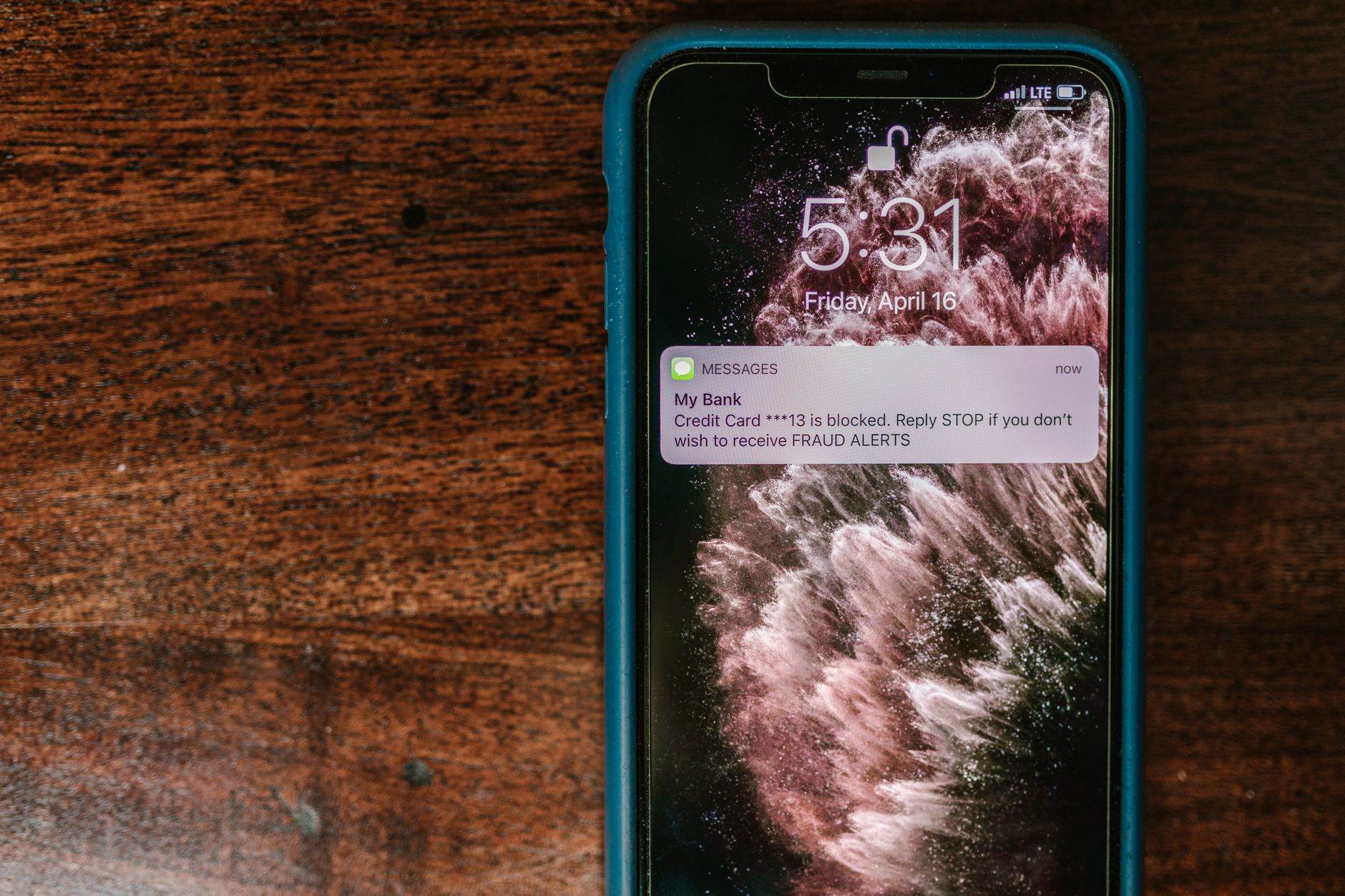
I get a lot of messages from readers asking about this topic, and honestly, it keeps me up at night sometimes. Your phone holds everything about you – where you sleep, who you text at 2am, that embarrassing thing you googled last week.
So what happens when someone else gets access to all of that?
I've been researching this for months, and the numbers are scary: 1 in 4 people have had their phone monitored without knowing it. We're not talking about high-profile targets here – this happens to regular people. Ex-partners, controlling family members, sketchy employers, random creeps – they're all using the same cheap tools to spy on phones.
The thing is, when someone's watching your phone, it leaves traces. I'm going to show you exactly what to look for.
Phone Surveillance Is Way More Common Than You Think
I used to think phone spying was some CSI-level stuff. Turns out I was completely wrong.
Apps like mSpy, FlexiSpy, and Spyzie cost around $30 a month and work exactly like they show in the ads. No hacking skills needed – just 5 minutes alone with your phone. They can track everywhere you go, read every message, listen to calls, even turn on your camera remotely.
After talking to security researchers across different countries, I learned this problem is massive. In parts of Africa and Asia, families use these apps to control each other. In Latin America, domestic abusers rely on them. Everywhere else, employers are crossing lines they shouldn't cross.
Your phone could be compromised right now. Here's how to find out.
Warning Sign #1: Your Battery Dies Way Faster
Spyware is basically a parasite that never sleeps. It's constantly running, recording, and uploading your data to someone else's server.
I tested this myself with a deliberately infected test phone – battery life dropped by about 40% overnight. This isn't gradual battery aging over months. This is sudden, dramatic change.
Here's what I do to check:
On iPhone:
- 1. Go to Settings > Battery
- 2. Look at "Battery Usage by App"
- 3. Check if any unknown apps are consuming significant power
- 4. Pay attention to apps running in the background that you don't recognize
On Android:
- 1. Open Settings > Battery > Battery Usage
- 2. Look for apps you didn't install consuming high battery
- 3. Check "Background App Refresh" for suspicious activity
Something I learned: Normal system processes rarely use more than 5-10% of your battery. Unknown apps eating 15% or more? That's a problem.
Warning Sign #2: Apps Show Up (Or Vanish)
Spyware loves to cosplay as boring, innocent apps. I've seen it disguise itself as calculators, note apps, system utilities – stuff you might install and forget about.
The really advanced stuff can hide completely from your app list, which honestly surprised me when I first learned about it.
- - Apps with generic names like "System Update," "Device Health," or "Security"
- - Calculator apps you don't remember downloading (super common disguise)
- - Apps that refuse to uninstall or keep coming back
- - Apps that used to be visible but aren't anymore
My Quick Detection Method:
iPhone users:
- 1. Go to Settings > General > iPhone Storage
- 2. Scroll through every single app listed
- 3. Tap anything unfamiliar and check when it was last used
Android users:
- 1. Go to Settings > Apps or Application Manager
- 2. Tap "Show system apps" or the three-dot menu
- 3. Look for suspicious apps with vague names
- 4. Check permissions – spyware always wants camera, microphone, and location access
Warning Sign #3: Your Phone Runs Hot for No Reason
I spent way too long testing this, but spyware makes phones work overtime. All that recording, processing, and transmitting creates heat.
If your phone feels warm when you're just texting or sitting idle, something's wrong. This is especially weird if it happens when you're not gaming, charging, or using heavy apps.
Quick test I use: Put your phone on a cool surface for 10 minutes. Still warm with nothing running? Time to investigate.
Warning Sign #4: Data Usage Goes Crazy
Spyware has to send your stuff somewhere – photos, messages, location data, call logs. That takes bandwidth, and lots of it.
I monitor my data usage religiously now, and sudden spikes without changing my habits would be an instant red flag.
How I Check Data Usage:
iPhone:
- 1. Settings > Cellular or Mobile Data
- 2. Scroll down to see data usage by app
- 3. Look for apps using data that you rarely open
- 4. Check "System Services" at the bottom for unusual activity
Android:
- 1. Settings > Network & Internet > Data Usage
- 2. Review apps consuming the most data
- 3. Look for background data usage by unknown apps
In places where data is expensive, this is often the first thing people notice.
Something that works: Reset your data usage stats and watch for 24 hours. Any app using over 100MB without you actively using it deserves a closer look.
Warning Sign #5: Phone Calls Sound Weird
Call recording messes with audio quality in detectable ways.
I tell people to watch for:
- - Echo, static, or random clicking during calls
- - Calls dropping more than usual
- - Background noise that wasn't there before
- - Your voice sounding distant to other people
- - Calls that connect before you hit "answer"
This happens a lot with cheaper spyware that isn't well-made.
Warning Sign #6: Messages Act Strange
Spyware often intercepts your texts before you see them, which creates weird behavior.
Things that would freak me out:
- - Messages showing as "read" when I haven't opened them
- - Text notifications coming in late
- - Messages disappearing from my inbox
- - People responding to texts I never sent
- - Friends mentioning messages I "sent" but didn't
Pro tip: Ask close friends if they've gotten any strange messages from you. Compromised phones often send malicious links to your contacts.
Warning Sign #7: Settings Change on Their Own
Spyware needs permissions to work, so sometimes it just changes settings to get more access.
I check for:
- - Location services turning on automatically
- - Unknown apps suddenly having camera/microphone access
- - Developer options enabled (Android)
- - "Allow installation from unknown sources" turned on
- - Screen lock settings changed
- - Backup settings modified
How to Check Your Phone Right Now
Ready to play detective? Here's my systematic approach to checking devices.
My 5-Minute iPhone Security Check
- 1. Look for jailbreaking signs: Apps like Cydia, SBSettings, or Icy. If they're there and you didn't jailbreak, someone else did.
- 2. Check installed profiles: Settings > General > VPN & Device Management. Delete anything you don't recognize.
- 3. Audit location sharing: Settings > Privacy & Security > Location Services > Share My Location. Remove anyone who shouldn't be there.
- 4. Review Screen Time: Settings > Screen Time. If it's disabled and you turned it on, someone might have disabled it to hide their tracks.
My 10-Minute Android Investigation
- 1. Enable Developer Options: Settings > About Phone > tap "Build Number" 7 times. Then check Settings > Developer Options for "USB Debugging" – turn it off if it's on.
- 2. Check Device Administrators: Settings > Security > Device Admin Apps. Remove anything suspicious.
- 3. Review Accessibility Services: Settings > Accessibility. Malware loves abusing these permissions.
- 4. Run Malwarebytes Mobile Security: Download from Google Play Store and do a full scan.
Advanced Detection: Network Traffic Monitoring
For people who want to go deeper, I recommend monitoring what your phone is actually transmitting.
What you need:
- - Wireshark (free computer software)
- - Your home WiFi network
- - About 30 minutes
My process:
- 1. Connect your phone to WiFi
- 2. Use Wireshark on your computer to monitor network traffic
- 3. Look for connections to servers you don't recognize, especially international IP addresses
- 4. Watch for regular data transmissions every few minutes
This works anywhere in the world and doesn't depend on your phone's security features, which might already be compromised.
What I'd Do If I Found Spyware
First rule: Don't panic or confront anyone yet. This requires strategy.
Step 1: Document Everything
- - Screenshot suspicious apps and settings
- - Note weird behavior patterns
- - Save evidence of data usage spikes
- - Think about who's had physical access to your phone
Step 2: Handle Safety First
If this might be domestic abuse or stalking:
- - Use a different device to get help
- - Contact authorities or support organizations
- - Don't immediately change your phone behavior (might tip off the spy)
Step 3: Clean Your Phone
Nuclear option (what I'd probably do):
- - Backup essential data to a clean device
- - Factory reset your phone
- - Restore only verified, clean data
- - Change all passwords from a different device
Surgical option (if reset isn't possible):
- - Uninstall suspicious apps
- - Revoke unnecessary app permissions
- - Update your operating system
- - Install good security software
How to Prevent This From Ever Happening
Prevention beats detection every time.
Physical Security Rules I Follow
- 1. Never leave my phone unattended with people I don't completely trust
- 2. Strong screen lock always – biometrics plus PIN/password
- 3. Never share unlock codes with anyone, period
- 4. Be suspicious if someone wants to "borrow" my phone for more than 2-3 minutes
Digital Security Habits
- 1. Only official app stores (Google Play, App Store)
- 2. Read app permissions carefully before installing anything
- 3. Keep OS updated – security patches matter
- 4. Two-factor authentication on important accounts
- 5. Monthly security audits – check installed apps regularly
Looking ahead: AI-powered spyware is getting scary good. If you're high-risk, consider privacy-focused phones like GrapheneOS or CalyxOS.
The Legal Reality (Know Your Rights)
Phone spying laws are all over the place depending on where you live.
Usually illegal everywhere:
- - Installing spyware on someone else's phone without consent
- - Monitoring adults without their knowledge
- - Using spyware for stalking or harassment
Gray areas:
- - Parents monitoring minor children's phones
- - Employers monitoring company-owned devices
- - Monitoring with explicit consent
If you find unauthorized spyware, you probably have legal options. Document everything and talk to local authorities or lawyers.
Who Might Be Spying (Reality Check)
Sometimes it's obvious, sometimes it isn't.
High-risk scenarios:
- - Recent breakups or divorces
- - Controlling partners or family members
- - Employers in sensitive industries
- - Countries with heavy surveillance
- - Public WiFi in cafes, airports, hotels
- - "Free" phone deals that seem too good to be true
Key insight: The person spying on you usually has or had physical access to your device. Think about who's been alone with your phone recently.
Emergency Resources
If phone surveillance is part of abuse or stalking:
Global Resources:
- - UN Women helpline finder: https://www.unwomen.org
- - Local domestic violence hotlines
- - Cybersecurity organizations in your country
- - Legal aid societies
Tech-specific help:
- - Coalition Against Stalkerware: https://stopstalkerware.org
- - Electronic Frontier Foundation: https://www.eff.org
- - Your phone manufacturer's security team
Trust Your Gut
Your phone shouldn't feel like a black box.
If something feels off – battery, performance, data usage, or just intuition – investigate immediately. Better to be paranoid than surveilled.
Modern spyware is sophisticated, but it's not invisible. It uses resources, changes behavior, and leaves digital fingerprints you can find.
Your privacy matters. Your digital freedom matters. Don't let anyone take that from you.
Disclaimer: This is educational content. Phone monitoring laws vary by location. If you're in immediate danger, contact emergency services. When in doubt, consult legal professionals.
The best defense against phone spying is never giving someone the chance to install it – because once someone has access to your digital life, getting that privacy back is nearly impossible.