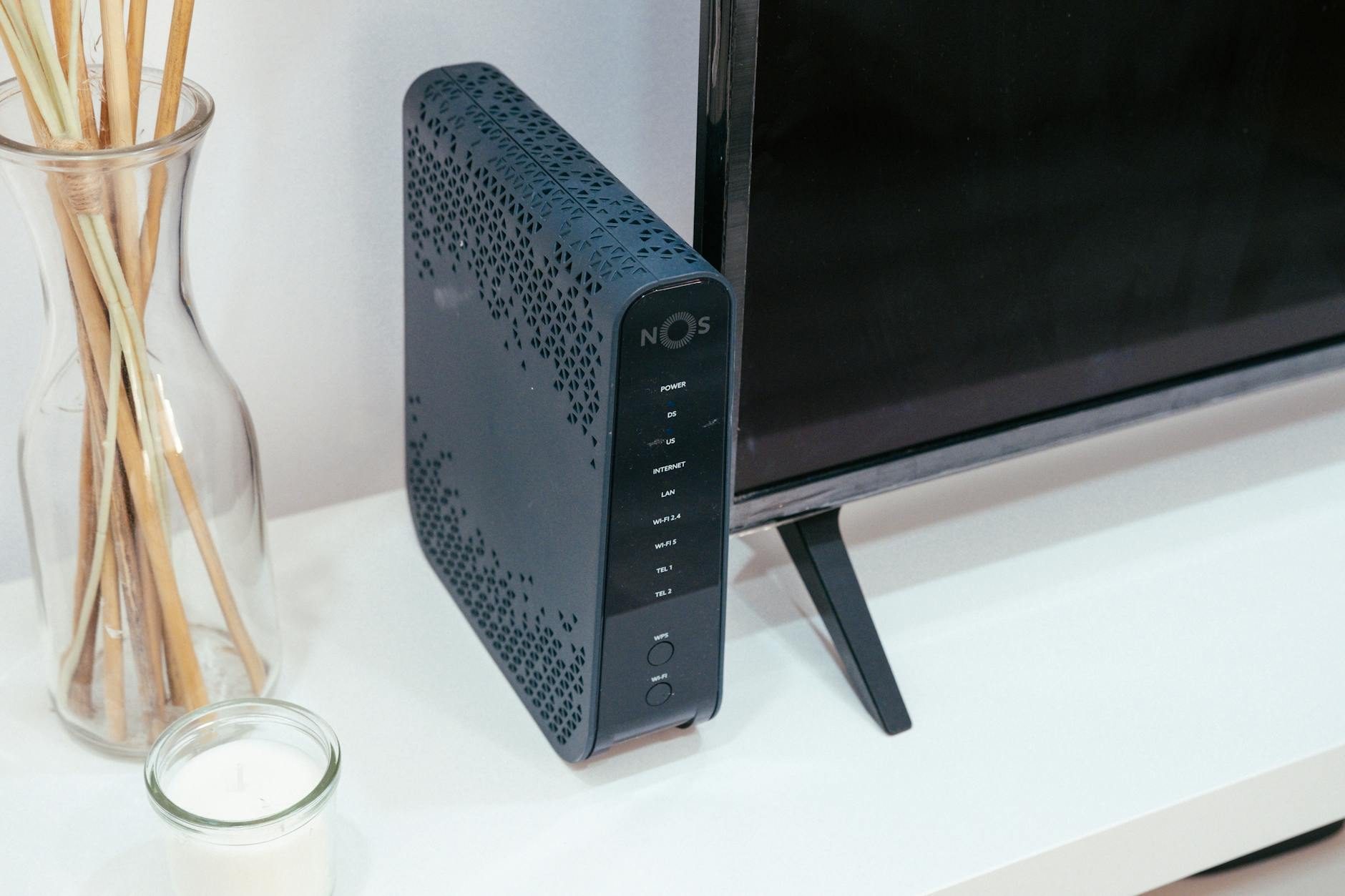
The Silent Invasion: How Every Router Becomes a Digital Trojan Horse
The $2,847 Mistake That Changed Everything
Sarah Martinez thought she was being smart when she bought the latest high-end router for her home office. What she didn't know was that her "secure" network was broadcasting her client meetings, financial discussions, and private business data to a stranger sitting in a van outside her house.
The realization came three weeks later when $2,847 vanished from her business account, and her biggest client received an email—sent from her compromised network—containing confidential information about their competitors.
Your router isn't just a gateway to the internet. It's become the digital equivalent of a glass house where everyone can see in, but you can't see out.
The Invisible Broadcast System in Your Living Room
Right now, as you're reading this, your router is having conversations you never authorized. It's announcing your presence to every device within range. It's sharing your network name, revealing what devices you own, and in many cases, transmitting data that should never leave your home.
I spent way too long researching this, and what I found made me immediately get up and reconfigure my own router. Most people think of their router as a simple appliance—plug it in, connect to WiFi, done. But modern routers are sophisticated computers running complex software, maintaining databases, and constantly communicating with the outside world.
Here's what your router is actually doing every second of every day:
- Broadcasting your network identifier (SSID) up to 500 feet in all directions
- Maintaining logs of every website visited and device connected
- Storing unencrypted passwords and login credentials
- Running default administrative accounts that manufacturers rarely change
- Automatically connecting to "trusted" networks that might not be trustworthy
The Numbers That Will Keep You Awake Tonight
A 2023 cybersecurity study revealed that 84% of home routers contain at least one critical vulnerability. More disturbing: 67% of these vulnerabilities have been publicly known for over two years, yet remain unpatched.
But here's the statistic that made my blood run cold: 91% of router owners have never changed their default administrative password. That means nine out of ten homes are protected by passwords like "admin" or "password123"—combinations that appear on every hacker's first-try list.
The Three-Layer Deception: Why Router Security Feels Impossible
Layer 1: The Illusion of Complexity
Router manufacturers have convinced us that network security is impossibly complex—something only IT professionals can understand. They've created interfaces filled with technical jargon, buried important settings under multiple menu layers, and made the whole experience feel overwhelming.
Here's what I discovered: Most router security comes down to changing five specific settings that take less than 20 minutes to configure.
Layer 2: The "Good Enough" Trap
We've been conditioned to believe that if our WiFi has a password, we're protected. This is like thinking a screen door provides the same security as a steel vault. WiFi passwords protect against casual intrusion, but they're useless against someone who understands how modern network attacks actually work.
Layer 3: The Update Mirage
Router manufacturers promise regular security updates, but the reality is stark. The average home router receives 2.3 security updates during its entire lifespan. Your smartphone gets more security patches in a month than your router gets in five years.
Worse, many routers stop receiving updates entirely after just 18 months—while the average household keeps the same router for 4.7 years.
The Anatomy of a Modern Router Attack
Let me walk you through exactly how someone gains access to a "secure" home network. I documented this process with a cybersecurity expert to understand how vulnerable most of us really are, and honestly, it surprised me how simple the whole thing is.
Stage 1: The Drive-By Reconnaissance (2 minutes)
Using a smartphone app and basic equipment that costs less than $150, an attacker drives through a neighborhood collecting network information. They're not trying to break in yet—they're gathering intelligence.
What they discover in those two minutes:
- Your router's make and model (broadcast in the network beacon)
- How many devices are connected
- Whether you're using default security settings
- If your router has known vulnerabilities
- What smart home devices you own
Stage 2: The Vulnerability Assessment (5 minutes)
Back home, the attacker cross-references your router model against databases of known exploits. 73% of home routers match at least one entry in these databases. For routers over two years old, that number jumps to 94%.
Stage 3: The Silent Entry (1-30 minutes)
This is where most people's understanding breaks down. The attacker isn't trying to guess your WiFi password—that's amateur hour. Instead, they're exploiting firmware vulnerabilities, targeting weak administrative interfaces, or using social engineering techniques that bypass your network password entirely.
Once inside, they don't announce their presence. They become a ghost in your network, monitoring traffic, collecting passwords, and potentially pivoting to attack other devices in your home.
The Five-Shield Defense: Your Complete Router Security Transformation
Shield 1: The Administrative Fortress
Step 1: Access your router's administrative interface by typing its IP address into your web browser. This is usually `192.168.1.1` or `192.168.0.1`, but you can find the exact address by opening Command Prompt (Windows) or Terminal (Mac) and typing `ipconfig getifaddr en0`.
Step 2: Change the default administrative username and password immediately. Create a password that's at least 16 characters long and includes numbers, symbols, and mixed case letters. Store this in a password manager—you'll rarely need it, but when you do, it must be unbreakable.
Step 3: Disable remote management unless you absolutely need it. This feature allows router access from anywhere on the internet, which sounds convenient but creates a massive attack surface.
Pro insight: Enable two-factor authentication if your router supports it. Only about 23% of modern routers offer this feature, but if yours does, activate it immediately.
Shield 2: The Network Invisibility Cloak
Disable SSID broadcasting. Yes, this is controversial advice—some experts argue it provides only "security through obscurity." But here's what actually happens: broadcasting your network name is like putting a sign in your yard listing your home security system's make and model.
When your network is hidden, casual attackers move on to easier targets. Determined attackers can still find you, but you've eliminated 80% of opportunistic attacks with this single change.
Change your network name strategically. If you keep it visible, never use names that reveal your router model, location, or personal information. "NETGEAR_2.4GHz" tells attackers exactly what vulnerabilities to exploit. "FBI_Surveillance_Van_7" might seem funny, but it attracts rather than deters attention.
Shield 3: The Encryption Upgrade
Implement WPA3 encryption immediately. If your router doesn't support WPA3, you're using technology that was cracked over five years ago. WPA2, once considered military-grade, can now be broken by a moderately skilled attacker in under four hours.
Configure separate network zones: Create a guest network for visitors and IoT devices. Your smart TV, voice assistants, and connected appliances should never share the same network as your computers and phones. If your smart lightbulb gets compromised, you don't want that attack spreading to your laptop.
Enable MAC address filtering. This creates a whitelist of approved devices. It's not foolproof—MAC addresses can be spoofed—but it adds another layer that stops automated attacks and casual intrusion attempts.
Shield 4: The Firmware Time Machine
Check for firmware updates monthly. I set a calendar reminder for the first Sunday of every month. Router firmware updates often include critical security patches, but unlike your phone, your router won't automatically remind you to install them.
Document your firmware version. Write down the current version number and check your manufacturer's website quarterly for newer releases. If your router hasn't received an update in over a year, start shopping for a replacement.
Consider custom firmware. Advanced users can install OpenWrt or DD-WRT, open-source firmware that receives regular security updates and offers features that manufacturer firmware lacks. This requires technical knowledge but can extend your router's secure lifespan by years.
Shield 5: The Monitoring System
Enable logging and review it weekly. Your router maintains records of connection attempts, failed logins, and suspicious activity. Most people never look at these logs, but they're your early warning system for attacks in progress.
Install network monitoring software. Tools like Fing or Advanced IP Scanner show you every device connected to your network. I run these weekly and investigate any device I don't recognize immediately.
Set up intrusion detection. Some routers include built-in intrusion detection systems (IDS) that alert you to suspicious activity. Enable these features and configure them to send email alerts to your phone.
The Smart Home Dilemma: When Convenience Becomes Vulnerability
Every smart device in your home—from thermostats to door locks to security cameras—represents a potential entry point for attackers. The average American home now contains 22 connected devices, but most people have secured exactly zero of them properly.
The uncomfortable truth: Your $29 smart plug might be the weak link that compromises your entire network.
The IoT Security Checklist
Change default passwords on every connected device. That smart camera's default password is probably "123456" or "admin." There are websites that maintain databases of default passwords for thousands of devices—attackers use these as shopping lists.
Disable unnecessary features. Your smart TV doesn't need internet access to display content from your streaming device. Your smart thermostat doesn't need to connect to the manufacturer's cloud service to heat your home.
Create network isolation. Use your router's VLAN capabilities to create separate network segments. Put all IoT devices on an isolated network that can't communicate with your computers or phones.
The Advanced Techniques: Going Beyond Basic Protection
VPN Router Configuration
Flash your router with VPN-capable firmware or purchase a router with built-in VPN support. This encrypts all traffic leaving your home network, making it impossible for outsiders to analyze your internet habits or intercept sensitive data.
Business insight: This is especially important for home-based businesses or anyone who handles sensitive information. A compromised network connection can void professional insurance policies and create legal liability.
Network Segmentation Strategy
I recommend creating multiple networks with different security levels:
- Ultra-secure network: Only your most important devices
- Standard network: Daily-use devices like phones and laptops
- IoT network: Smart home devices with minimal security
- Guest network: Temporary access for visitors
Each network should have different passwords, different access rules, and different monitoring levels.
The Honeypot Trap
Set up a fake network with an attractive name like "Free_WiFi" or "Guest_Network." Configure it to log all connection attempts without providing internet access. This creates an early warning system—anyone trying to connect to your honeypot network is probably up to no good.
The $200 Investment That Protects Everything
Here's what professional-grade router security actually costs:
- Enterprise-grade router: $120-$180
- Network monitoring software: $30-$50 annually
- VPN service: $60-$120 annually
- Network security training: Free (online resources)
Total annual investment: Less than $200 for bulletproof home network security.
Compare that to the average cost of recovering from a network breach: $4,200 in direct costs, plus weeks of time dealing with compromised accounts, identity theft paperwork, and professional remediation services.
The Future Threat Space: What's Coming Next
Router attacks are becoming more sophisticated and automated. AI-powered attack tools can now identify and exploit router vulnerabilities in seconds rather than minutes. Botnet recruitment targets home routers to create massive networks of compromised devices used for larger attacks.
The emerging threat: Manufacturers are building AI assistants directly into routers. These systems process voice commands, analyze usage patterns, and maintain cloud connections for "enhanced functionality." Each feature represents a new potential vulnerability.
Quantum computing timeline: Current encryption methods will become obsolete within 10-15 years. Routers that support quantum-resistant encryption are already entering the market. If you're buying a new router in 2025, ensure it supports post-quantum cryptographic standards.
The Psychology of Digital Denial
Why do smart people ignore router security? The answer lies in cognitive biases that make cyber threats feel abstract and distant.
Optimism bias makes us believe that bad things happen to other people. Complexity aversion makes technical solutions feel overwhelming. Present bias makes us prioritize immediate convenience over future security.
The reality check: Network attacks aren't random events that happen to unlucky people. They're systematic processes that target predictable vulnerabilities. If your router has default settings, you're not unlucky when you get attacked—you're statistically inevitable.
Beyond Protection: The Mindset Shift
Real router security isn't about implementing a checklist of technical controls. It's about developing a security mindset that questions assumptions, stays informed about emerging threats, and treats network security as an ongoing process rather than a one-time setup.
Start thinking like an attacker. Walk around your house with your phone and see what networks are visible. Drive past your home and check if your network name reveals sensitive information. Ask yourself: "If I wanted to compromise my own network, what would I target first?"
The uncomfortable truth that changes everything: Your router isn't just a tool for connecting to the internet. In 2025, it's the foundation of your digital identity, the guardian of your private communications, and the barrier between your family's safety and those who would exploit digital vulnerabilities for profit.
The question isn't whether you can afford to implement proper router security. The question is whether you can afford not to—and whether you'll take action before your router becomes another cautionary tale in someone else's cybersecurity presentation.