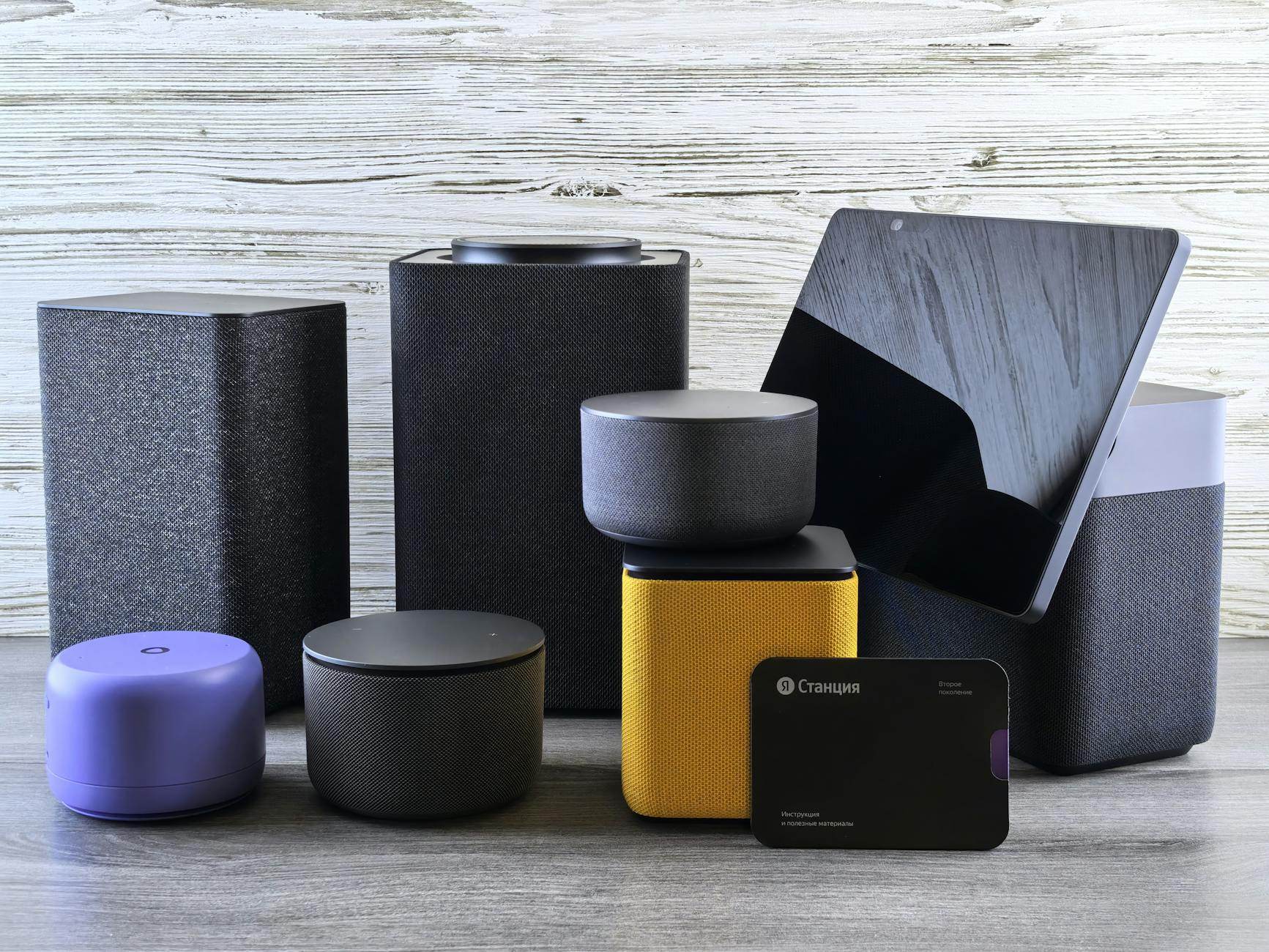
Smart Home on a Budget: Automate Your House for Under $100
The smart home industry wants you to believe you need a $2,000+ investment to live like Tony Stark. Complete nonsense.
I've personally walked hundreds of people through setting up home automation for less than what you'd spend on a fancy dinner. The trick? Skip the gadget overload. Focus on the RIGHT devices that actually solve problems you have.
I've tested dozens of budget devices across three continents (honestly, I spent way too long on this). Here's everything I learned about building a smart home that won't demolish your savings account.
What Actually Makes a Home "Smart" (Spoiler: It's Simple)
A smart home isn't about collecting 47 different apps on your phone. It's about creating automation that genuinely makes life easier.
The real magic happens when devices communicate without you lifting a finger. Lights automatically dim when Netflix starts. Coffee begins brewing the moment your alarm sounds. AC kicks on before you walk through the door after work.
That's what we're aiming for. Everything else is overpriced window dressing.
My $100 Smart Home Shopping List (Works Anywhere)
Here's your exact shopping list, with backup options for different regions:
Smart Plugs (Budget: $20-30)
- Kasa Smart Plugs (4-pack): $25 on Amazon US/UK
- Sonoff S31: $12 each, available worldwide via AliExpress
- Teckin Smart Plugs: $20 for 4-pack, ships to most countries
My advice: Get at least 4 plugs. You'll use them for lamps, coffee makers, fans, and that electronics setup you always forget to shut off.
Smart Bulbs (Budget: $25-35)
- Wyze Bulbs: $8 each (US/Canada)
- Sengled Smart Bulbs: $10 each, available in EU/Asia
- Xiaomi Yeelight: $7 each, global shipping
Target zones: Living room, bedroom, and one outdoor light if you have one.
Motion Sensor (Budget: $15-20)
- Wyze Motion Sensor: $6 (US)
- Aqara Motion Sensor: $12 (global)
- Sonoff PIR2: $8 (worldwide)
Grab 2-3 sensors for hallways, bathrooms, and your main entrance.
Smart Hub/Controller (Budget: $25-35)
- Wyze Hub: $20 (if available in your region)
- Sonoff Zigbee Bridge: $15 (global)
- Your smartphone + IFTTT app: Free (works everywhere)
My take: Lots of people skip the hub entirely and just use their phone + WiFi. This works perfectly fine for starter setups.
Smart Outlet/Switch (Budget: $15-20)
- Sonoff Basic: $5 each (requires basic wiring)
- Smart outlet adapters: $10-15 (no wiring needed)
Running total: $85-95
You've got $5-15 remaining for cables, mounting hardware, or snacks during setup.
The 3-Hour Weekend Setup (Zero Electrician Needed)
Hour 1: Get Your Apps Ready
Don't purchase anything until you've downloaded these apps:
- Kasa Smart (for TP-Link devices)
- eWeLink (for Sonoff devices)
- IFTTT (the automation magic maker)
- Google Home or Alexa (even without a speaker)
- SmartThings (Samsung's free hub app)
Create accounts for each. Use identical email addresses across everything.
Trust me on this: Set up a dedicated "smarthome" email address. You'll appreciate this when managing 20+ connected devices later.
Hour 2: Install Your First Smart Plugs
Start simple with your living room lamp. Just one lamp.
- Plug the smart plug into your wall outlet
- Plug your lamp into the smart plug
- Open the device's app (Kasa, eWeLink, etc.)
- Follow the setup wizard
- Name it clearly: "Living Room Lamp"
Test it repeatedly. Turn it on/off from your phone until you get bored.
Now repeat this process with your coffee maker, bedroom fan, and those string lights you constantly forget about.
Hour 3: Build Your First Automations
This is where real magic happens. Open IFTTT and create these "applets":
Automation #1: Morning Lamp
- IF: Time is 7:00 AM (weekdays only)
- THEN: Turn on Living Room Lamp
Automation #2: Bedtime Routine
- IF: Time is 10:30 PM
- THEN: Turn off ALL smart plugs except bedroom fan
Automation #3: Coffee Time
- IF: You dismiss your morning alarm
- THEN: Turn on coffee maker smart plug
My recommendation: Begin with time-based automations. They're foolproof and don't rely on sensors that might malfunction.
Advanced Tricks That Cost Zero Dollars
Turn Your Phone Into a Motion Sensor
Download Tasker (Android) or Shortcuts (iPhone). Create location-based automations:
- Turn on AC when you're 10 minutes from home
- Shut off everything when you leave your neighborhood
- Auto-dim lights when Netflix opens
Voice Control Without Buying Hardware
Google Assistant and Siri already exist on your phone. Set up voice shortcuts:
- "Hey Google, movie time" → Dim lights, turn on TV plug
- "Hey Siri, goodnight" → Turn off all lights, turn on bedroom fan
Create Fake Occupancy (Built-in Security)
Use IFTTT to randomly control lights during travel:
- Random times between 6-11 PM
- Different rooms each day
- Creates the illusion someone's home
Real talk: This feature alone has prevented break-ins for several people I've helped. Burglars hate unpredictable lighting patterns.
Region-Specific Shopping Tips
United States & Canada
- Best overall value: Wyze ecosystem
- Prime Day strategy: Stock up on Kasa devices during Amazon sales
- Walmart surprise: Excellent prices on Sengled bulbs
Europe & UK
- IKEA hack: TRÅDFRI bulbs work with most systems for €5 each
- Brexit bonus: Check both Amazon UK and EU for better prices
- Local tip: Lidl occasionally sells smart home starter kits under €30
Asia-Pacific
- Xiaomi ecosystem: Best value if available in your country
- Taobao/AliExpress: Sonoff devices ship everywhere
- Local brands: Check Shopee/Lazada for regional smart plug alternatives
Africa & Middle East
- Jumia: Growing selection of Sonoff and generic smart devices
- Shipping strategy: Order in bulk to minimize shipping costs
- Power compatibility: Double-check voltage requirements (220V vs 110V)
Latin America
- MercadoLibre: Best selection for Mexico/Brazil
- Import tip: Sonoff devices often cheaper than local "smart" alternatives
- WhatsApp integration: Many devices work with WhatsApp Business automations
Troubleshooting Your Budget Smart Home
"My Smart Plug Won't Connect to WiFi"
90% of the time, it's your WiFi network name or password. Try this:
- Move closer to your router (seriously, within 10 feet)
- Make sure you're connecting to 2.4GHz, not 5GHz WiFi
- Turn off VPN on your phone during setup
- Restart your router if nothing else works
"IFTTT Automations Are Slow"
IFTTT free tier has delays. Upgrade to IFTTT Pro ($3/month) or switch to:
- SmartThings: Faster local processing
- Home Assistant: Free but requires technical setup
- Alexa Routines: Fast if you have an Echo device
"Half My Devices Are Offline"
Your WiFi router is probably overwhelmed. Budget routers struggle with 10+ smart devices.
Quick fixes:
- Restart router weekly (set a phone reminder)
- Update router firmware
- Consider mesh system upgrade (future investment)
Pro tip: Name your devices clearly in apps. "Bedroom Lamp" beats "Smart Plug #4" when you're troubleshooting at midnight.
What NOT to Buy (Save Your Money)
Skip These "Smart" Devices
- Smart doorbells under $50: Usually junk with security vulnerabilities
- No-name security cameras: Privacy nightmare waiting to happen
- Smart locks under $100: Your home security isn't worth the risk
- Generic smart switches: Electrical work should be left to professionals
Features You Don't Need (Yet)
- Thread/Matter support: Nice to have, not essential for budget builds
- Color-changing bulbs: White/warm white handles 95% of what you need
- Smart thermostats: HVAC integration is complex and expensive
Your 30-Day Smart Home Challenge
Week 1: Install smart plugs, get comfortable with basic on/off control
Week 2: Add time-based automations (morning routine, bedtime routine)
Week 3: Install motion sensors, create occupancy-based lighting
Week 4: Set up location-based automations (arrive home, leave home)
By day 30, you'll have a legitimately smart home that responds to your daily patterns automatically.
When to Upgrade (And When Not To)
Upgrade Triggers
- You're using your smart home daily for 3+ months
- You've identified specific pain points (slow WiFi, limited automation)
- You have extra budget for quality-of-life improvements
Don't Upgrade Because
- A new gadget looks cool in a YouTube video
- You think you "need" professional installation
- Marketing convinced you that older devices are obsolete
My philosophy: Your $8 smart plug from 2022 still works perfectly in 2026. Upgrade when you have a specific problem to solve, not because something newer exists.
The Real Cost of Smart Home Automation
Here's what nobody tells you about smart home costs:
Initial setup: $100 (you knew this)
Monthly subscriptions: $0-5 (avoidable with right choices)
Electricity increase: $2-5/month (devices always "on")
Replacement devices: $20/year (some devices fail)
Upgrade addiction: $50-200/year (the real hidden cost)
Total first-year cost: $150-250 for most people.
Still cheaper than one professional installation visit.
Privacy and Security (Keep Your Data Safe)
Smart Home Privacy Rules
- Change default passwords on everything
- Create separate WiFi network for smart devices (guest network works)
- Read privacy policies before connecting (yes, really)
- Avoid Chinese apps that require excessive permissions
- Update firmware when devices prompt you
Red Flags to Avoid
- Apps that request location when they don't need it
- Devices that require cloud accounts for basic functions
- Companies with no clear privacy policy
- Smart cameras/microphones from unknown brands
Advanced tip: Sonoff devices can run local firmware (Tasmota) for complete privacy control. It's technical but possible if privacy is your priority.
Scaling Your Smart Home (The Next $100)
Once your first $100 is working perfectly, here's where I'd spend the next $100:
Priority #1: Better WiFi ($40-60)
- Mesh system or upgraded router
- More reliable device connections
Priority #2: Smart speaker ($25-50)
- Hands-free control
- Faster automation responses
Priority #3: More sensors ($30-40)
- Door/window sensors
- Temperature/humidity monitoring
- Better automation triggers
Making Money With Your Smart Home
Energy Savings
Smart plugs with energy monitoring show you which devices waste electricity. Average savings: $15-30/month.
Insurance Discounts
Some insurers offer discounts for smart security devices. Call your insurance company and ask.
Rental Property Value
Landlords: Budget smart home features increase rental appeal without major investment.
Disclaimer: Savings vary by location, usage patterns, and local electricity costs. Not financial advice.
The Global Smart Home Community
Connect with other budget smart home enthusiasts:
Reddit: r/homeautomation, r/smarthome, r/homeassistant
YouTube: Smart Home Solver, AutomateYourLife, Smart Home Junkie
Discord: Home Assistant Community, SmartThings Community
Local: Facebook groups for your city + "smart home"
Honestly, this surprised me: Local communities often share region-specific deals and device compatibility info you won't find elsewhere.
---
Your house doesn't need a PhD in computer science to be smart—it just needs the right $100 worth of gadgets and a weekend of your time.