Your phone's app store has a long list of health apps: blood pressure logs, period trackers, diabetes diaries, NHIS tools and sickle cell companions. Some are made by public bodies. Many are made by small teams you have never heard of, and some were not designed with Ghanaian users in mind.
Health information is among the most personal data you own. A record of blood pressure readings or pain episodes can say a great deal about you, so the checks below matter more for a health app than for a game or a music player. This guide shows you how to check an app yourself before you hand over that information. It also covers the official NHIS channels, which you should use for anything that involves your membership or payments.
Start With the Official MyNHIS App if You Have NHIS Membership
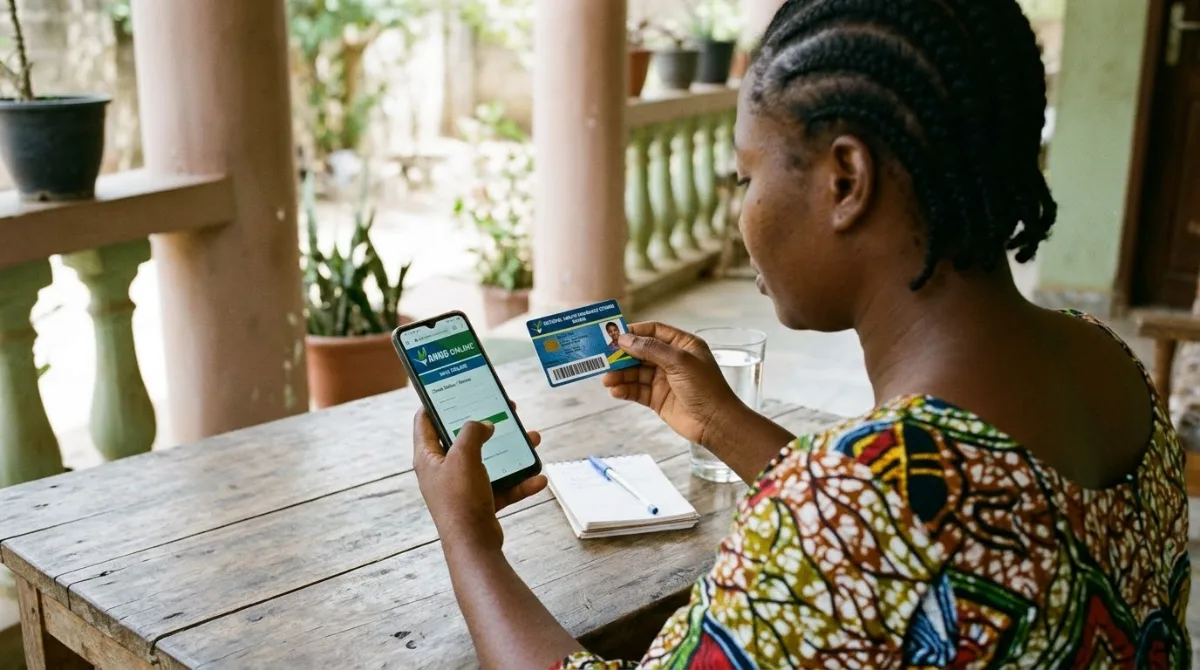
If you are an NHIS member, or you need to register, the official app to look at first is MyNHIS. Its Apple App Store page names the National Health Insurance Authority (Ghana) as the developer. Confirm that name before you install anything, because copycat listings often use the same or a similar app name.
According to the app's own store description, people without NHIS membership can register using their Ghana Card, and existing members can view and manage their membership status and details in the app.
How renewal works
The NHIA's membership page says that membership must be renewed every year. Members who pay premium must pay the premium and a processing fee once a year. Some groups do not pay the processing fee, including pregnant women, indigents, SSNIT contributors and pensioners, and persons above seventy. Exempt members must show proof of their status when they register. For pregnancy, that might be a current antenatal card or a doctor's or midwife's note.
The NHIS website lists three renewal routes: any NHIS district office, the USSD code *929#, and the MyNHIS app. The official FAQ adds that the digital routes are for fee-paying members. If you are in an exempt group, go to a district office to be sure you are handled correctly.
For the official address of your nearest district office, use the NHIS website at nhis.gov.gh. Phone numbers and email addresses listed on third-party websites can be out of date, so do not rely on them.
A scam check for NHIS
Registration at a district office includes having your photograph taken and your fingerprints recorded. If someone tells you that you must pay into a personal mobile money account to 'activate' your card, asks for your MoMo PIN or a one-time passcode, or offers to renew your membership for a cash fee outside the official routes, stop. Do not send money. Report the contact to the Cyber Security Authority by calling or texting 292.
Before You Download Any Health App: Four Checks
These checks apply to every app in this guide and to every health app you come across later. Each one takes a few minutes.
1. Who built it?
Open the app's store listing and find the developer name. Tap it if the store lets you see the developer's other apps. A government body, a known health organisation or a named company with a working website is a stronger signal than a developer name with no contact details. Then go to the developer's own website, if it has one, and check that the name and details match. If they do not match, stop there.
2. What does it collect and share?
You do not need to read a full legal document first. Look for the privacy section of the listing. On the Apple App Store this is labelled App Privacy, and it shows the types of data the developer declares it collects. Then ask four questions:
- Is the health information linked to your name, phone number or Ghana Card?
- Is any of it shared with advertisers or other third parties?
- Where is the data stored, and who runs the servers?
- Can you delete your account and your data inside the app?
If the privacy policy is long, search it for words such as advertising, third party, sell and delete. Vague answers, or no way to delete your data, are reasons to choose a different app.
3. Is it still maintained?
Look at the date of the latest update and the version history in the listing. An app that has not been updated for a long time may stop working with the systems it connects to, and it may not receive security fixes. A long gap is a reason to be cautious. It is not automatic proof that an app is unsafe, so read the recent reviews as well.
4. What permissions does it ask for?
A blood pressure or period log rarely needs your location, contacts or microphone. When an app asks for something it does not need, refuse it in your phone's settings or choose a different app. Review permissions again after each major update, because apps sometimes ask for new ones.
Condition-Specific Apps: A Sickle Cell Example
Sickle cell apps are one place where a specialist tool can be useful. Sikila is a sickle cell companion app. Its App Store listing says it is built for people living with sickle cell disease, including those with the trait, and for families who support them. The listing names Sikila LLC as the developer, and the developer's website is at sikila.com.
The store listings describe features such as logging pain episodes, tracking hydration, and setting medication reminders. The App Store description and the Google Play page both say the app is for tracking and informational purposes only. Take that seriously. An app can help you keep records to show your haematologist or clinic, but it does not replace their advice or your treatment plan.
The App Store listing also describes the app as having "HIPAA & GDPR-aligned privacy". Treat that as the developer's own claim. HIPAA is a United States law and GDPR is a European Union law, so a label that refers to them does not tell you how your data is handled in Ghana. Read the privacy policy inside the app and ask the developer where your data is stored.
The listings checked for this guide were in English and French. They did not confirm whether the app is listed in Ghana's store, so check your store and language before you rely on it.
Period, Pregnancy and Fitness Apps
This guide does not rank specific period, pregnancy or fitness apps. The sources needed to confirm their popularity, prices or privacy practices were not available for this check, so naming them would be guesswork. The four checks above still apply to every app in these categories.
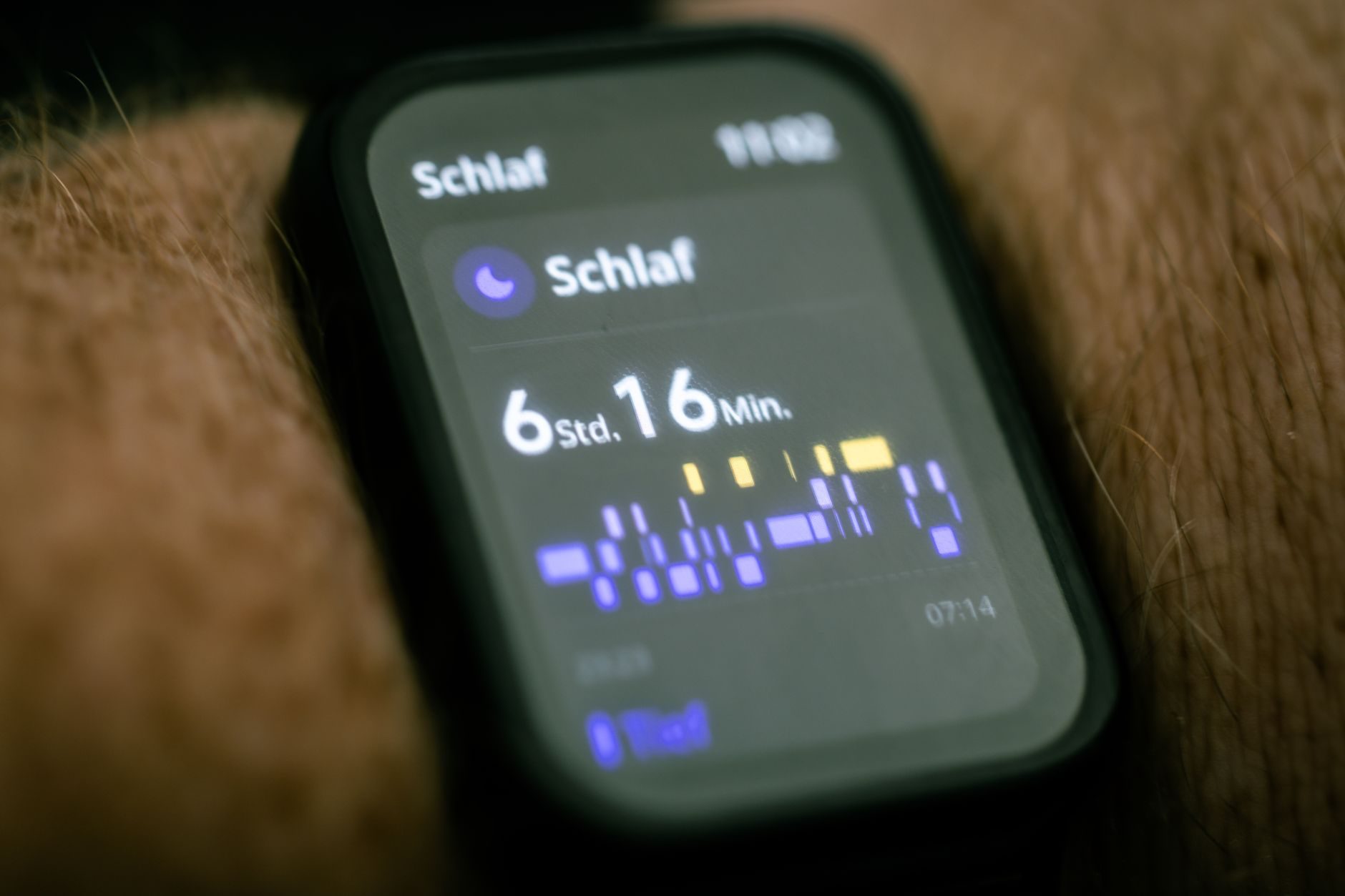
Period and pregnancy data is especially sensitive, because it can reveal fertility, pregnancy and health conditions. Before you use one, read the privacy section, find out whether advertising is involved, and confirm that you can delete your data. If you use a smartwatch or fitness band with a companion app, check whether that app sends your data to external servers and where those servers are based.
Remember that a fitness app that counts steps is not a medical device. Use it to stay active, and speak to a clinician about any reading that worries you.
Ghana's Data Protection Act and Where to Get Help
Ghana's Data Protection Act, 2012 (Act 843) governs privacy and personal data in Ghana. It set up the Data Protection Commission (DPC), an independent statutory body that regulates how personal information is processed. The Act came into force in October 2012. The DPC says that all data controllers and processors must register with the Commission.
A Ghanaian law does not, on its own, stop a foreign-built app from storing your data abroad. That is why the developer checks above matter. If you are worried about how a health app or service handles your data, you can start with the DPC's website at dpc.gov.gh. On the homepage, look for the register search and for the option to file a complaint.
If someone uses a health app, or claims to represent one, to threaten you, demand money or misuse your information, report it to the Cyber Security Authority by calling or texting 292. In a medical emergency, do not wait for an app to tell you what to do. Call 112, or 193 for an ambulance.
Practical Habits for Ghana
- Keep a paper backup of important readings. Phones get lost, batteries run down and power cuts happen. A notebook with dates and readings is useful when you visit a clinic.
- Check whether an app works offline. If an app needs a data connection before it saves your entries, you may lose information when your bundle runs out or the network is weak.
- Never share your MoMo PIN or one-time passcode. Do not give either to anyone who contacts you about NHIS or a health app, even if they sound official.
- Keep your phone and apps updated. Updates often include security fixes, not only new features.
- Treat an app as a log, not a diagnosis. An app records and organises numbers. A qualified clinician interprets them.
A Quick Checklist Before You Install
- Does the developer name match an official body, a known organisation, or a named company with a working website?
- Does the privacy section explain what is collected, whether it is linked to you, and whether it is shared?
- Can you delete your account and data inside the app?
- Has the app been updated recently, and do recent reviews mention problems?
- Does it ask only for permissions it needs?
- For NHIS matters, have you checked the official NHIS website at nhis.gov.gh?
The honest summary is this: most health apps are useful for basic logging, but they differ widely in how they handle your information. The biggest risks are not usually bad medical advice. They are data sharing you did not agree to, apps that stop being maintained, and scams that imitate official NHIS processes. A few minutes of checking before you install is worth the time.
Sources
- NHIS – Membership and renewal (nhis.gov.gh)
- NHIS – Frequently Asked Questions (nhis.gov.gh)
- MyNHIS – Apple App Store listing
- Data Protection Commission – Ghana (dpc.gov.gh)
- Data Protection Commission – Ministry of Communications (moc.gov.gh)
- Sikila – Apple App Store listing
- Sikila – Google Play listing
- Sikila – Official website
Fact-checked on 16 November 2026 against official sources where they exist. Prices, menus and rules change — check the official page before you act.