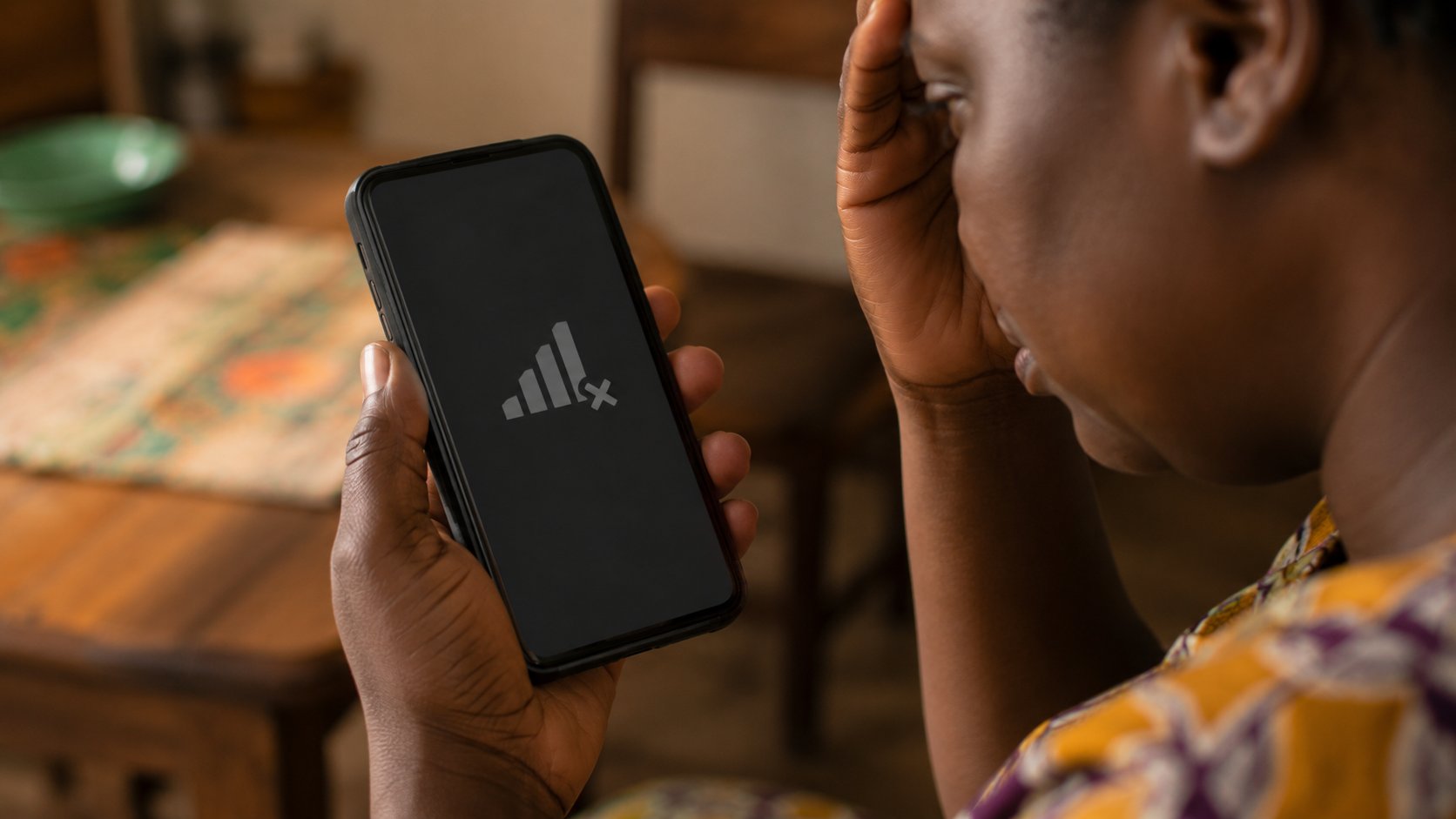
Picture an ordinary afternoon. Your phone loses signal for no obvious reason — no bars, no data, nothing. Mildly annoying, so you restart it and carry on. An hour later you finally reconnect, open your banking app, and your account and mobile money wallet are empty. You never clicked a bad link that day. You never gave anyone your PIN. And yet you have been robbed.
That is SIM-swap fraud, and it is one of the most unsettling scams in Ghana precisely because the final blow can land without you doing a single thing wrong in the moment. Understanding how it works is your best defence, because the criminals are counting on you not recognising the warning signs until the money is already gone.
How SIM-swap fraud actually works
Your phone number is far more powerful than most of us realise. It is the key that receives the one-time passwords (OTPs) protecting your bank, your MoMo, your email, and your social accounts. A SIM swap is, at its heart, the theft of that key — and it usually happens in four steps.
Step 1 — They collect your details. The criminal first gathers enough personal information to pass as you: your full name, date of birth, ID number, and answers to common security questions. This is usually harvested earlier through phishing messages, fake "verify your account" forms, prize-scam calls, or data leaked from somewhere else entirely. You often have no idea this groundwork has been laid.
Step 2 — They impersonate you to your network. Armed with your details, they approach your mobile network — in person at a shop, over the phone, or sometimes with the help of a dishonest insider — and claim to be you. They say they have lost their SIM or switched phones, and ask for your number to be moved to a new SIM card in their possession.
Step 3 — Your line goes dead. If the swap succeeds, your SIM stops working. That sudden, unexplained loss of all service is not a glitch — it is the attack happening in real time. Your number now lives in the criminal's phone.
Step 4 — They drain everything. Every OTP, every verification code, every account-recovery message now goes to them. They reset your MoMo PIN, get into your wallet, and use the codes to break into your bank and email — all while your own phone sits silent in your hand.
The warning signs — know them by heart
Because the takeover is invisible until it is almost over, the signals are subtle. Treat any of these as a potential emergency, not an inconvenience:
- Your phone loses all signal suddenly and will not reconnect — even after a restart, and even though others around you have service.
- You stop receiving calls and texts, or friends say your calls go straight to "switched off".
- You get an unexpected SMS or email about a "SIM change", "number port", or "new device login" you did not request.
- You are suddenly locked out of your email, MoMo, or social accounts.
How to protect yourself
Because the whole attack is built on stolen personal information, your strongest move is to starve the criminals of the raw material — and to add locks that make a swap harder to pull off.
If it has already happened
Speed is everything. The first hour decides how much of your money survives, so act on all fronts at once — ideally from a friend's phone.
Cyber Security Authority (CSA): call or text 292 (free), WhatsApp 0501603111, email [email protected]
MTN fraud line: 100 · Telecel: 100 / 0501100100 · AirtelTigo: 100
Ghana Police Cybercrime Unit: 18555
Tell your bank to flag the account, and keep every message and reference number as evidence.
If your phone suddenly loses all service and will not come back, treat it as a possible SIM swap — not just a bad-network day. Acting in the first hour is the difference between a scare and an empty account.
This guide is part of our complete guide to staying safe online in Ghana. Since SIM swaps almost always begin with phishing and target your mobile money, those guides are worth reading next. Unsure about a suspicious message? Run it through our Ghana Scam Checker first.
About this guide
Common questions
What is SIM swap fraud?
SIM swap fraud is when a criminal tricks your mobile network into moving your phone number onto their SIM card. Once they control your number, the one-time codes for your bank and Mobile Money go to their phone, letting them reset logins and try to drain your wallet.
How do I protect my SIM and Mobile Money from a swap?
Set a SIM/porting lock or PIN with your network (MTN, Telecel, AirtelTigo) so no one can swap your SIM without your authorisation. Use an authenticator app instead of SMS codes where apps allow it, and never share your MoMo PIN or any verification code with anyone, even someone claiming to be staff.
What are the signs my number has been SIM-swapped?
Your phone suddenly loses signal and will not reconnect for no reason, you stop receiving calls and texts, or you get alerts about logins and transactions you did not make. If this happens, contact your network immediately and report fraud to the Cyber Security Authority on the short code 292.
This guide is part of TechTrendi's Online Safety series for Ghana. The advice here is drawn from official sources, including Ghana's Cyber Security Authority (CSA), and from established international research on how SIM-swap fraud operates. Written by Edmund A. and reviewed by the TechTrendi editorial team. Last reviewed: June 2026.
Spotted an error, or a scam we should cover? Email us at [email protected]. To report a crime, contact the CSA on 292.