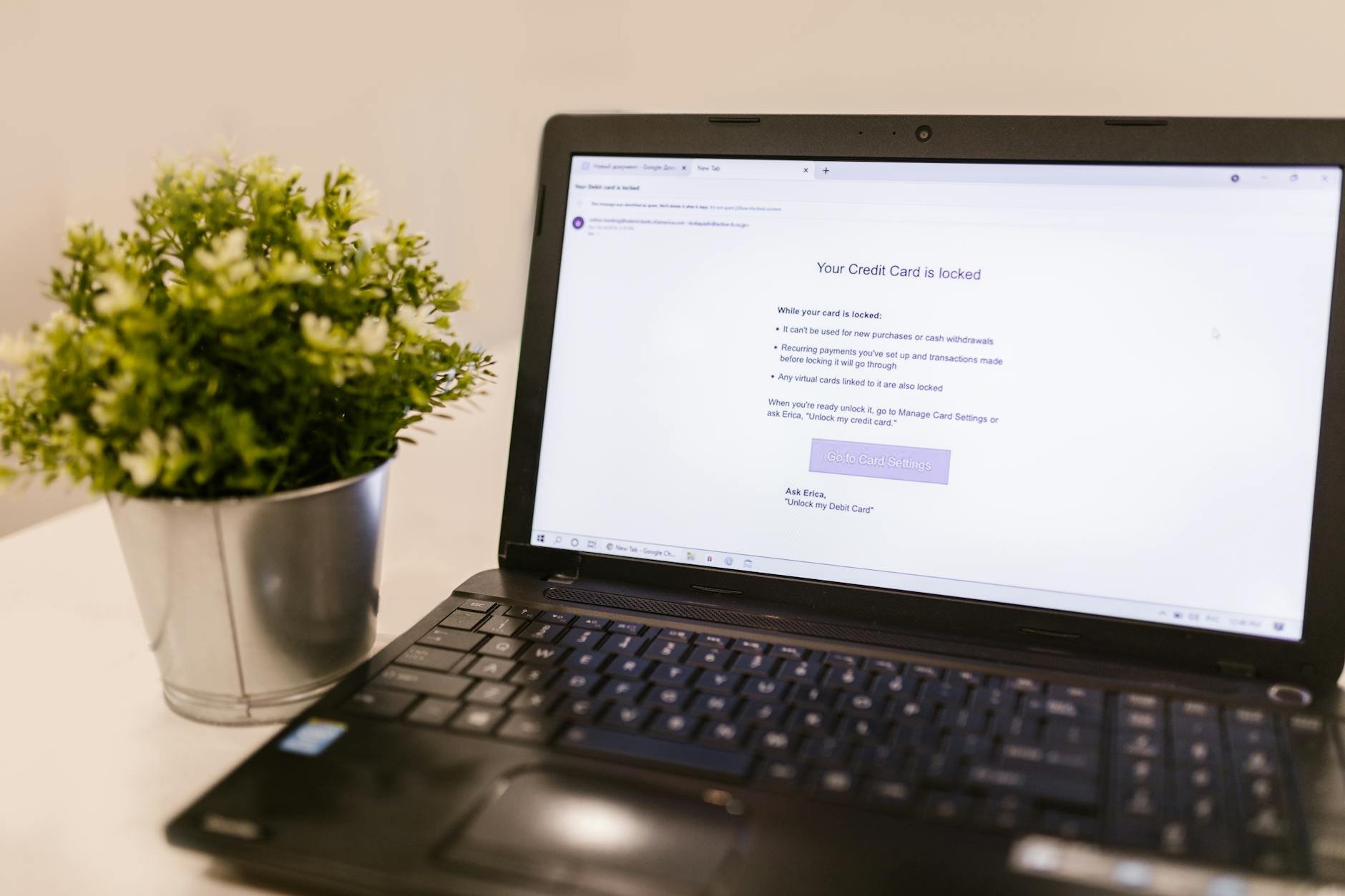
Here is something that will make you stop and think: hackers almost never guess your password. They do not sit at a keyboard typing combinations until they get lucky. What they actually do is buy your password — already stolen from a website you used years ago, sold in bulk for fractions of a cent — and then try it on every major platform automatically, within minutes. If your Gmail password is the same as the one you used on a shopping site that was breached in 2019, your Gmail is not safe. Not because you chose a weak password, but because you reused it.
Understanding how account breaches actually work changes everything about how you approach security. These are not abstract concepts — they are the exact techniques being used against real people in Ghana and across Africa every single day. These 10 mistakes are the ones that criminals rely on finding, and every single one of them can be fixed without spending a single cedi.
Mistake 11: The "I Use 3 Passwords for Everything" Habit
Most people have a small collection of passwords they rotate across their accounts — perhaps a simple one for sites they do not care about, a medium one for social media, and a "strong" one for banking. This approach feels organised and manageable. It is also one of the primary reasons account takeovers are so widespread.
Here is the chain reaction that criminals rely on: A small e-commerce site you signed up for in 2017 gets breached. The site stored passwords poorly — many did — so the criminals now have your email address and your password in plain text. They do not target you specifically. They feed your credentials into automated software that tries them on Gmail, Facebook, Instagram, LinkedIn, and every major banking app simultaneously. If your password matches on any of those platforms, that account is compromised within minutes of the original breach — which may have happened years before you ever heard about it.
Mistake 12: The Great Notebook vs. Password Manager Debate
Many people feel uncomfortable trusting a digital app with their passwords. What if the app gets hacked? What if the company shuts down? These are reasonable questions. But consider this: a physical notebook kept in your home contains passwords that a Russian cybercriminal — operating from the other side of the world — cannot access. The notebook is only a vulnerability if someone physically breaks into your home and specifically knows to look for it.
Compared to the threat of automated credential stuffing (which attacks thousands of accounts per hour from anywhere on earth), a notebook at home is actually meaningfully secure. The notebook becomes a genuine problem if it is lost, if guests see it, or if you need your passwords when you are not home.
A reputable password manager like Bitwarden (free, open source, independently audited) gives you the benefits of both: unique passwords for every account, accessible from any device, with encryption so strong that even if the manager's servers were breached, your passwords would be unreadable. It is the most impactful single change most people can make to their digital security.
Mistake 13: Trusting Complexity Over Length
For decades, we were told that a good password must contain capital letters, lowercase letters, numbers, and symbols. So people created passwords like "P@ssw0rd1!" and felt secure. Here is the problem: modern computers can crack an eight-character password — regardless of how complex it looks — in under an hour using brute force methods. A graphics card that costs less than a new smartphone can attempt billions of password combinations per second.
What actually makes a password hard to crack is not complexity — it is length. A 20-character passphrase made of four random common words — something like "BlueHorseEatsGreenMango" — is exponentially harder to crack than "P@ssw0rd1!" because the total number of possible combinations is astronomically larger. And it is far easier to remember.
A computer can crack "P@ssw0rd1!" (10 characters) in minutes. It would take thousands of years to crack "BlueHorseEatsGreenMango" (23 characters of random words). Length wins every time.
Mistake 14: Using Real Answers for Security Questions
"What is your mother's maiden name?" "What primary school did you attend?" "What was the name of your first pet?" These questions are used by banks, email providers, and other services as a backup way to verify your identity if you forget your password. The problem is that in 2026, the answers to most of these questions for most people are sitting publicly on the internet — in Facebook posts, LinkedIn profiles, family WhatsApp group photos, and genealogy websites.
A criminal who wants to reset your bank account password does not need to hack anything. They need your date of birth (often on Facebook), your mother's maiden name (findable through family posts or genealogy sites), and perhaps the school you attended (on your LinkedIn). With those three pieces of public information, they can answer your security questions and request a password reset.
Mistake 15: Thinking SMS Verification Codes Are Truly Secure
When a service sends a six-digit code to your phone via SMS to verify your login, that is two-factor authentication — and having it is significantly better than not having it. But SMS-based 2FA has a serious weakness that many people do not know about: your phone number can be stolen without touching your phone.
A "SIM swap" attack involves a criminal calling your mobile network provider, claiming to be you, and convincing a customer service agent to transfer your number to a new SIM card they control. With your number now redirecting to their phone, they receive all your SMS verification codes. This attack has been used to drain cryptocurrency accounts, access email accounts, and bypass banking security. The customer service agents who approve these requests are often manipulated through social engineering — armed with personal information gathered from your social media profiles.
Mistake 16: Using Your Bank on Public Wi-Fi Without Protection
The free Wi-Fi at the airport, the café, the hotel lobby, and the university campus is a shared network. Everyone connected to it is, in a technical sense, on the same local network. A person with the right software and enough technical knowledge — sitting in the same café as you — can potentially intercept unencrypted traffic on that network, capturing login sessions, reading data being transmitted, and in some cases hijacking active sessions on poorly secured sites.
Most major websites now use HTTPS encryption, which significantly reduces this risk. But public Wi-Fi hotspots sometimes use insecure configurations, and fake hotspots — Wi-Fi networks set up by criminals with the same name as the coffee shop's legitimate network — present a more serious threat because they route all your traffic through the criminal's device first.
Mistake 17: Chaining Everything to "Sign In with Google/Facebook"
The "Continue with Google" or "Sign in with Facebook" button is one of the most convenient features on the internet. With one click, you are registered and logged in without creating another password to forget. It feels like a win. But it creates an invisible dependency that most people only discover during a crisis.
Every app or website you connect to your Google or Facebook account becomes part of a chain. If your Google account is compromised — through a phishing attack, a leaked password, or a SIM swap on the recovery phone number — the criminal now has automatic access to every service you "signed in with Google" across. Shopping platforms, food delivery apps, gaming accounts, productivity tools, and more. One key, every door.
For low-stakes apps — a quiz, a recipe site, a casual game — the convenience may be acceptable. For anything involving payment methods, personal data, or work communications, use a standalone account with a unique email and password instead.
Mistake 18: The Forgotten Old Email Account Loophole
You created an email address around 2008. You used it for a few years, then switched to Gmail and slowly stopped checking the old one. You do not even remember the password. That old Yahoo, Hotmail, or early Gmail address may still be listed as the recovery email or backup contact for your current bank account, your active social media profiles, or your primary email. If a criminal gains access to that abandoned old account — which often has far weaker security than modern email services — they can trigger password resets on everything linked to it.
Old email accounts are disproportionately vulnerable because the platforms they were created on often had weaker password requirements, no two-factor authentication, and older, less secure infrastructure. A password from 2010 on a service that has never enforced updates is a very weak barrier.
Mistake 19: Treating Your Fingerprint as a Secret
Fingerprint and face unlock are convenient and feel secure because they are uniquely personal. But here is the technical reality: your fingerprint is not a secret. You leave it on every surface you touch — your phone screen, a coffee cup, a door handle. Your face is recorded on cameras in every shop, bank, airport, and public space you visit. These are identifiers, not secrets.
Biometrics unlock your device — they do not protect it in the way a password does. In some countries, courts have ruled that you can be legally compelled to provide your fingerprint to unlock a device, while refusing to share a password or PIN is a protected right. Beyond that, sophisticated attackers can recreate fingerprints from photographs or surfaces.
Always set a strong numerical PIN or alphanumeric passcode as the primary device lock. Use biometrics as a fast shortcut on top of that security — not as the only barrier between your data and the world.
Mistake 20: Saving Your Card Details on Every Shopping Site
Every e-commerce site, food delivery app, and subscription service that stores your full card details is a potential future breach target. When a site is hacked — and it is a question of when, not if, for most smaller platforms — your card number, expiry date, and billing address are in that stolen database. Criminals use these details directly for purchases or sell them in bulk to other criminals.
The more places your card is stored, the more exposed it is. Each saved card is an additional attack surface that you cannot monitor or control. One breach of an obscure site you used twice in 2022 can result in your current card being compromised.
The Core Insight That Changes Everything
Every mistake on this list comes down to the same root cause: we make security decisions based on what is convenient today, without thinking about what happens if a site we trusted fails us tomorrow. Reusing passwords is convenient. Saving cards is convenient. Skipping the authenticator app setup takes five minutes we never seem to have.
Criminals design their entire business model around exploiting those convenient shortcuts. The good news is that fixing even three or four items from this list — unique passwords via a manager, an authenticator app for your email, and removing saved cards from obscure sites — puts you in a dramatically safer position than the majority of people online today. Start there.
Continue the Cybersecurity Playbook
- Part 1: 10 Real-Life Scam Teardowns Every Family in Ghana Needs to Read Right Now
- Part 3: 10 Smart Home and Physical Security Risks Most People Do Not Know About
- Part 4: 10 Travel and Public Space Security Traps to Avoid in 2026
- Part 5: 10 Ways to Lock Down Your Identity and Personal Data Before It Is Too Late