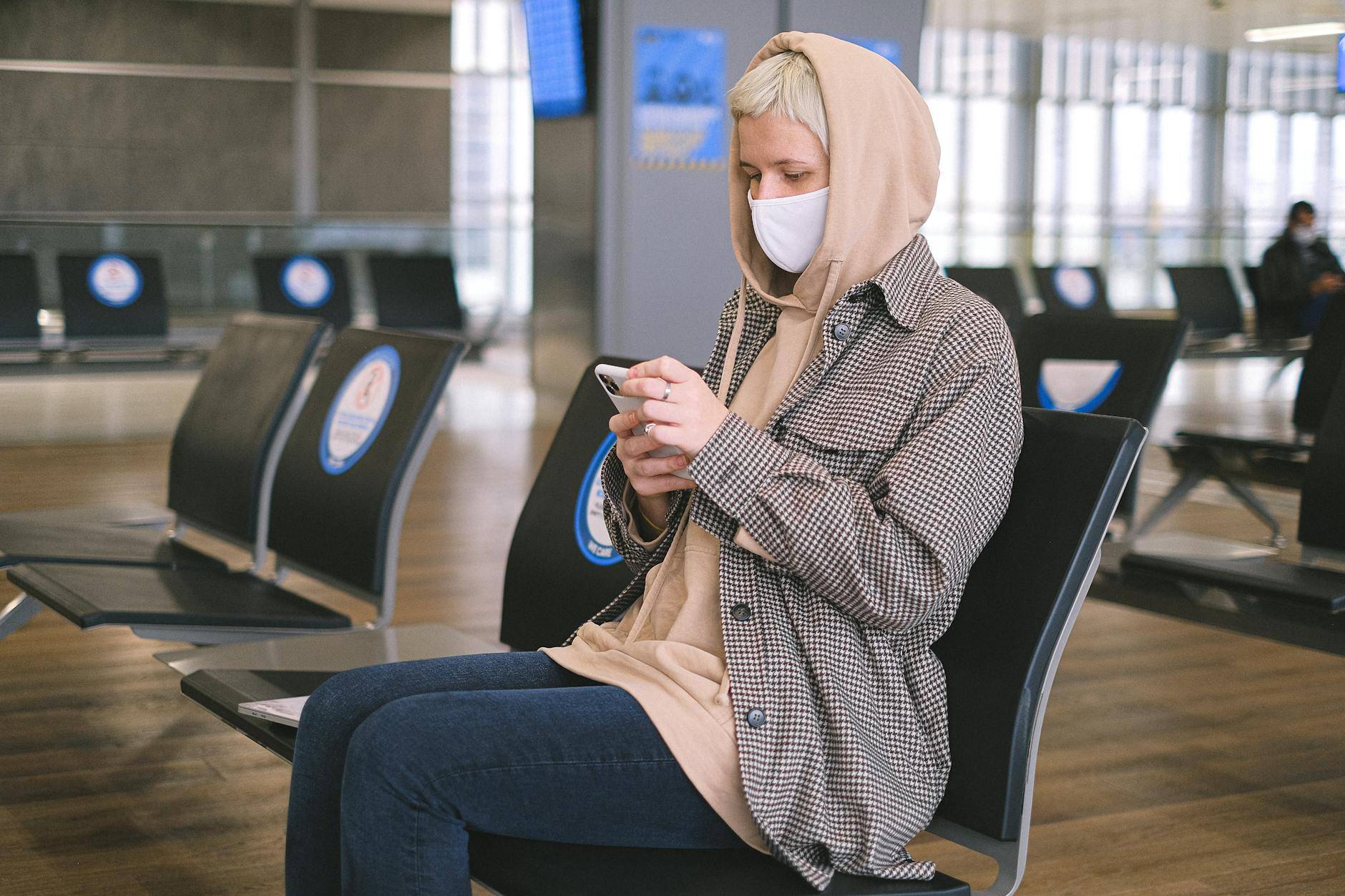
Travel is the condition that most reliably strips away the security habits you maintain at home. You are tired, distracted, navigating an unfamiliar environment, relying on strangers and public infrastructure, and making dozens of small decisions quickly. Criminals know this. They position themselves and their tools in exactly the places where your guard is down — airports, hotels, cafes, ATM queues, and rideshare pickup points. The threats in public spaces are different from those at home, but they are no less real and no less avoidable. These 10 travel and public space risks are the ones that catch careful, intelligent people off guard.
Trap 31: Public USB Charging Ports — The Convenient Danger
The USB charging ports mounted on walls at airports, bus terminals, shopping malls, and hotel lobbies look like a free public service. They feel like a practical courtesy. In reality, a technique called "juice jacking" — formally acknowledged as a real threat by the FBI and multiple national cybersecurity agencies — allows a compromised charging station to do two things simultaneously: charge your device and attempt to access data from it or install malicious software.
The USB port carries both power and data. When you plug your phone into a public USB port, you are establishing a data connection as well as a charging connection. On most modern phones, a prompt asks whether you "trust" the connected device — but in crowded, distracted environments, people often dismiss these prompts without reading them. A compromised station that gains data access can attempt to read your photos, contacts, messages, and files, or install software that operates silently after you disconnect.
The fix is simple and requires a one-time purchase: carry a portable power bank. A decent 10,000 mAh power bank costs under GHS 100 and charges a smartphone two to three times. You never need a public USB port again. If you genuinely cannot avoid using one, a "USB data blocker" or "USB condom" (a small adapter that allows power through but physically disconnects the data pins) costs under GHS 30 and eliminates the data risk entirely while still allowing charging.
Trap 32: Photographing Your Boarding Pass for Social Media
A boarding pass feels like just a piece of paper with your seat number on it. The barcode or QR code printed on it, however, encodes considerably more: your full legal name, your booking confirmation code, your frequent flyer number, your flight routing, your seat, and sometimes your passport information. All of this is readable by anyone with a barcode scanner app — freely available on any smartphone.
With your confirmation code and name, someone can access your booking on the airline's website. They can change your seat, add baggage fees to your account, cancel your return flight, or access your frequent flyer account and transfer your accumulated miles. Dozens of people have arrived at airports to find their bookings altered after posting boarding pass photos on social media.
The excitement of travel is understandable — the urge to document and share it is natural. But the boarding pass photo can wait until after you land and the flight is complete. At that point, the booking information is useless to anyone else.
Physical boarding passes should be shredded after your journey, not left in the seat pocket of the plane, the hotel bin, or the departure lounge bin. Torn in half is not sufficient — a determined person will tape it back together. Shred it, or at minimum tear the barcode section into small pieces.
Trap 33: Fake Hotel Wi-Fi Login Pages
When you connect to hotel Wi-Fi, you are typically redirected to a captive portal — a login screen asking for your room number and last name, or a code from your key card envelope. This system is familiar and expected. It is also trivially easy for a criminal to replicate.
An attacker sitting in the hotel lobby or a nearby room sets up a Wi-Fi hotspot with the same name as the hotel's legitimate network — or a slightly varied name (think "Marriott_Guest" vs "Marriott Guest"). Your device connects. Their fake captive portal loads, looking identical to the genuine one. You enter your room number and last name. They now have that information — useful for social engineering attacks on the hotel or for accessing your room booking — and they connect you to the real internet so everything appears normal.
More sophisticated versions of this attack capture all your traffic, allowing them to see sites you visit, intercept unencrypted data, and in some cases inject malicious content into pages you load. The defence: verify the exact name of the hotel Wi-Fi with the front desk before connecting. When two networks appear with similar names, ask staff. For sensitive work during travel, use your phone's mobile data hotspot rather than hotel Wi-Fi.
Trap 34: The Wrong Rideshare Car — Verifying the Driver the Right Way
At busy airport pickup points, criminals park vehicles matching the make and colour of popular rideshare cars — saloons, SUVs — near the legitimate pickup zone. They know that tired travellers exiting arrivals scan the area looking for a car matching their ride description. The criminal calls out your name — obtained by watching which passengers are looking around expectantly — or simply watches for you to approach.
You get into the wrong car. In the best case, you discover the mistake when you cannot find the ride on your app. In worse cases, you are driven somewhere other than your destination and robbed of your luggage and phone. This attack is documented at airports across Africa, Asia, and South America.
The verification protocol that defeats this completely: before opening the car door, confirm the licence plate number against the plate shown in your rideshare app. Then ask the driver: "What is the name of the passenger you are picking up?" A legitimate driver will have your name in their app. Do not volunteer your own name first — make the driver confirm it. If they cannot, do not get in.
Trap 35: The Malicious Charging Cable Left Behind
The O.MG cable is a commercially available product — originally developed by a security researcher to demonstrate the vulnerability — that looks externally identical to a standard Lightning or USB-C cable. Inside, it contains a hidden microcontroller capable of logging every keystroke made on a connected device and transmitting that data wirelessly to anyone within range. It can also execute commands on the connected device remotely.
Leaving your own cable behind and borrowing one from an Airbnb amenity kit, a hotel USB socket, a neighbour at an airport gate, or a colleague you do not know well carries a non-trivial risk in environments where this threat is known to be active. The cable looks perfect. There is no way to distinguish a malicious cable from a genuine one by appearance alone.
Travel with your own cables, purchased new from a reputable source. If you must borrow a cable, use it only to charge a device that is locked and that you are not actively typing on — this limits what a keylogger can capture. Never borrow a cable to connect to a laptop or to type passwords or messages on.
Trap 36: The ATM Skimmer — How to Check Before You Insert
Card skimming devices are thin overlays fitted by criminals over the card reader slot of ATMs, petrol station pumps, and supermarket payment terminals. As you insert your card normally, the overlay reads and records the magnetic stripe data. A tiny camera — hidden in a brochure holder, a fake fascia piece, or a small hole above the keypad — captures your PIN as you enter it. The criminal retrieves the skimmer equipment later and uses the data to clone your card.
Skimmers are designed to look like a natural part of the machine. But they are attached with adhesive and are not as solid as the genuine card reader. Before inserting your card at any ATM, grip the card reader firmly and wiggle it. A genuine card reader is bolted to the machine and will not move. A skimmer overlay will feel slightly loose or will detach. Look at the machine overall — does anything appear slightly thicker than normal, slightly discoloured, or slightly misaligned? These are signs of tampering.
Trap 37: Hidden Cameras in Short-Term Rentals
Hidden cameras in Airbnb and other short-term rental properties have been documented globally and have resulted in criminal prosecutions, civil lawsuits, and major platform policy changes. They are typically hidden in smoke detectors, alarm clocks, USB chargers, air purifiers, picture frames, and wall decorations in bedrooms and bathrooms. Most are wireless devices that stream footage directly to the criminal's phone or a remote server.
A quick search of any short-term rental property on arrival is a reasonable and increasingly common practice. Turn off the lights and slowly scan the room with your phone's flashlight at a low angle — camera lenses reflect light distinctively with a small bright glint. Pay special attention to smoke detectors (remove the cover briefly if concerned), digital clocks, wall decorations, and any USB chargers provided in the property. In the bathroom, check towel hooks, door-mounted mirrors, and ventilation grilles.
If you find a hidden camera, document it with photos, do not touch it, check out immediately, and report it both to the platform and to local police. Under no circumstances should you confront the property owner directly without police involvement.
Trap 38: The Out-of-Office Reply as a Social Engineering Script
A standard out-of-office auto-reply provides more intelligence to a social engineer than most people realise. "I am travelling from May 5 to May 14. For urgent matters, please contact my colleague Kwame Asante at [email protected]." This message confirms: your exact travel dates (home and office unattended), your colleague's name and email (available for impersonation), your company domain, your role by implication, and a legitimate business reason to contact your organisation claiming to be you or acting on your behalf.
Armed with this information, a social engineer can call your company claiming to be you, stranded abroad with an urgent request. They can email your colleague "on your behalf" asking for a wire transfer, document access, or login credentials. They can use your absence to conduct attacks that are harder to investigate because you are unreachable for confirmation.
Trap 39: The RFID Wallet — What It Actually Protects Against
RFID-blocking wallets and passport holders are widely marketed as essential travel security items. The claim is that criminals can scan your contactless credit card or biometric passport from a distance using an RFID reader hidden in a bag or jacket. This threat is technically possible — but the practical reality is considerably more nuanced.
Contactless payment cards require the reader to be within a few centimetres, and most modern cards have transaction limits on contactless payments without a PIN. Biometric passports have additional cryptographic protections that make simple scanning without cooperation essentially useless. The actual risk of remote RFID skimming for most travellers is very low compared to the far more common threats of online data breaches, phishing, and physical theft.
An RFID wallet will not hurt you and may provide marginal peace of mind. But if you are choosing where to spend your travel security budget, investing in a good VPN service, a USB data blocker, and a portable power bank will protect you from threats that are orders of magnitude more common than RFID skimming.
Trap 40: Put an AirTag in Your Checked Luggage
This final item is not a risk to avoid — it is a straightforward recommendation that frequent travellers consistently endorse after their first experience of delayed or lost luggage. Placing an Apple AirTag or similar GPS tracker inside your checked bag gives you real-time visibility of your luggage's actual location throughout your journey.
When an airline tells you your bag is "on its way" while your tracker shows it sitting stationary at a warehouse in a different city, you have indisputable evidence to present to the airline's baggage desk. When bags are genuinely lost, you can provide exact GPS coordinates that allow ground staff to locate them far faster than standard tracking systems. The cost of an AirTag is a one-time GHS 150–200. The hours saved in airport baggage disputes and the peace of mind during transfers are worth significantly more.
The Travel Security Mindset in One Sentence
Everything in public space that you did not personally set up or bring with you should be treated with a moment of deliberate scepticism before you trust it with your data, your money, or your card. The five seconds it takes to check a QR code URL, verify a driver's licence plate, or feel whether an ATM card slot is loose is an investment that costs almost nothing and pays off enormously when it matters.
Continue the Cybersecurity Playbook
- Part 1: 10 Real-Life Scam Teardowns Every Family in Ghana Needs to Read Right Now
- Part 2: 10 Password and Account Mistakes That Are Silently Costing People Money
- Part 3: 10 Smart Home and Physical Security Risks Most People Do Not Know About
- Part 5: 10 Ways to Lock Down Your Identity and Personal Data Before It Is Too Late